A C++ implementation of the paper Advection-Reflection Solver for Fluids using the Gauss-Seidel algorithm for incrompressability and semi-lagrangian for advection. The simulation is in 3D.
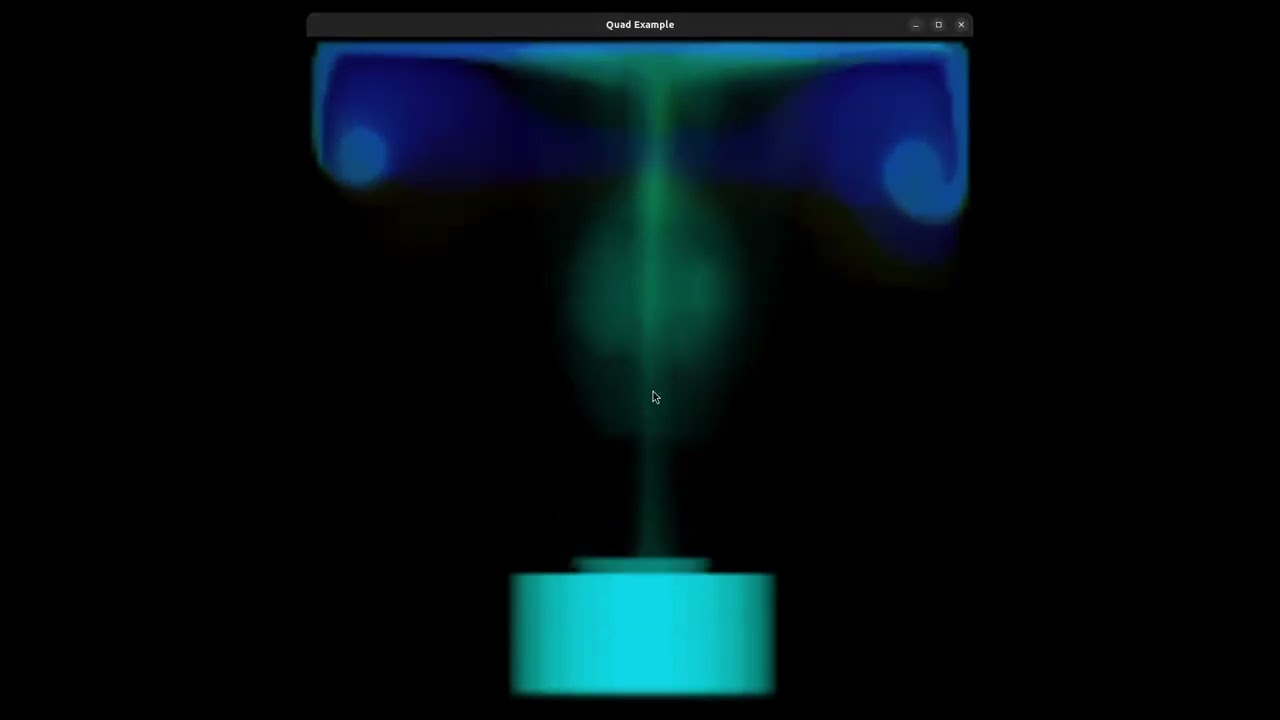
Click on the image for a demo video of a 3D vortex ring.
Before we begin, you must have Git running, a distributed revision control system which you need to handin your assignments as well as keeping track of your code changes. We refer you to the online Pro Git book for more information. There you will also find instructions on how to to install it. On Windows, we suggest using git for windows.
CMake is the system this framework uses for cross-platform builds. If you are using Linux or macOS, I recommend installing it with a package manager instead of the CMake download page. E.g. on Debian/Ubuntu:
sudo apt-get install cmake
or with MacPorts on macOS:
sudo port install cmake.
On Windows, you can download it from: https://cmake.org/download/
Many linux distributions do not include gcc and the basic development tools in their default installation. On Ubuntu, you need to install the following packages:
sudo apt-get install build-essential libx11-dev mesa-common-dev libgl1-mesa-dev libglu1-mesa-dev libxrandr-dev libxi-dev libxmu-dev libblas-dev libxinerama-dev libxcursor-dev
If you are using linux with a virtual machine on Windows, it is recommended to use Visual Studio instead.
libigl supports the Microsoft Visual Studio 2015 compiler and later, in 64bit mode. You can download Visual Studio Community for free from here.
Before you are able to clone your private exercise repository, you need to have an active gitlab@ETH account. Then you can fork this project to create your own private online repository.
In the next step you need to clone it to your local hard drive:
git clone https://gitlab.ethz.ch/'Your_Git_Username'/pbs23.git
'Your_Git_Username' needs to be replaced accordingly. This can take a moment.
Next, cd into the newly created folder, and run the following commands inside the relevant subfolder to setup the build folder:
cd PBS23; mkdir build
cd build
cmake ..
On Windows, use the CMAKE gui with the buttons Configure and Generate.
Compile and run the executable, e.g. Ubuntu:
make -j8 && ./1_mass_spring/1_mass_spring
Or use your favorite IDE. In case of Visual Studio, you need to open build/PBS.sln file.
To update your forked repository, check this page: how-do-i-update-a-github-forked-repository
Basically, you are required to add our repository as a remote to your own one:
git remote add upstream https://gitlab.ethz.ch/yueliyue/pbs23.git
Then, fetch updates from it:
git fetch upstream
Lastly, move to your master branch and merge updates into yours:
git checkout master
git merge upstream/master
Note that you need to run the first command only once for adding, and the following steps (cmake as well!) should be done again for new updates.