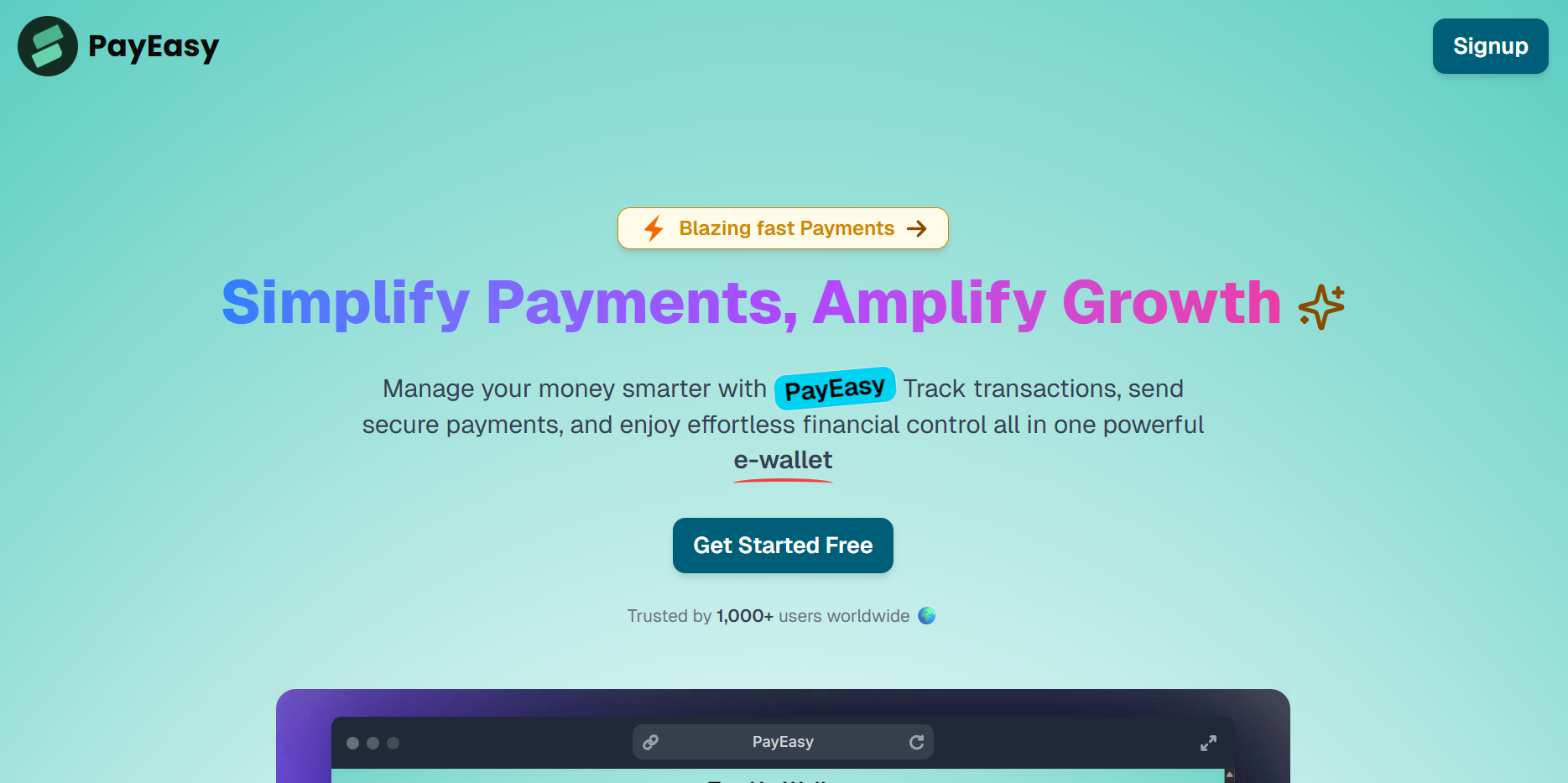
To provide a simple, secure, and user-friendly platform where users can:
- Send & receive money seamlessly
- Add funds to their wallet via payment gateway (Razorpay)
- Track their transaction history in real-time
To build a fully functional peer-to-peer money transfer system with:
- JWT authentication (cookies-based) for security
- Real-time wallet balance updates
- P2P and wallet transaction history for complete transparency
- Robust backend transaction handling with MongoDB transactions
- A reliable prototype for fintech solutions like Paytm/PhonePe wallets
-
🔐 JWT Authentication – Secure signup & signin with protected routes (cookies-based).
-
➕ Add Funds to Wallet – Seamlessly add money using Razorpay integration.
-
📋 Dashboard View – Real-time balance display, user list, and profile management modal.
-
🔎 Search Functionality – Quickly find users to send money.
-
💸 Send Money Page – Transfer balance using MongoDB transactions to ensure atomicity.
-
🧾 Transaction History –
- View P2P transactions history
- View Add Funds transactions history
-
👤 User Profile Management – Update user details via a modal.
| Tech | Description |
|---|---|
| MongoDB | NoSQL database with transaction support |
| Express | Backend server framework |
| React | Frontend library |
| Tailwind Css | For UI |
| Node.js | Runtime environment |
| JWT | Secure authentication mechanism |
| Mongoose | MongoDB object modeling tool |
| Vite | Build Tool |
| Context-API | For state Management |
Note: If you are new to open source contributions, you can refer to this guide by GitHub.
- Clone the repository
   git clone https://github.com/yourusername/Payment-App
cd Payment-App-
Install backend dependencies:
cd Backend npm install -
Install frontend dependencies:
cd ../frontend
npm install
-
Configure environment variables:
Create a
config.envfile in theBackenddirectoryPORT = 3000 JWT_SECRET = "YOUR JWT SECRET KEY" MONGO_URI = "YOUR MONGO DB CLUSTER CONNECTION STRING" FRONTEND_URL="http://localhost:5173"
-
Start the backend server:
cd Backend
node server.js
The backend server will start on
http://localhost:3000.
-
Configure environment variables:
Create a
.envfile in thefrontenddirectoryVITE_URL='YOUR BACKENT API URL' -
Start the frontend server:
cd ../frontend
npm run dev
The frontend application will start on
http://localhost:5173.
This project is licensed under the MIT License.