A beautiful, interactive Trello-like kanban board built with React and TypeScript. This application allows you to manage tasks through a drag-and-drop interface with multiple columns.
- Drag and Drop Interface: Easily move tasks between columns
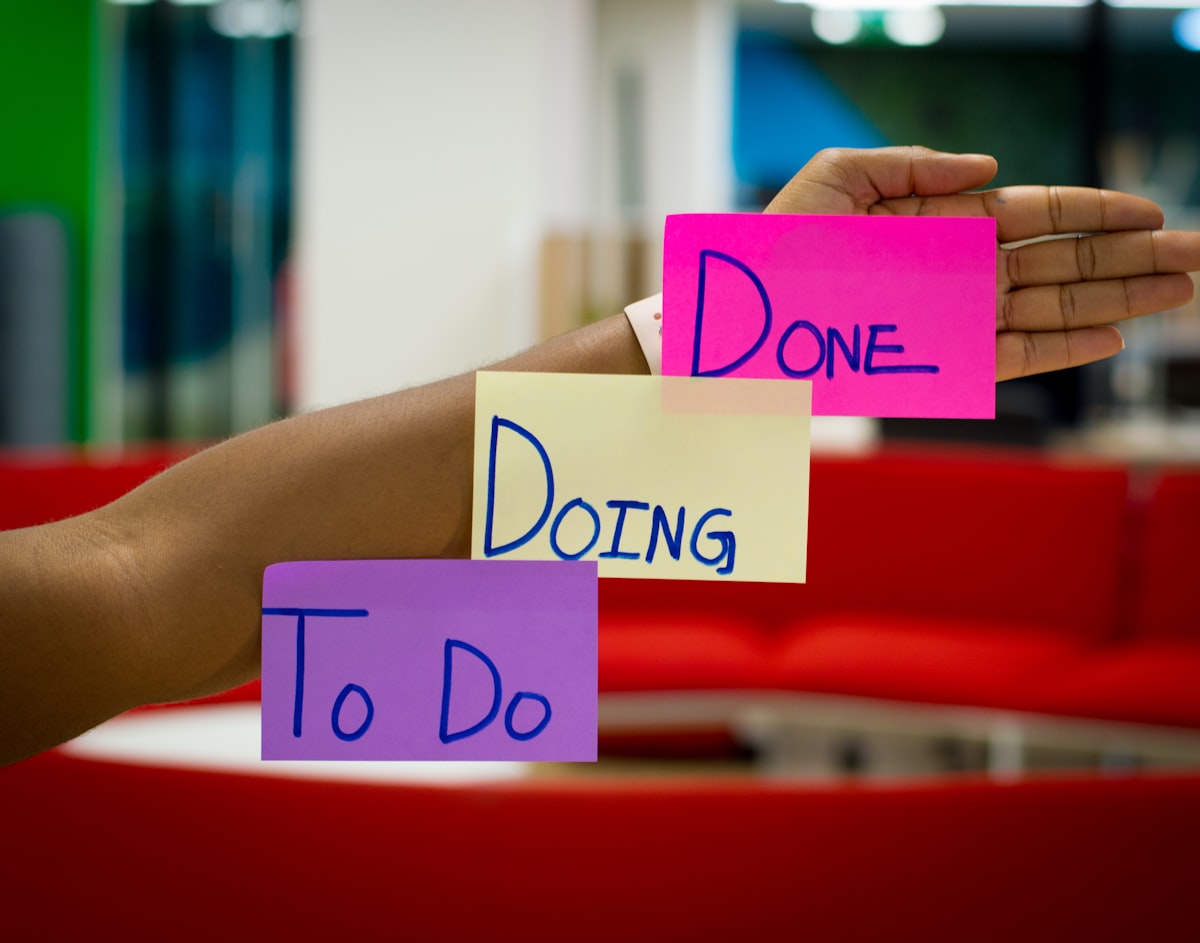
- Multiple Columns: Organize tasks in different stages (To Do, In Progress, Done)
- Task Creation: Add new tasks with title, description, and priority
- Column Management: Create new columns as needed
- Priority Levels: Assign low, medium, or high priority to tasks
- Responsive Design: Works on desktop and mobile devices
- React: UI library for building the interface
- TypeScript: Type safety for better development experience
- Tailwind CSS: Utility-first CSS framework for styling
- Vite: Fast build tool and development server
- Lucide React: Beautiful, consistent icons
- Node.js (v14 or later)
- npm or yarn
-
Clone the repository:
git clone https://github.com/yourusername/react-task-board.git cd react-task-board -
Install dependencies:
npm install # or yarn -
Start the development server:
npm run dev # or yarn dev -
Open your browser and navigate to
http://localhost:5173
- Create a Task: Click the "Add Task" button in any column
- Move a Task: Drag and drop a task card from one column to another
- View Task Details: Each card displays the task title, description, and priority
- Add a Column: Click the "Add Column" button at the top of the board
src/
├── components/         # React components
│   ├── Board.tsx       # Main board component
│   ├── Column.tsx      # Column component
│   ├── TaskCard.tsx    # Task card component
│   └── TaskForm.tsx    # Form for creating tasks
├── data/
│   └── initialData.ts  # Initial board data
├── types/
│   └── index.ts        # TypeScript interfaces
├── App.tsx             # Root component
└── main.tsx            # Entry point
You can modify the initial board data in src/data/initialData.ts to customize the columns and tasks that appear when the application first loads.
The application uses Tailwind CSS for styling. You can customize the appearance by:
- Modifying the Tailwind configuration in
tailwind.config.js - Adding custom CSS in
src/index.css - Changing the Tailwind classes in the component files
To build the application for production:
npm run build
# or
yarn build
The build artifacts will be stored in the dist/ directory.
- Task editing functionality
- Column reordering
- Data persistence with local storage or a backend API
- User authentication and multi-user support
- Filtering and searching tasks
- Labels and tags for tasks
This project is licensed under the MIT License - see the LICENSE file for details.
- Inspired by Trello and other kanban board applications
- Built with React and modern web technologies