Conversation


Upgrade to .Net FrameWork 4.7.2.
Upgrade old package.
Upgrade VisualStudio internal package HintPath

Since visual studio 2022 is and 64-bit program.
The hintPath from "C:\Program Files (x86)\" to "C:\Program Files\"
Change vsix manifest, Install Targets from [15.0, 17.0) to version [15.0, 18.0) on x86 and amd64 architectures
Change vsix manifest, prerequisites, Visual Studio core editor from [15.0, 17.0) to [15.0, 18.0)


|
Was it tested on previous VS versions and old .NET framework? Want to make sure that nothing will break for existing users before merging |

|
I have tested on visual Studio 2022 with .NET Framework 4.7.2. It can hide the menu bar. Since I don't have an older visual studio such as 2017, I cannot test on the older version. I think the reason for the runtime error is that visual studio 2019 is targeted on the x86 platform and 2022 is targeted on x64. I have only included the x64 visual studio .dll files. According to the Extension Migration Guide I am still finding a way to support both visual studio 2019 and 2022.
Reference |
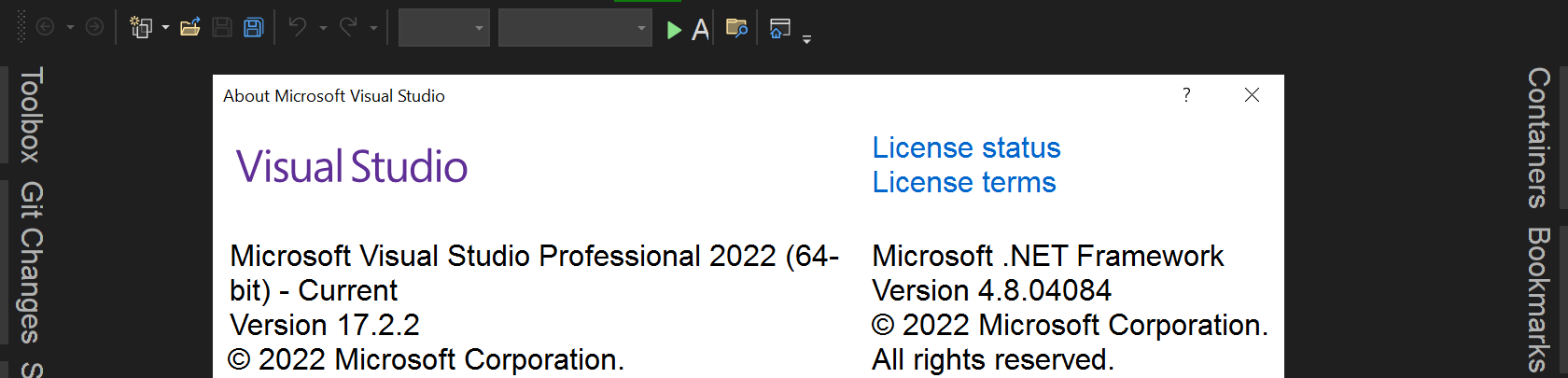
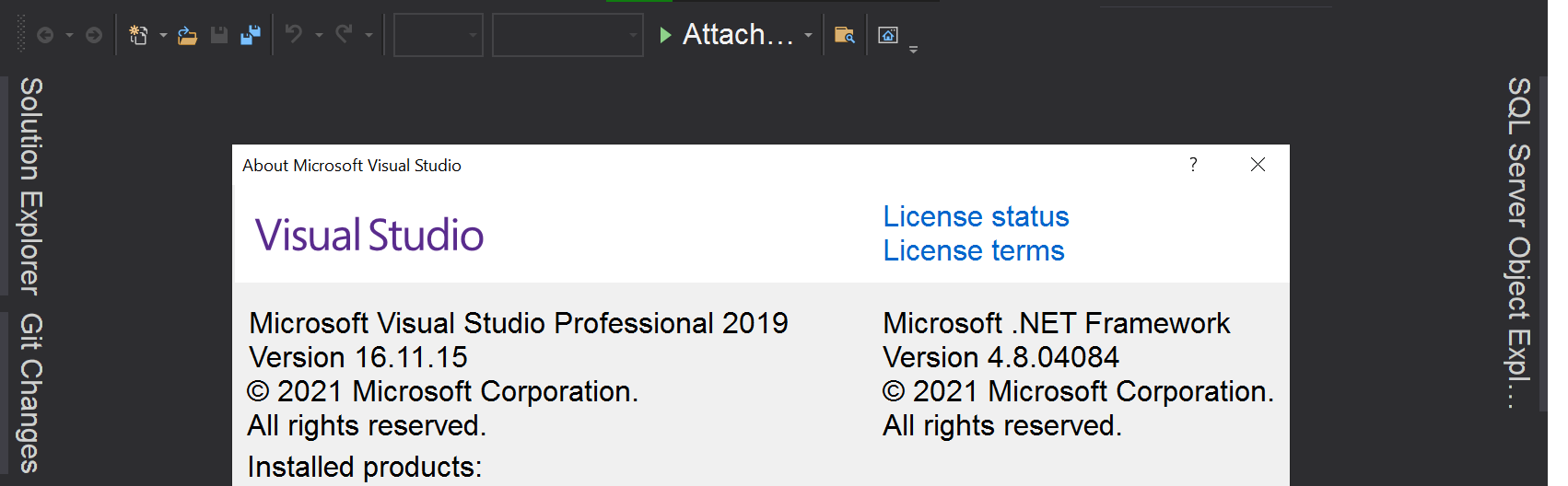
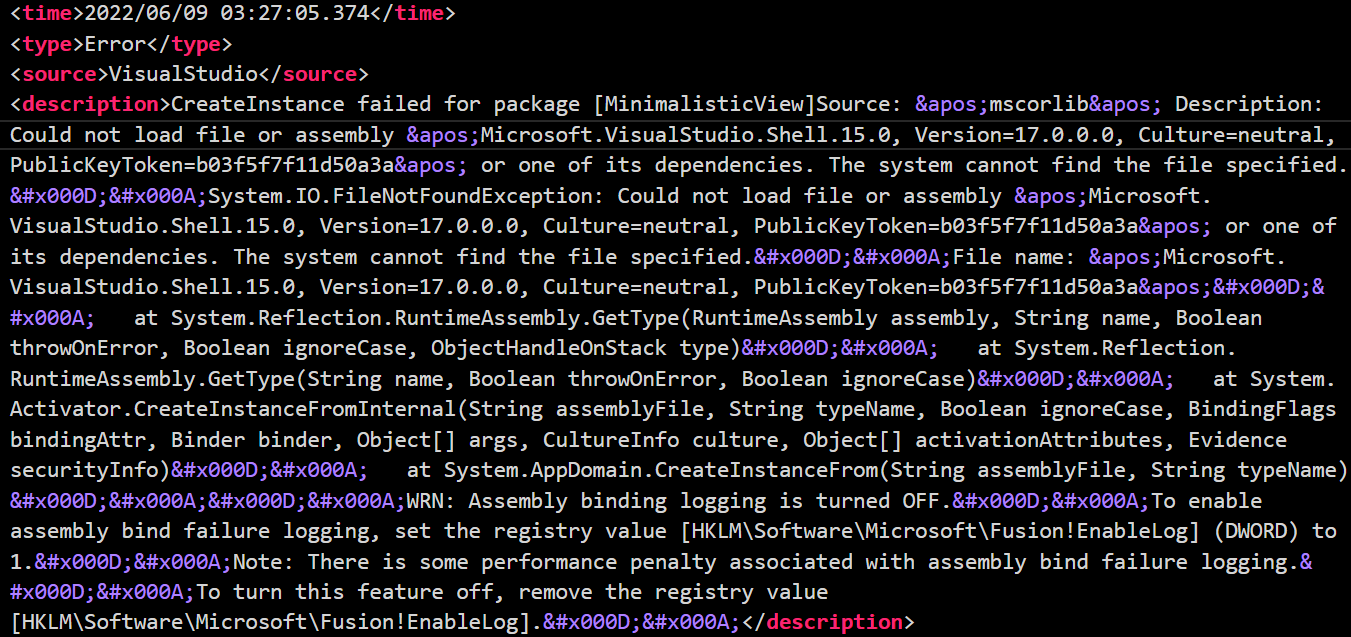

|
@lesterlo Could you attach a built .vsix into the project or somewhere else. I have problems to build it manually. |
|
Please refer to this issue. You can find the .vsix package over there |
3 participants


Hello, I have added Visual Studio 2022 Support to this extension. I have tested it on my own computer, it works and able to hide the menu bar on VS2022.
Modification
I have modified the following items:
Reason
Since visual studio 2022 is a 64-bit program. I updated some Assemblies' hintPath from "C:\Program Files (x86)" to "C:\Program Files"
Since the vs2022 Shell.ViewManager, shell.UI.Internal.resources, shell.UI.Internal, Utilities required at least .NET Framework 4.7.2, we have updated the .NET Framework version.
Screenshot