
This is a clone of Mircosoft Paint that uses Java and its javax.swing library
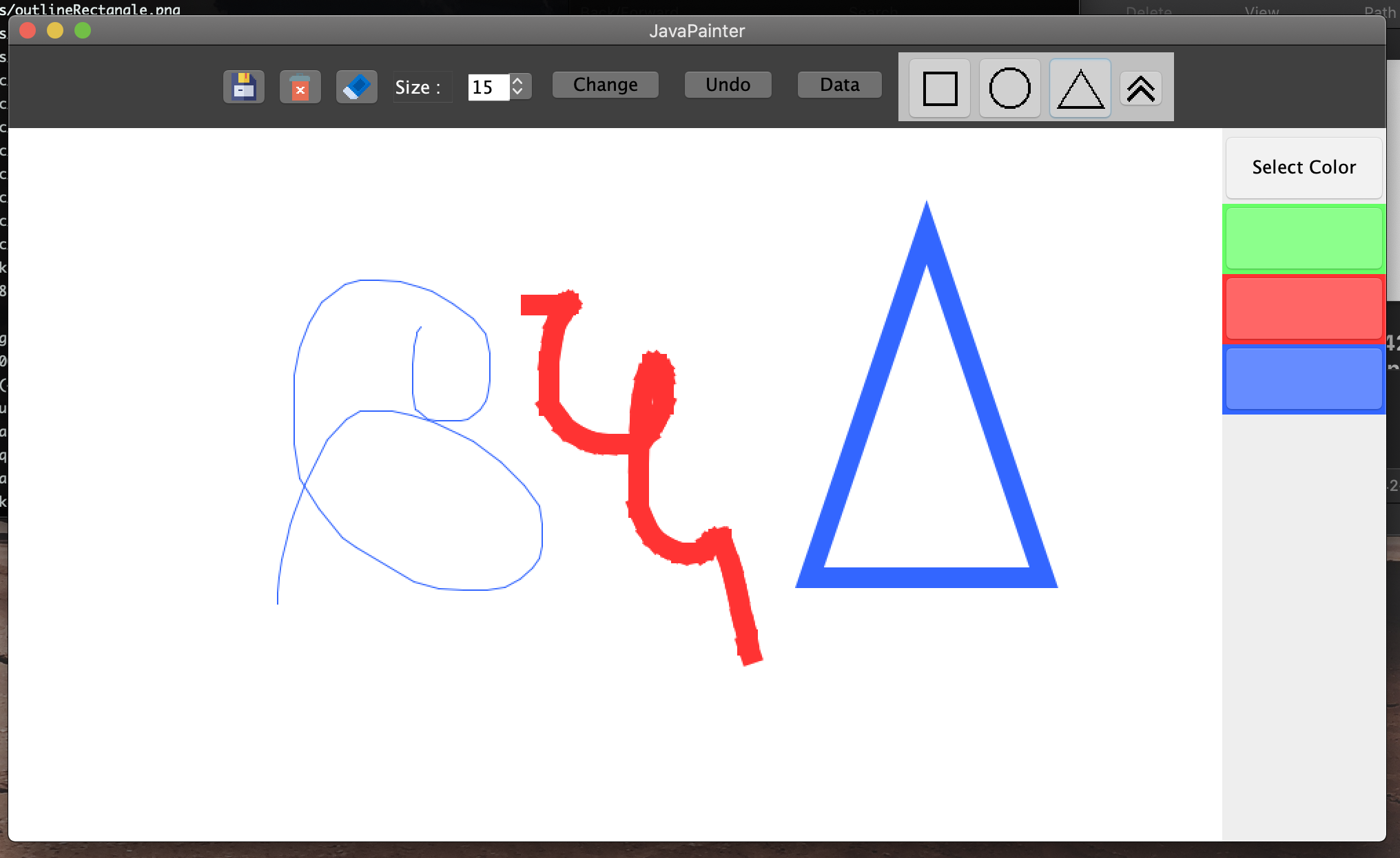
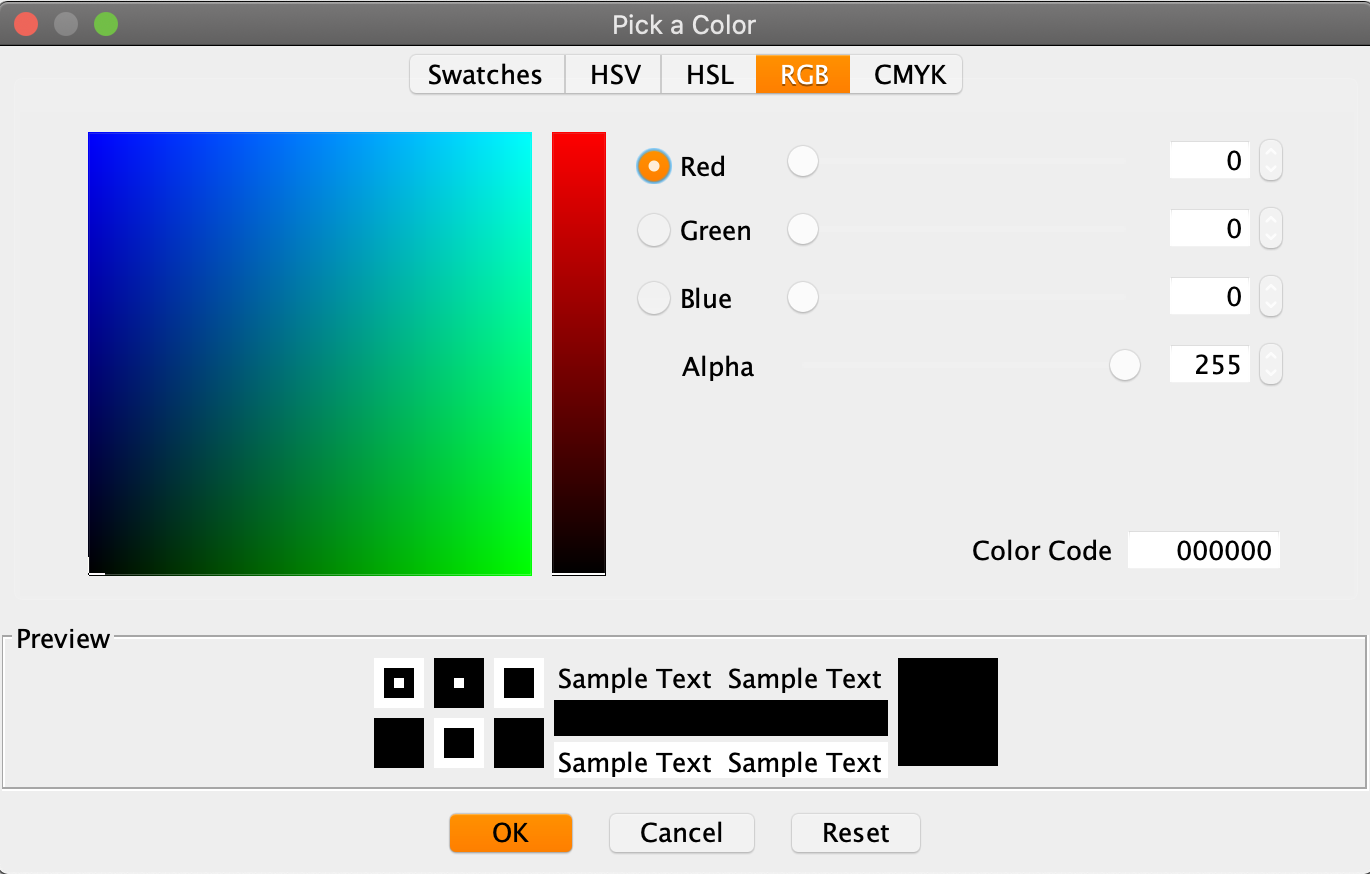
You are able to select a RBG colors and creates a pallet of those recently used colors on the side of the window.

The top bar includes the following buttons respectively,
- A save button that saves the state of the canvas as a .png file.
- A clear button that erases everything on the canvas.
- A erase button that erases the paint on the canvas according to the size of the paintbrush.
- A size dropbox that allows you to change the size of the paintbrush by pressing the change button.
- A change button that is currently nessecary to change the size of the paint brush according to the size in the drop box.
- A undo button that undos the last thing painted onto the canvas.
- A data button that is still a work in progress, the goal is to get a histogram of the colors that are present in each pixel of the canvas.
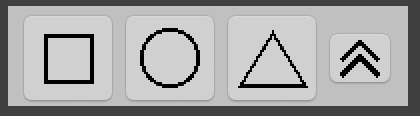
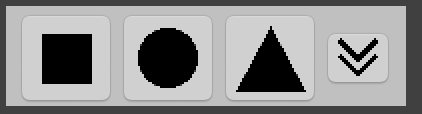
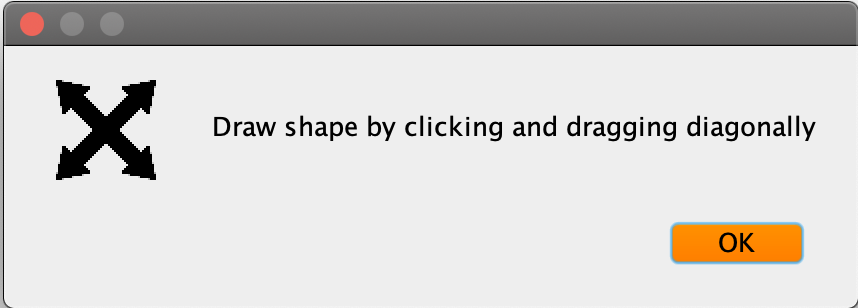
The last feature is a shape drawer that lets you toggle between filled in shapes and outlined shapes. You can draw the shape, with the color that is selected, by clicking and dragging diagnoally.