- Application that helps guide a user on what exercises to do what exercises there for specific regions of there body. This applications front end is all React with redux, the back end is C# that renders my mySQL data while using Entity Frame Work. When each button is clicked an API call is made from my react component that calls my server to retrieve the information. The data from the database includes information and images on specific one week workout plans and workouts for specific muscle groups. This application also includes a history component that records all your completed workouts and uploads them to the database.
Project’s Purpose or Goal: (Give users a quick and easy guide to learning how to workout without having to hire a personal trainer)
successfully call and receive work-out images from api upload previous workouts to database Have a functional user-orientated UI
What tools, frameworks, libraries, APIs, modules and/or other resources (whatever is specific to your track, and your language) will you use to create this MVP? List them all here. Be specific.
- wrk-manager API
- firebase data-base or mySQL depending on if C# is implemented
- React, Redux
If you finish developing the minimum viable product (MVP) with time to spare, what will you work on next? Describe these features here: Be specific.
- Host website on AWS cloud
- Adding a goals feature with BMI calculator to help guide them to their goal of gains or losses
- I'm not sure what else to add because the goal of this app was to keep it minimal and simple and clean and after MVP is done will really focus user-orientation.
What additional tools, frameworks, libraries, APIs, or other resources will these additional features require?
- AWS
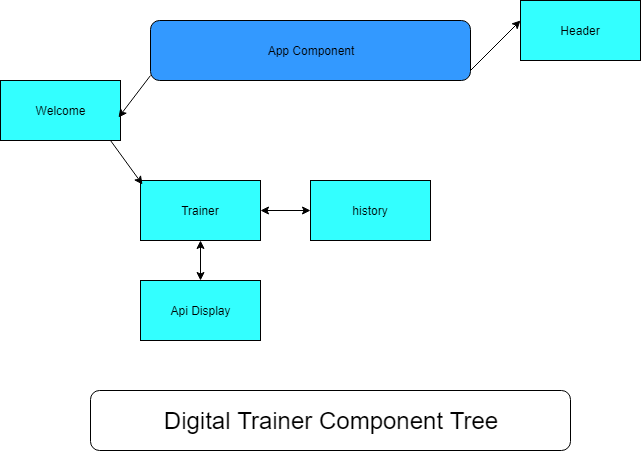
- Clone the applications from git hub by going to the terminal window command line and typing:
$ git clone https://github.com/ryanleslie33/Digital-Trainer.git
- After all the files have been copied, navigate to the project working directory. Type the following:
$ npm install
- Node Package Manager (npm) should automatically start downloading all required dependencies. After all files have been downloaded, type the following:
$ npm run start
-
The terminal window will run the server.
-
You must now go to your web browser to localhost:8080
-
To stop the application, return to the terminal window and enter the command CTRL+C. If prompted for (Y/N), pick "Y". Then close the user interface tab in your web browser.
-
Remember both applications have to be running for this application to run please see instructions below for C# setup next, after both are running refresh the page and the applicatin will be functional.
-
Open up visual studios because this part of the application uses FrameWork which must us vs.
-
Double click the Exercise.App.snl file and press the ISP Express button on the toolbar to start the server
-
After you run the application it will restore and build all the files and it should take you to localhost:53950
- Home page will be a simple display page with the header and start button that will take you to the main page.
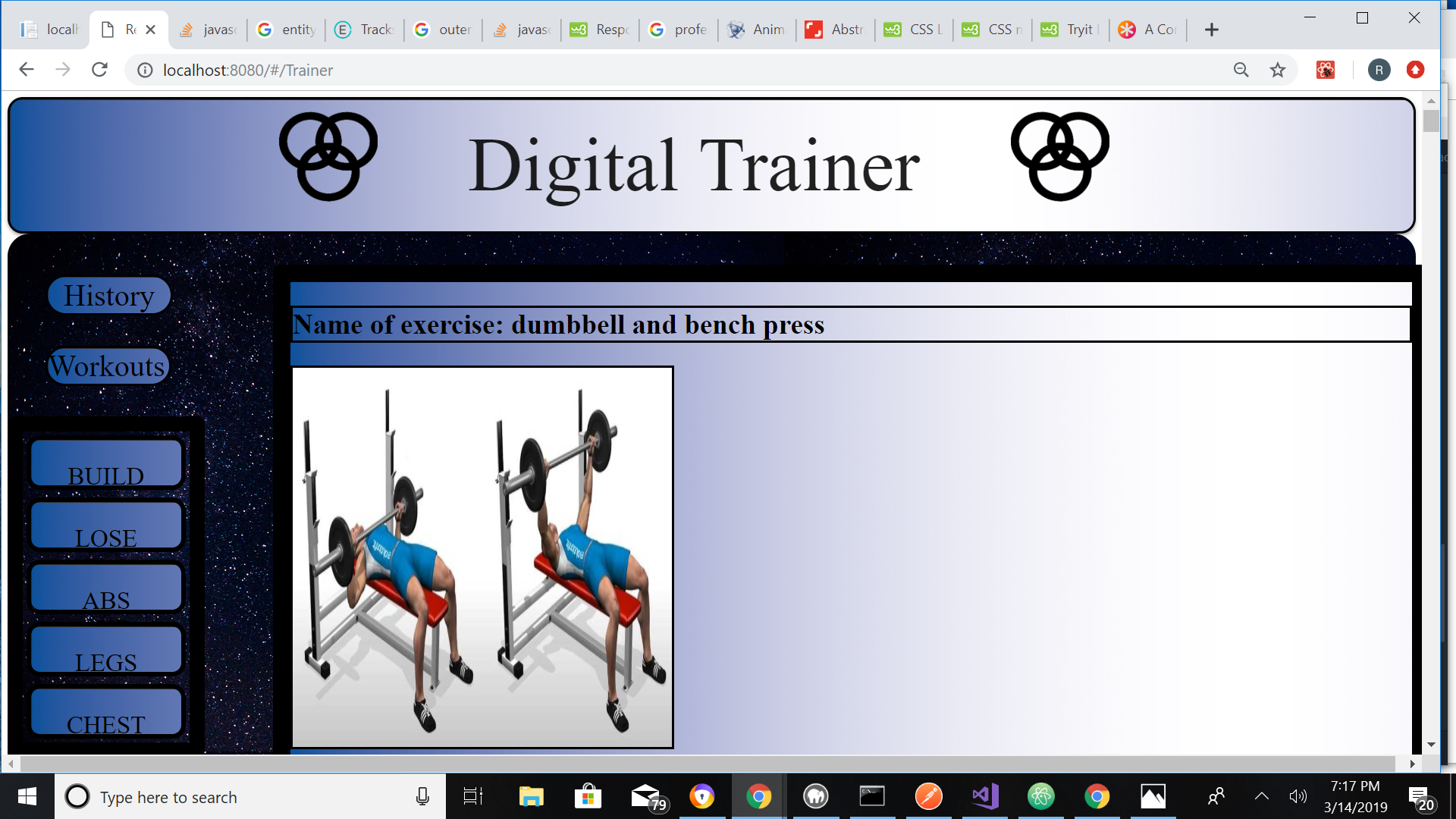
- User can click on list of different types of work-outs on side-bar to receive a list of work outs with images, name of workouts, muscle group, amount of sets, and amount of reps that are recommended for this work out.
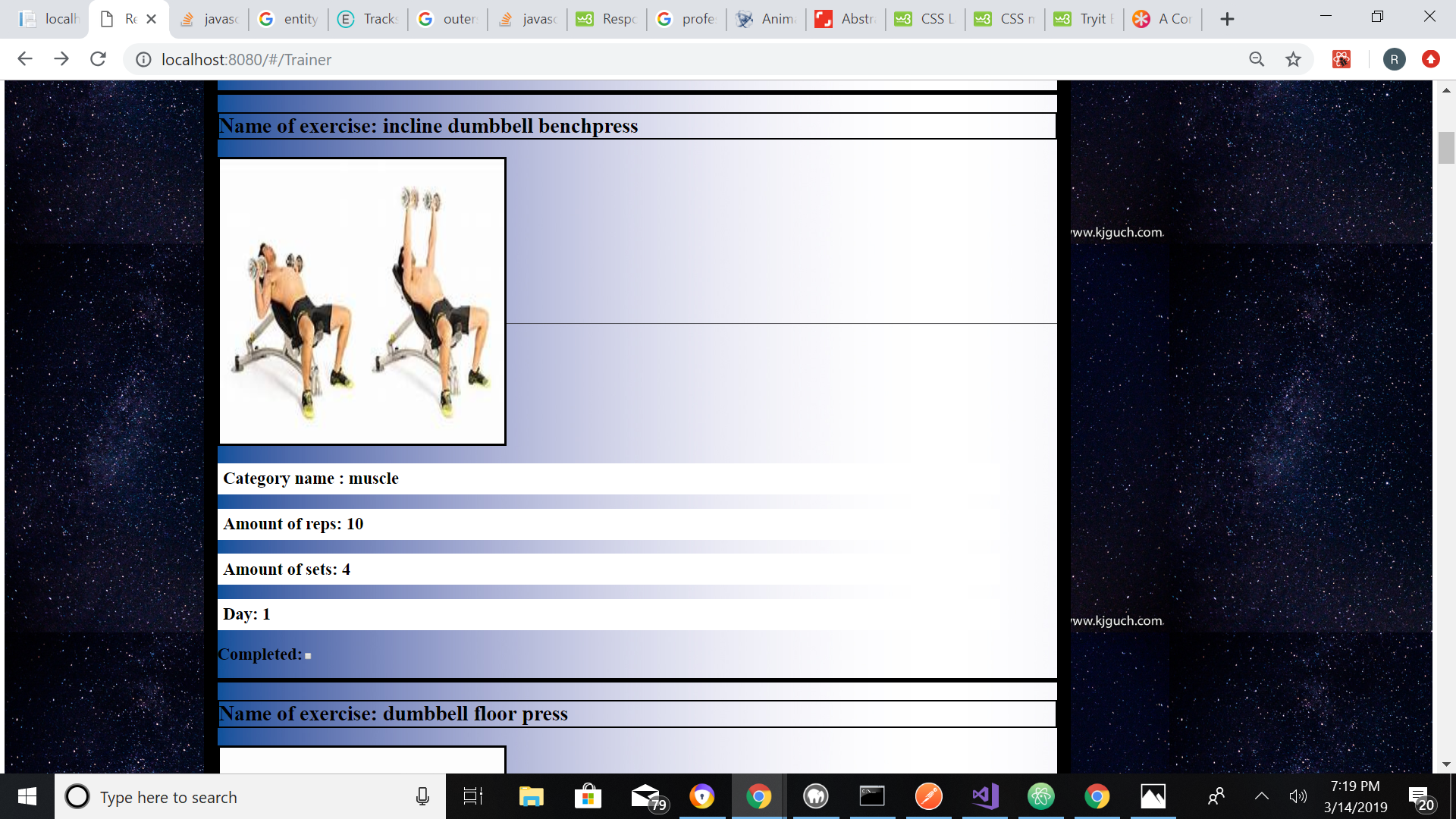
- If a user clicks the Completed checkbox it will send that workout into database with a time stamp attached and will be displayed on the history page.
- If a user clicks on the History button they will receive a list of all the workouts that they completed in order of descending.
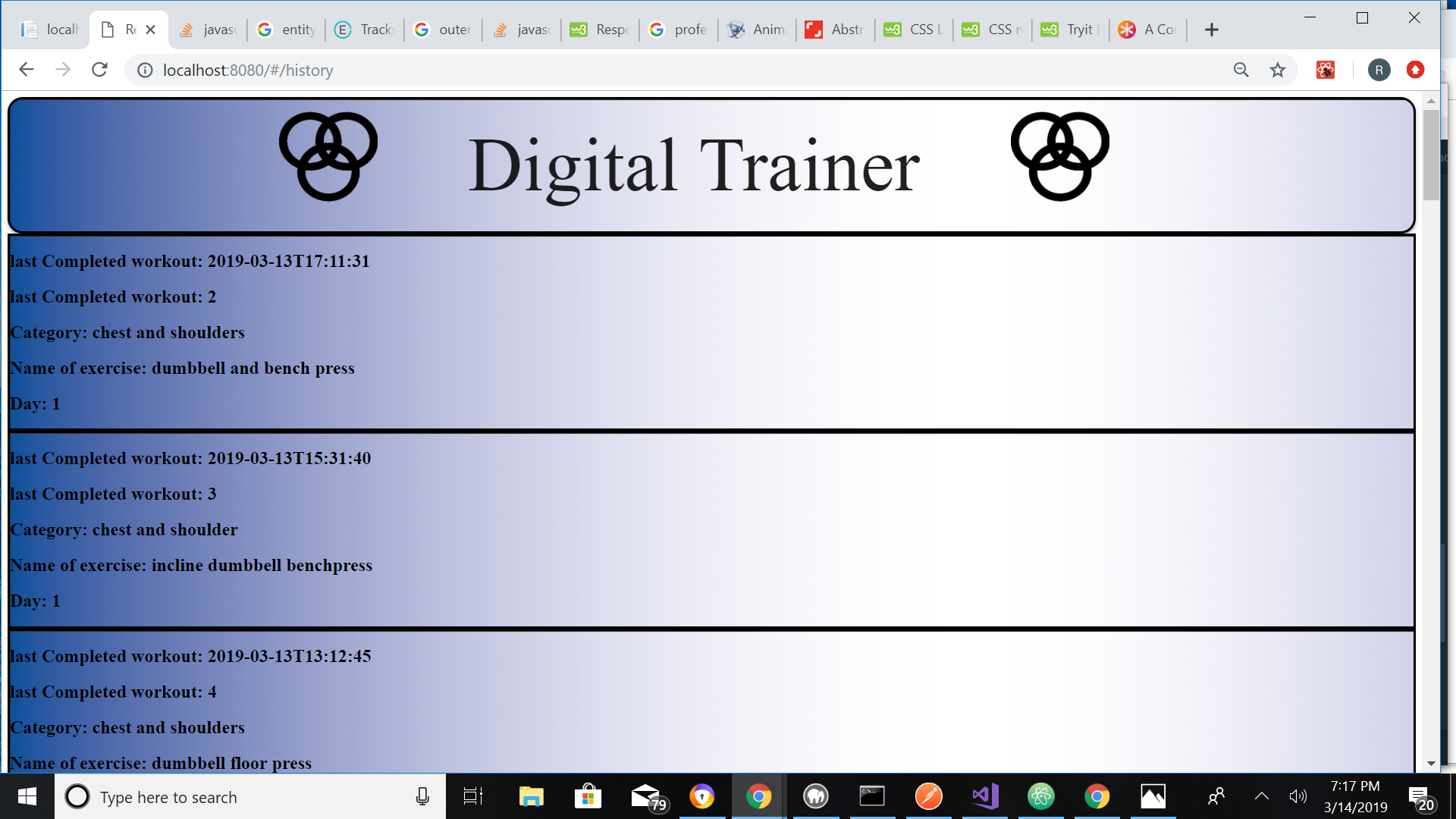
- There is no clear history function at the time so the history has to be manually deleted in the SQL database.
- Please contact ryanleslie33@aol.com.com
- React, HTML, CSS, Bootstrap, Atom, NPM.
This application is Licensed under the MIT software License agreement. THE SOFTWARE IS PROVIDED "AS IS", WITHOUT WARRANTY OF ANY KIND, EXPRESS OR IMPLIED, INCLUDING BUT NOT LIMITED TO THE WARRANTIES OF MERCHANTABILITY, FITNESS FOR A PARTICULAR PURPOSE AND NONINFRINGEMENT. IN NO EVENT SHALL THE AUTHORS OR COPYRIGHT HOLDERS BE LIABLE FOR ANY CLAIM, DAMAGES OR OTHER LIABILITY, WHETHER IN AN ACTION OF CONTRACT, TORT OR OTHERWISE, ARISING FROM, OUT OF OR IN CONNECTION WITH THE SOFTWARE OR THE USE OR OTHER DEALINGS IN THE SOFTWARE.
Copyright (c) 2019 Ryan Leslie, Epicodus