Run
Provided you already read the configuration page and prepared all the files, you simply need to
- open a terminal window and go to webui repository folder
- launch webui in
--apimode - open a second terminal window and go again to webui repository
- activate webui venv
- go to extensions/sd-webui-bayesian-merger folder
- run
python3 bayesian_merger.py
Now just wait and come back later to check results.
In the logs directory you'll find a folder named bbwm-model_a-model_b-RUN_DATE_TIME containing:
-
imgsfolder: if--save_imgswas used, here all the generated images will be saved/ -
log.json: this contains the scores and the weights for all the iterations. -
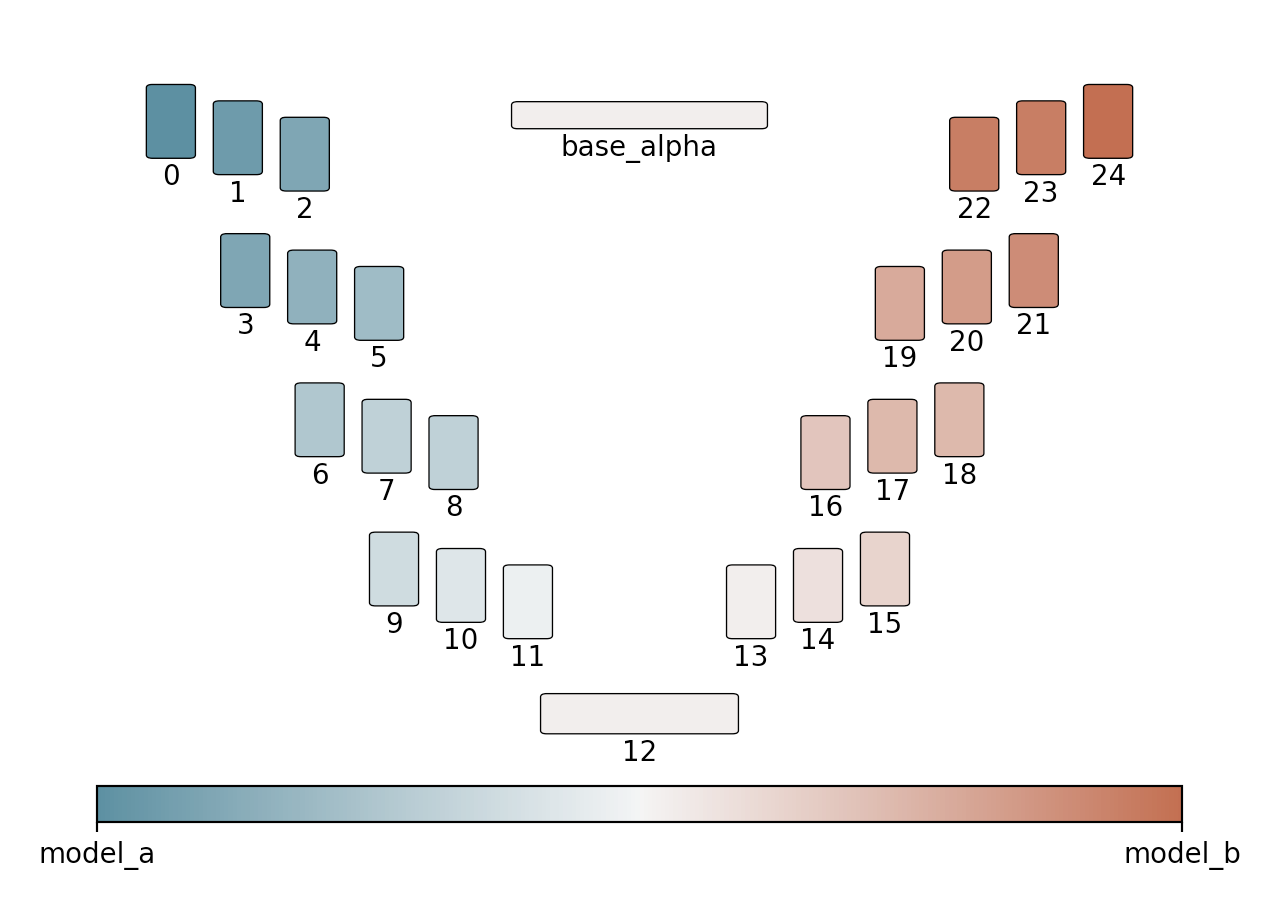
best.log: this contains the weights for the best merge of the entire run. First line is thebase_alphavalue, following the weights in a single line. -
bbwm-model_a-model_b.png: a plot showing the evolution of the score across the iterations. -
bbwm-model_a-model_b-unet.png: an image showing the best weights on the UNET architecture