

mpv GUI for watching live streams and YouTube channels
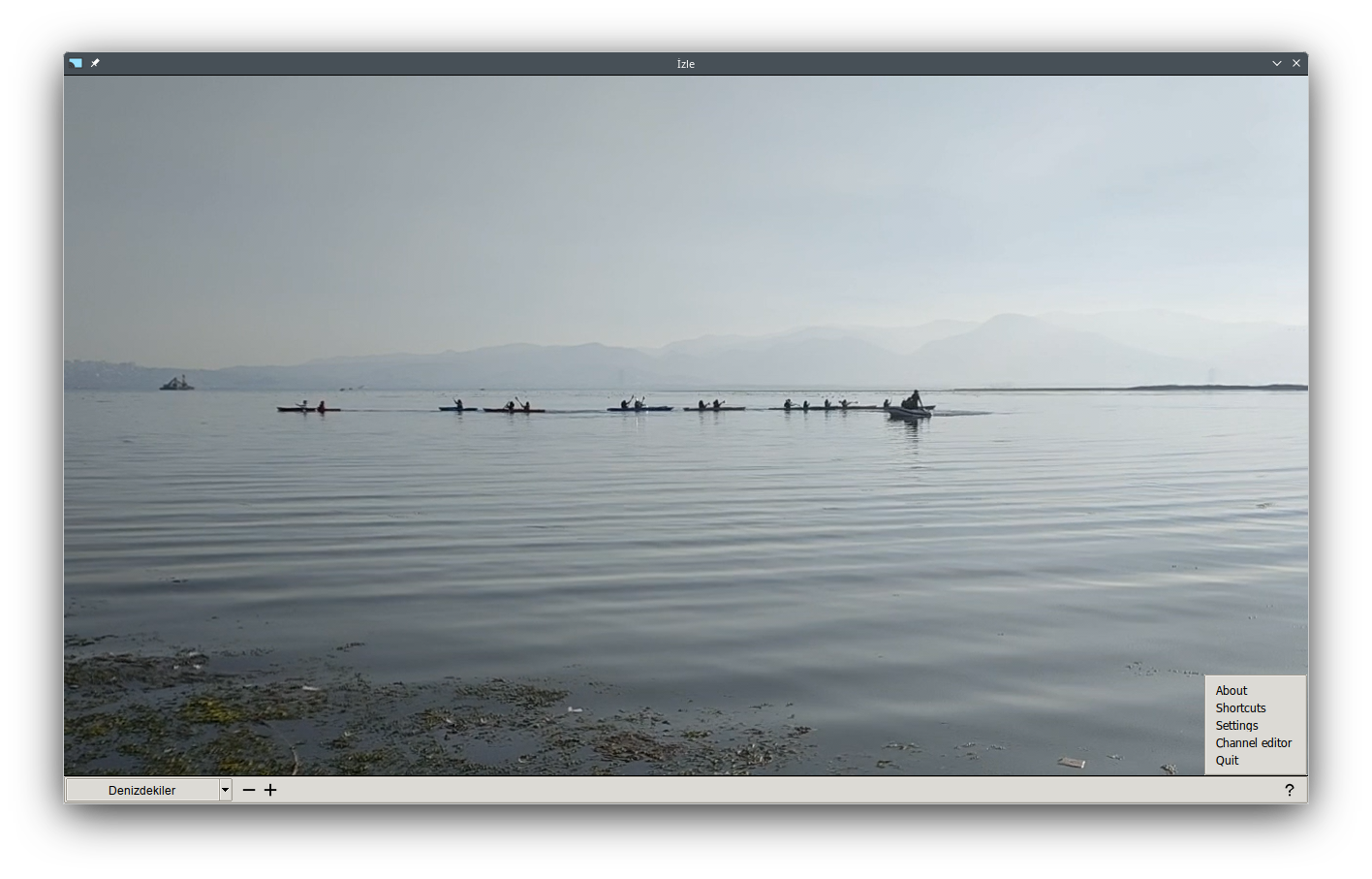
izle is for watching live streams and YouTube's channels. It works on Linux and Windows operating systems. izle supports four types of video channels:
-
Basic channel: Any video URL supported by mpv.
-
HTTP live stream channel: m3u8 playlists are retrieved from the channel's website.
-
YouTube's channel: Watchlinks are retrieved from the channel's website.
-
YouTube's playlist: Watchlinks are retrieved from the playlist URL.
-
mpv Library
Linux OS: Install corresponding software package using package manager of the distribution.
Windows OS: Get a copy of the library libmpv-2.dll from mpv development packages (mpv-dev-...) which can be downloaded from
https://github.com/shinchiro/mpv-winbuild-cmake/releasesor
https://github.com/zhongfly/mpv-winbuild/releases -
Python >= 3.9
It is recommended that using a virtual environment and installing the required modules with the command
pip install -r requirements.txt -
Google Chrome Browser
It is required by python module
selenium.
-
If the window system uses the Wayland compositor, video output may not be embedded. In this case, set the Use Legacy Video Output Driver option in application settings.
-
Fullscreen mode may not work properly on GNOME desktop environments.
-
m3u8 playlists of live stream channels cannot be captured for some sites. If the live stream is embedded in an inline frame, use the frame source attribute as the live stream URL.