SlowDash is a web-based platform for monitoring and controlling distributed systems, with a focus on slow controls and data acquisition systems. Originally developed for physics experiments, it provides functionality similar to Grafana but with enhanced control capabilities. Rather than implementing its own data storage, SlowDash integrates with various existing databases, devices, and control systems.
- Grafana-like data browser, for time-series data and ROOT-like data objects (graphs, histograms, etc.)
- LabVIEW-like visual control (graphical control panel and control logic behind it)
- Jupyter-like Python scripting
- Data browser mostly working
- Controls partly implemented
- Analysis part (scripting etc.) is experimental
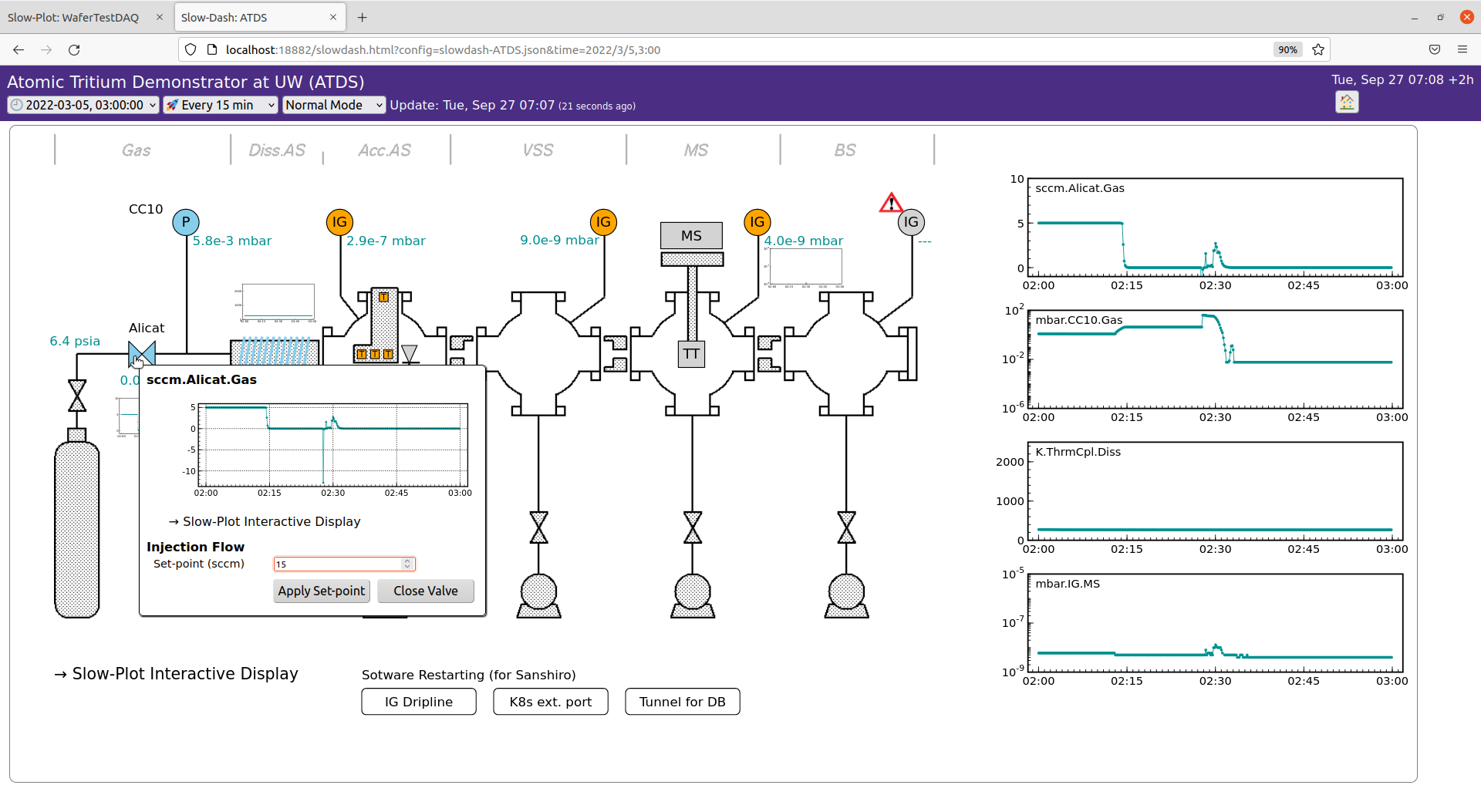
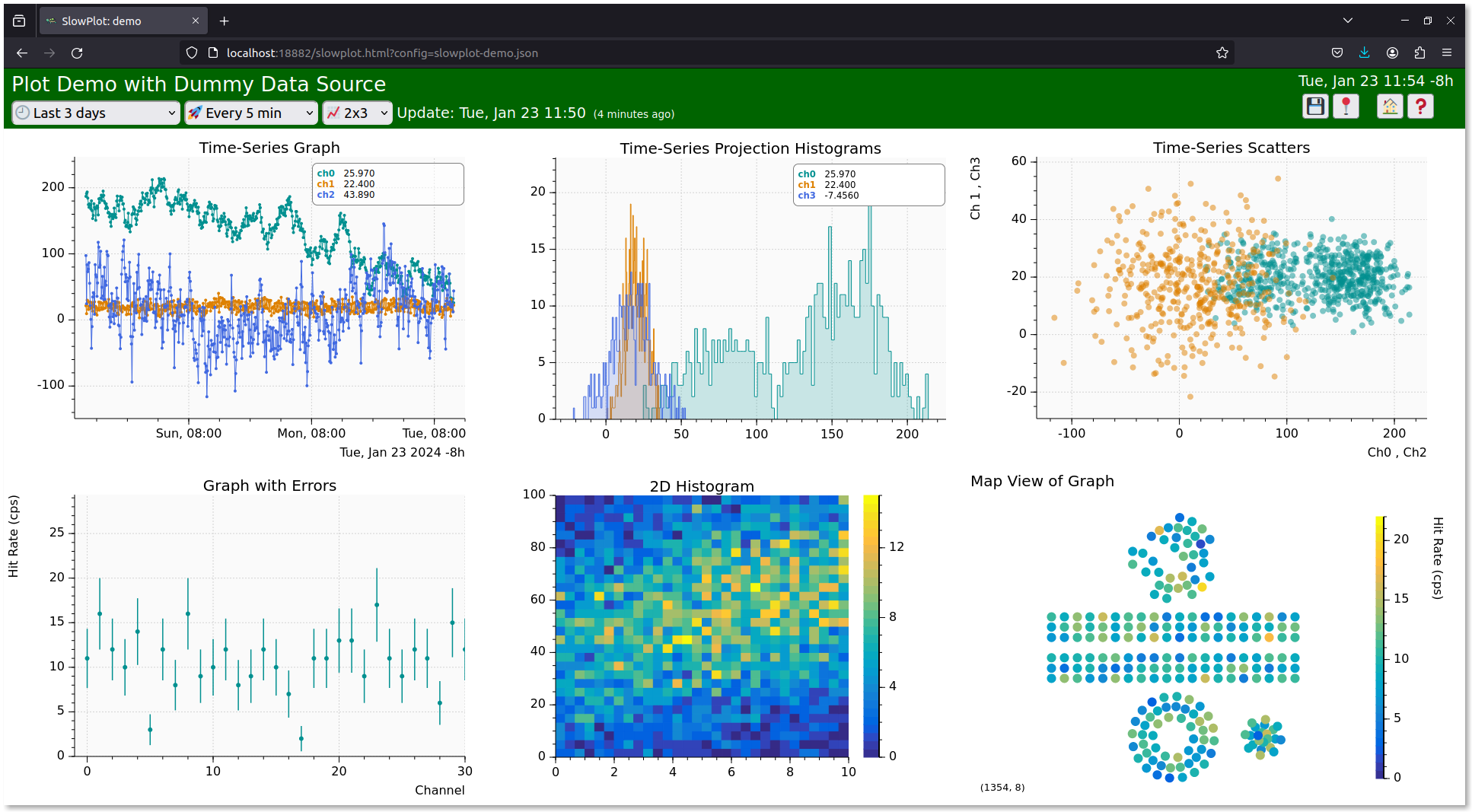
For users with existing time-series data in a database and Docker Compose installed, SlowDash offers immediate visualization capabilities. Visit our "Dash Start" guide for details.
Details
- Git
- Docker and Docker Compose (or Docker Desktop)
git clone https://github.com/slowproj/slowdash.gitcd slowdash/ExampleProjects/DummyDataSource
docker compose upOpen your web browser and navigate to http://localhost:18881
To stop the service:
- Press
Ctrl-cin the terminal, or - Run
docker compose stop(ordownto remove the container)
Details
- Git
- Docker and Docker Compose
git clone https://github.com/slowproj/slowdash.git --recurse-submodulescd slowdash
docker build -t slowdash .cd ExampleProjects/DummyDataSourceEdit docker-compose.yaml: change image: slowproj/slowdash to image: slowdash to use the local image.
docker compose upOpen your web browser and navigate to http://localhost:18881
To stop the service:
- Press
Ctrl-cin the terminal, or - Run
docker compose stop(ordownto remove the container)
Details
- Git
- Python 3.10 or higher
This installation method creates a self-contained environment in the slowdash directory, including all Python dependencies in a virtual environment. The installation can be completely removed by deleting this directory.
git clone https://github.com/slowproj/slowdash.git --recurse-submodulescd slowdash
make
source ./bin/slowdash-bashrccd ExampleProjects/DummyDataSource
slowdash --port=18881Open your web browser and navigate to http://localhost:18881
To stop the service, press Ctrl-c `in the terminal.
- Comprehensive documentation is available on our GitHub Pages
- Additional resources on our GitHub Wiki:
- Development Status and Updates
- Feature Ideas - Contributions welcome!
All the example projects under slowdash/ExampleProjects can be executed with Docker Compose.
Available at DockerHub
docker pull slowproj/slowdashAvailable at GitHub Packages
docker pull ghcr.io/slowproj/slowdashgit clone https://github.com/slowproj/slowdash.git --recurse-submodules
cd slowdash
docker build -t slowdash .