This is an Idris mode for vim which features syntax highlighting, indentation and optional syntax checking via Syntastic. If you need a REPL I recommend using Vimshell.
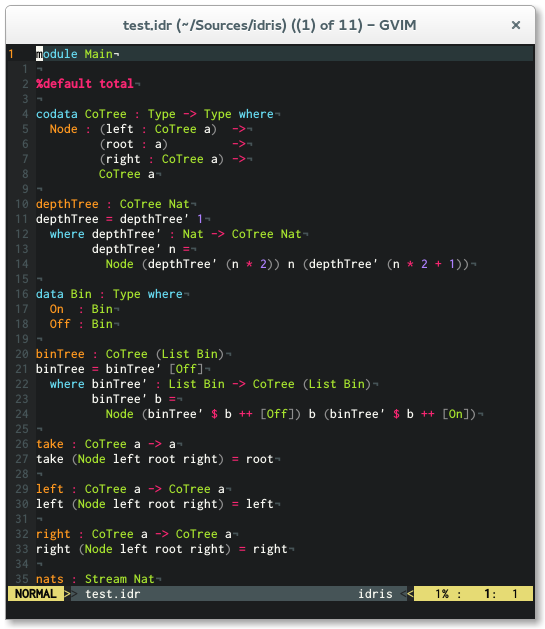
I recommend using Pathogen for installation. Simply clone
this repo into your ~/.vim/bundle directory and you are ready to go.
cd ~/.vim/bundle
git clone https://github.com/idris-hackers/idris-vim.git
Copy content into your ~/.vim directory.
Be sure that the following lines are in your
.vimrc
syntax on
filetype on
filetype plugin indent on
Apart from syntax highlighting and indentation idris-vim offers some neat interactive editing features. For more information on how to use it, read this blog article by Edwin Brady on Interactive Idris editing with vim.
Idris mode for vim offers interactive editing capabilities, the following commands are supported.
<LocalLeader>r reload file
<LocalLeader>t show type
<LocalLeader>d add clause
<LocalLeader>c case split
<LocalLeader>w add with clause
<LocalLeader>e evaluate expression
<LocalLeader>m add missing clause
<LocalLeader>p proof search
<LocalLeader>i open idris response window
<LocalLeader>h show documentation