
A React-based movie exploration app with Firebase authentication, Firestore integration, and a dynamic UI powered by Mantine and NextUI.
- 🚀 Features
- 🛠 Tech Stack
- 📦 Installation
- ⚙️ Configuration
- 🔧 Usage
- 📂 Project Structure
- 📸 Screenshots
- 📣 API References
- 🎯 Future Enhancements
- 📝 License
- 📩 Contact
- 💩 AIBuild using ai in 1 day🤣🤣🤣🤣
✔️ Movie Details Page – View full details, ratings, summary.
✔️ Carousel & Hero Section – Dynamic movie carousels with a featured section.
✔️ Authentication – Firebase authentication with role-based access control.
✔️ Firestore Integration – Store user preferences, watchlists, and favorites.
✔️ Dark Mode – Customizable theme switching.
✔️ Mantine Components – Modern UI elements from Mantine & NextUI.
- React.js – UI library
- Mantine v6 – UI components
- React Query – Data fetching & caching
- TypeScript – Strict type checking
- Zustand – State management
- Framer Motion – Animations
- Firebase Authentication – Secure login
- Firestore Database – NoSQL data storage
Before you begin, ensure you have the following installed:
- Node.js (v20+) ✅
- Yarn or npm ✅
- Firebase CLI ✅
git clone https://github.com/tim177/movie-app.git
cd movie-appyarn install
# OR
npm installyarn dev
# OR
npm run devYour app should now be running at http://localhost:3000 🎉
- Create a Firebase project at Firebase Console.
- Enable Authentication (Email & Password).
- Set up Firestore with required collections.
- Copy your Firebase config and add it to
.env.local:
NEXT_PUBLIC_FIREBASE_API_KEY=your-api-key
NEXT_PUBLIC_FIREBASE_AUTH_DOMAIN=your-auth-domain
NEXT_PUBLIC_FIREBASE_PROJECT_ID=your-project-id
NEXT_PUBLIC_FIREBASE_STORAGE_BUCKET=your-storage-bucket
NEXT_PUBLIC_FIREBASE_MESSAGING_SENDER_ID=your-messaging-sender-id
NEXT_PUBLIC_FIREBASE_APP_ID=your-app-id- Click on any movie to see its full details, including rating, description, and trailers.
- Users can sign up, log in, and manage their watchlists.
📦 movie-app
 ┣ 📂 src
 ┃ ┣ 📂 api             # Functions for API requests and data fetching
 ┃ ┣ 📂 assets          # Static assets like images, icons, and fonts
 ┃ ┣ 📂 components      # Reusable UI components (buttons, cards, modals, etc.)
 ┃ ┣ 📂 config          # Configuration files (e.g., app settings, API base URLs)
 ┃ ┣ 📂 constants       # Global constants and enums used throughout the app
 ┃ ┣ 📂 contexts        # React Context API implementations for global state
 ┃ ┣ 📂 hooks           # Custom hooks for reusable logic (e.g., fetching, authentication)
 ┃ ┣ 📂 pages           # Page components used in React Router
 ┃ ┣ 📂 routes          # Application routing setup and protected routes
 ┃ ┣ 📂 services        # Business logic and API service functions
 ┃ ┣ 📂 store           # Zustand state management setup
 ┃ ┣ 📂 style           # Global and component-specific styles
 ┃ ┣ 📂 theme           # Theme configurations (colors, typography, Mantine/Styled Components)
 ┃ ┣ 📂 types           # TypeScript interfaces and type definitions
 ┃ ┣ 📂 util            # Utility functions and helpers
 ┃ ┣ 📜 App.tsx         # Main App component handling global layout and providers
 ┃ ┣ 📜 main.tsx        # Entry point that renders the App component
 ┃ ┗ 📜 index.css       # Global styles and CSS resets
 ┣ 📜 .env.local        # Environment variables for API keys and secrets
 ┣ 📜 package.json      # Project dependencies, scripts, and metadata
 ┗ 📜 README.md         # Project documentation and setup instructions
email: user1@use.com password: password
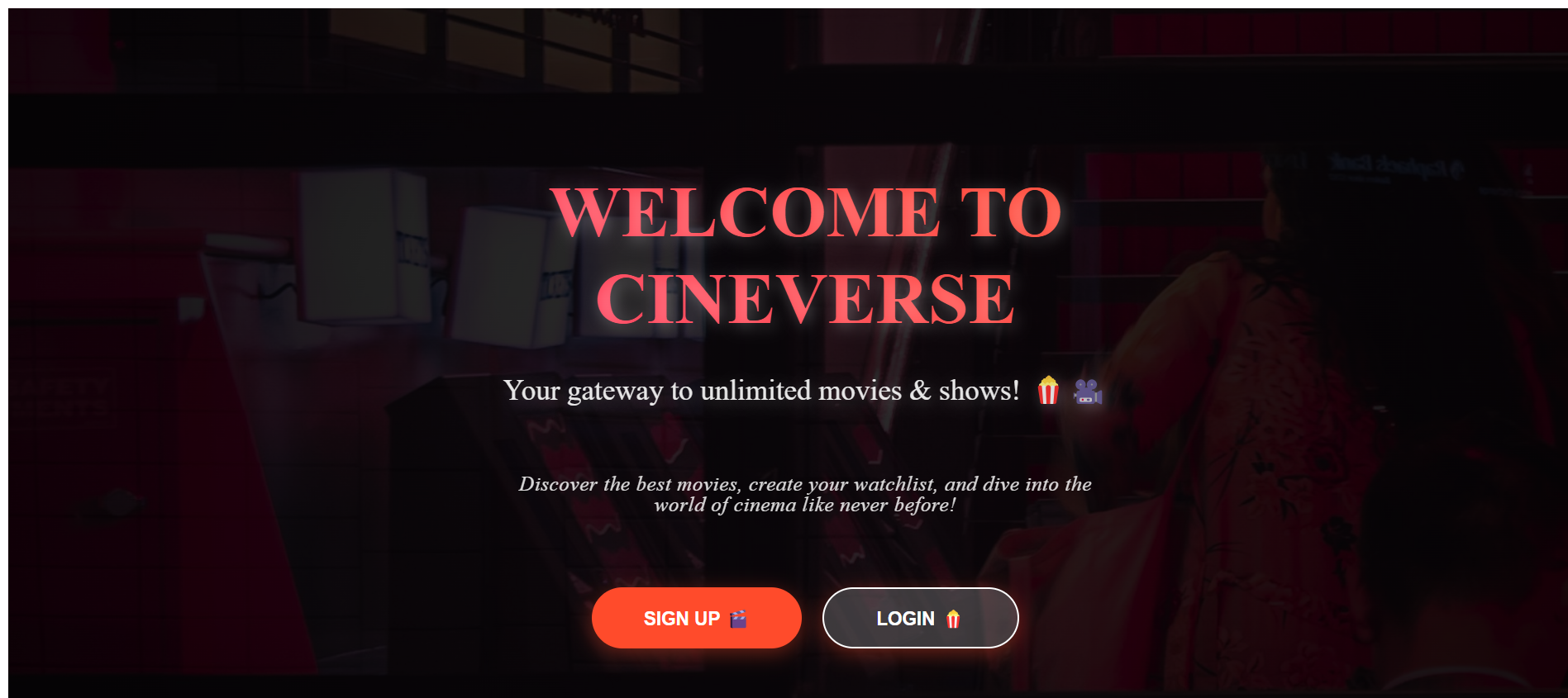
Example screenshot of homepage UI
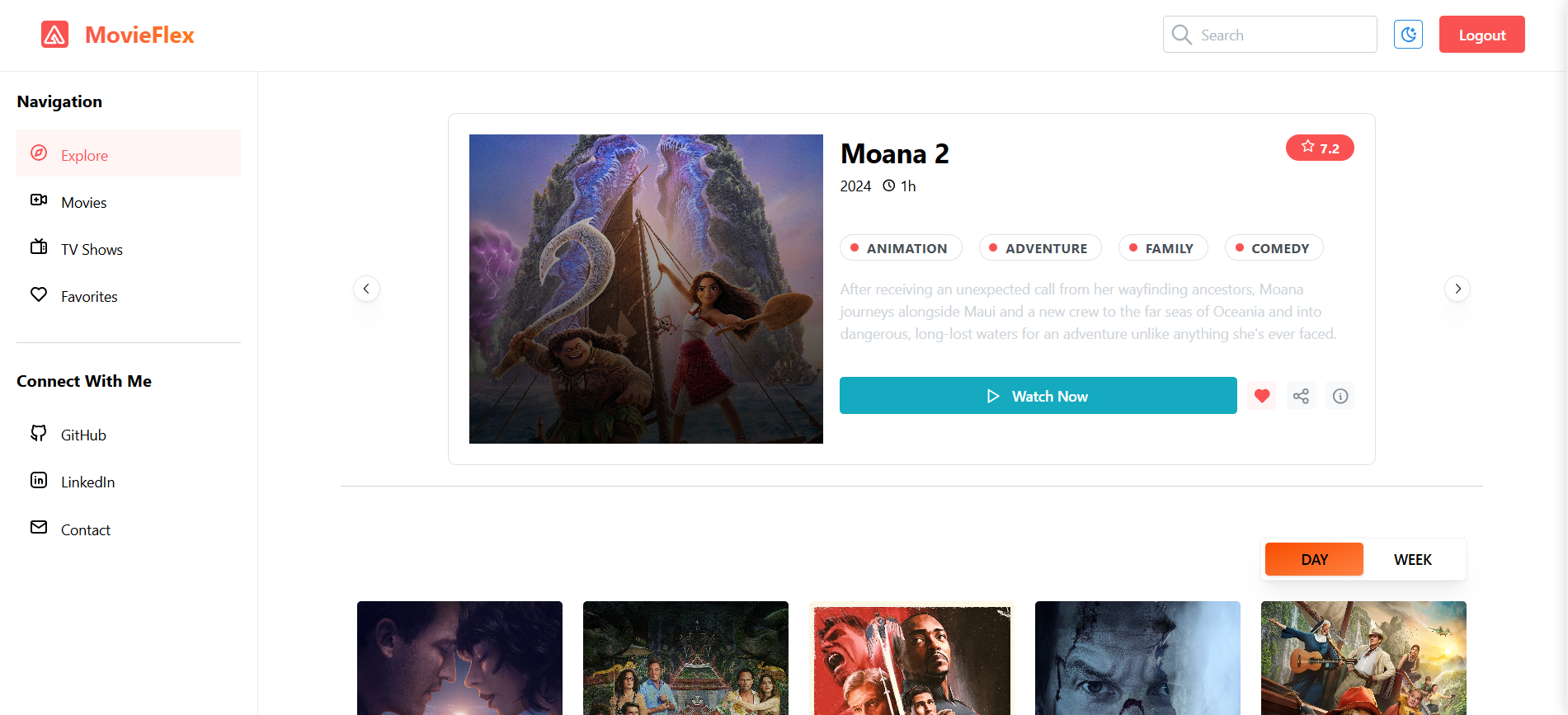
Example screenshot of movie details page

This app uses the TMDB API for fetching movies.
- 🔍
GET /trending/all/week– Fetch trending movies & shows - 🔍
GET /popular/all/week– Fetch popular movies & shows - 🔍
GET /top-rated/all/week– Fetch top-rated movies & shows - 🎬
GET /movie/{movie_id}– Get movie details - 📺
GET /tv/{tv_id}– Get TV show details
API Docs: TMDB API Documentation
🔹 User Reviews & Ratings – Allow users to submit reviews.
🔹 Chat Service – Useres can comment and give review about movie.
🔹 Google Based Auth – User can authenticate using google account.
🔹 Home Page – Come up with ideas to design the homepage completely.
🔹 Integrate Stripe – Just to test and have fun✌🏻.
This project is licensed under the MIT License.
📧 Email: timaraw18@gmail.com 🔗 GitHub: tim177