



Berserker@Quake2 engine that modernizes some elements of the Quake 2 graphical system.
This Berserker engine supports real-time per-pixel lighting and shadow volumes, parallax,
mirrors, fog, decal system, high resolution textures, and more.
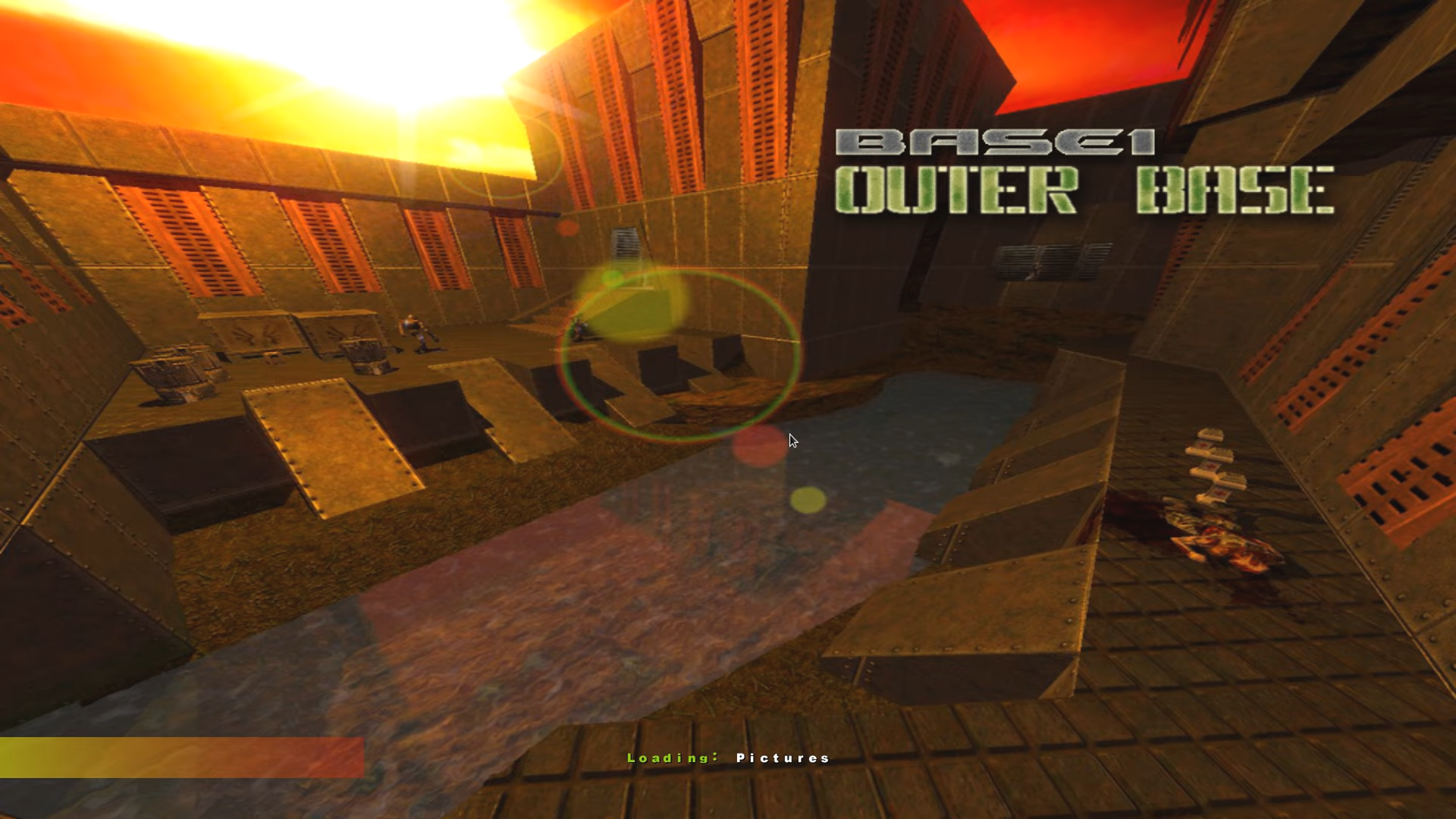
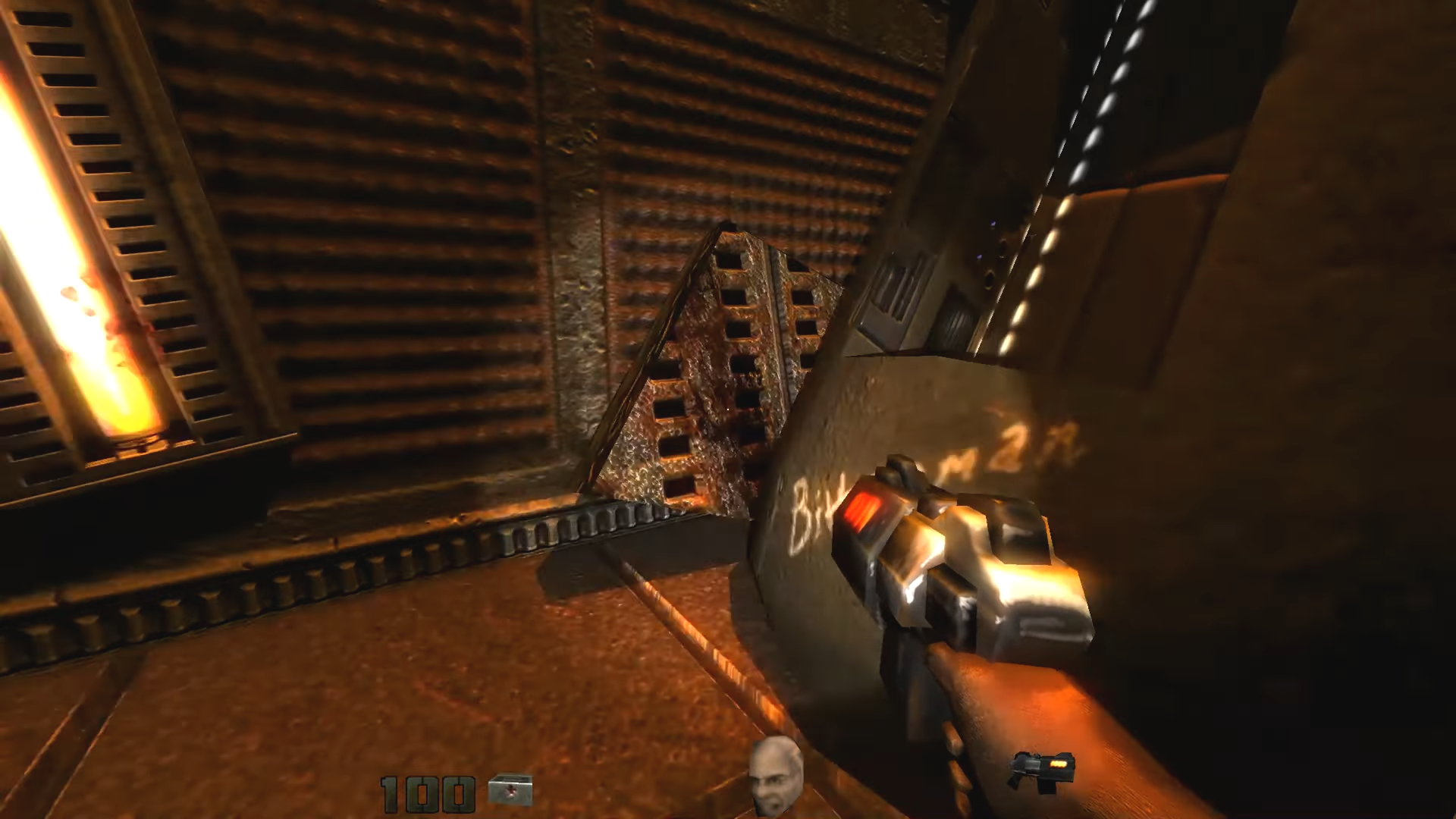
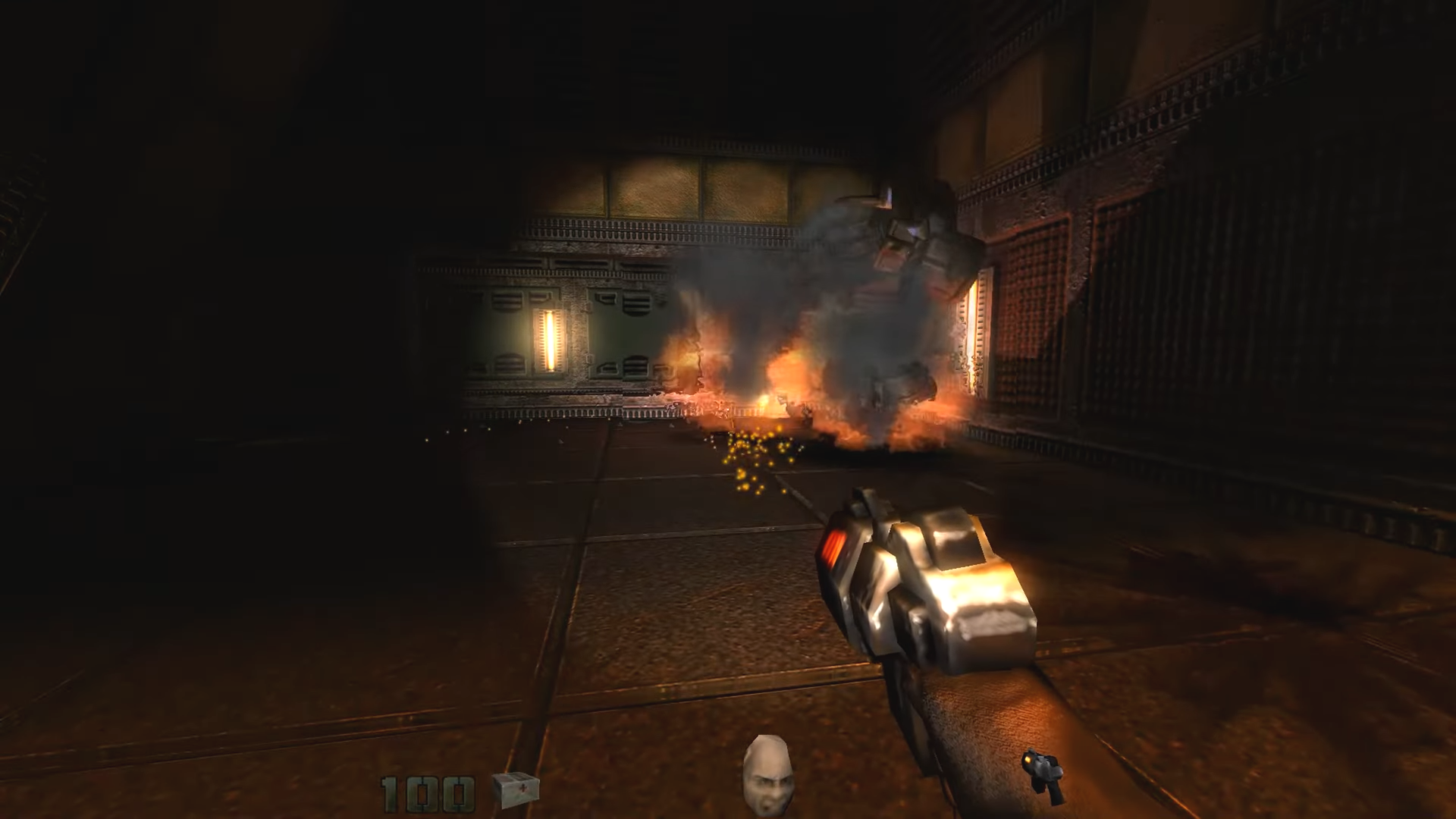
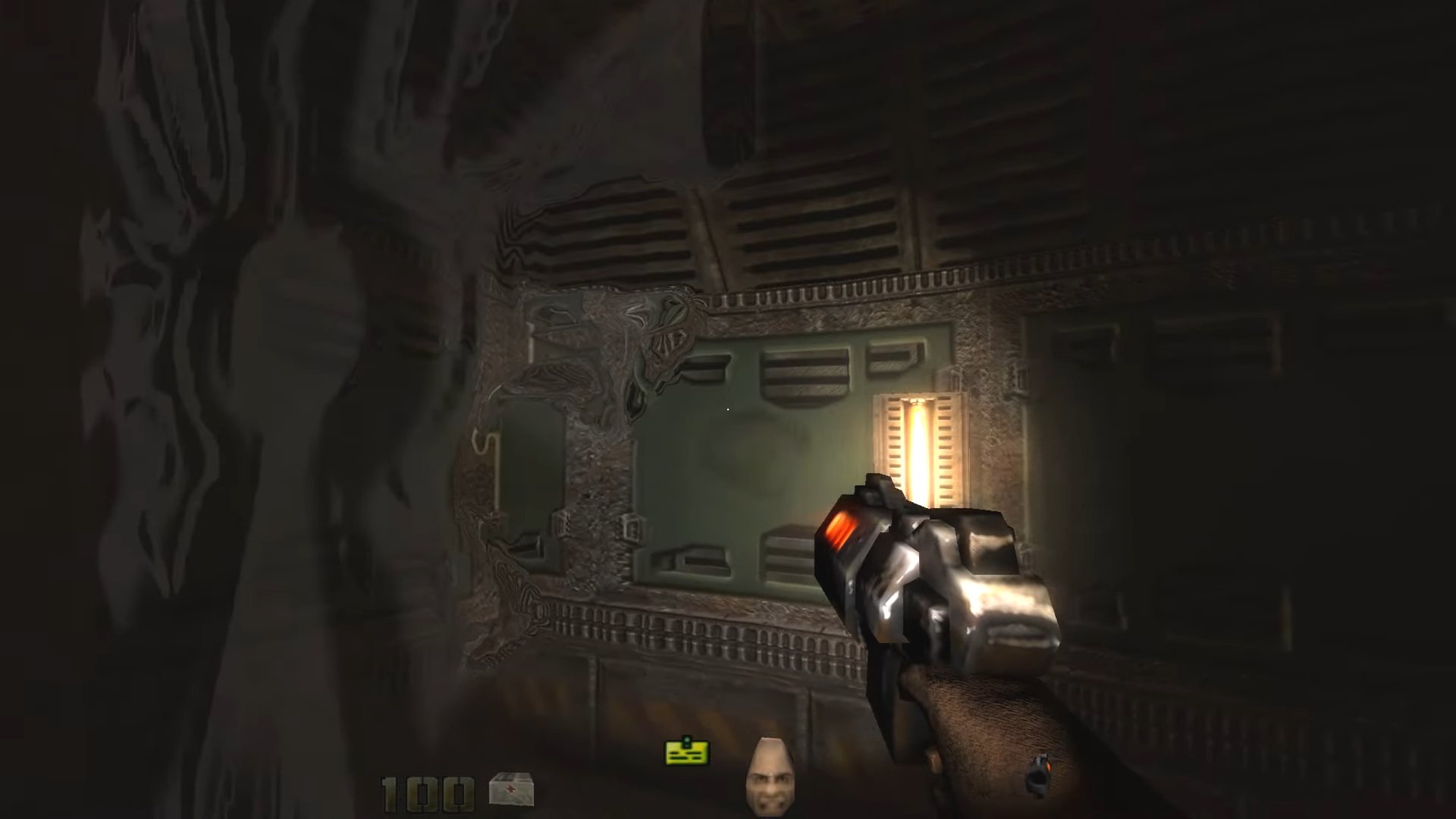
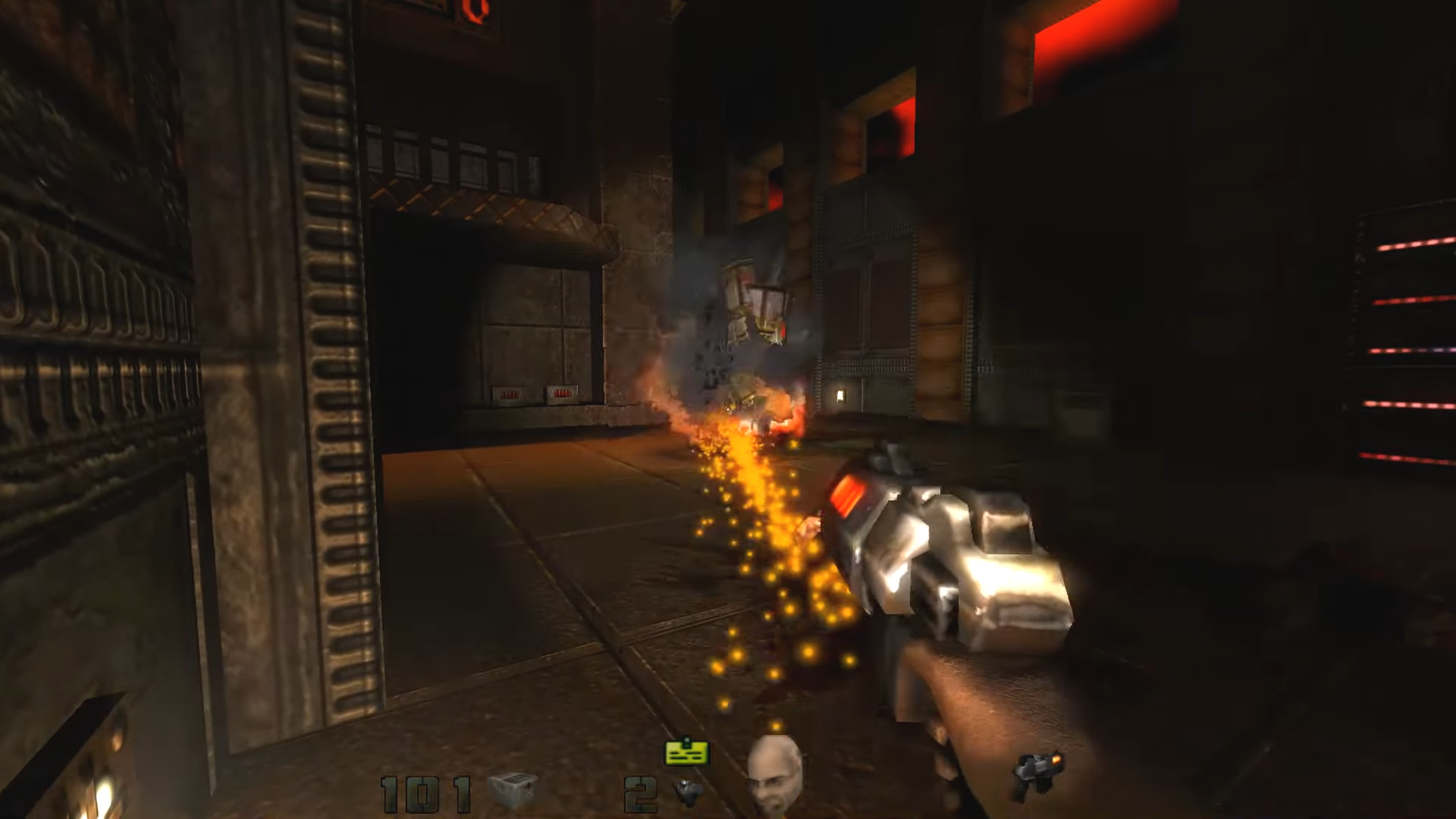
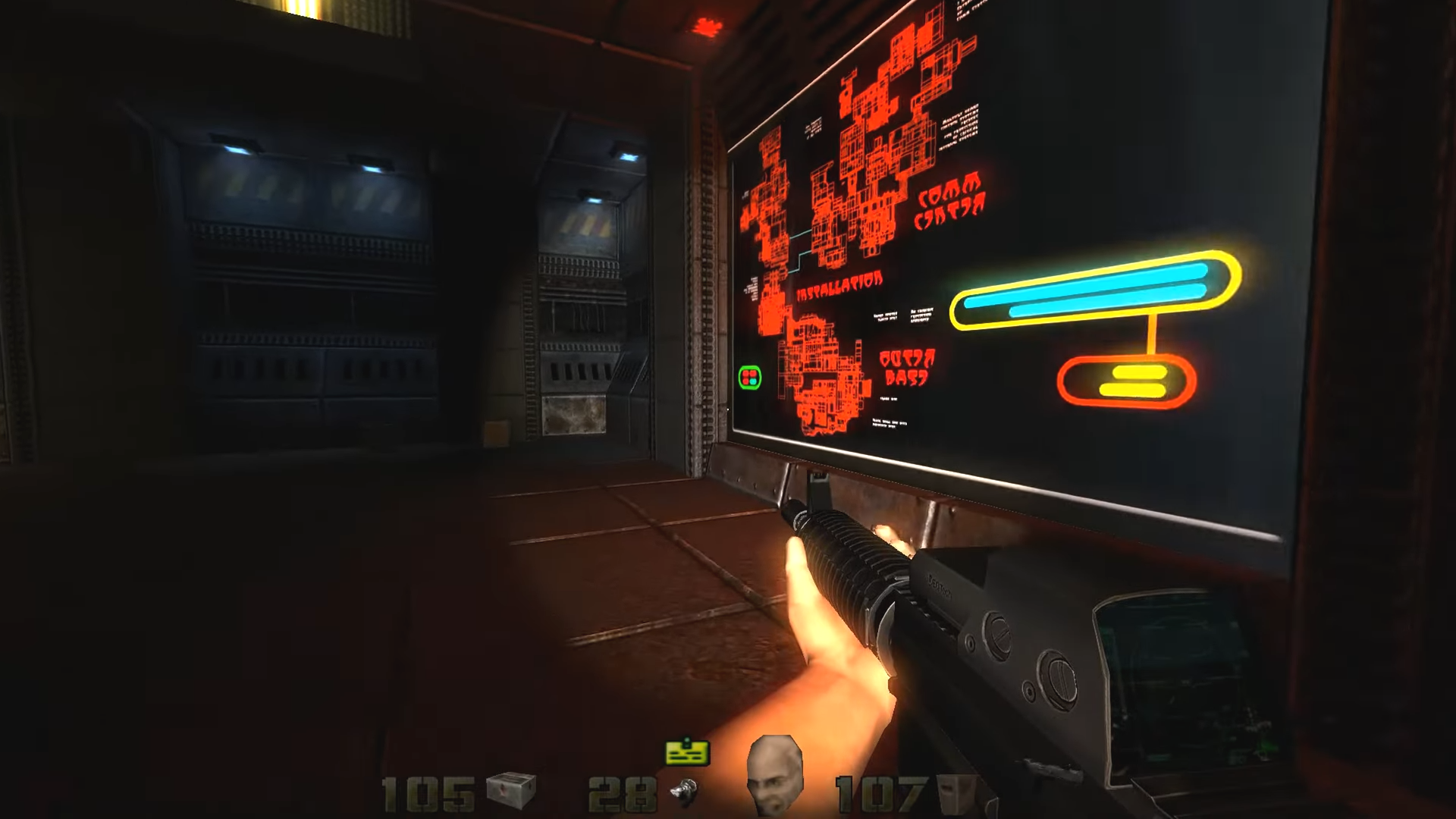
Berserker@Quake2 has been around since about 2005, but only supported on Windows. Russian
developer behind this engine has finally published his code under GPL-2 license in hopes of
someone porting it to Linux. Game resources for this engine pulished under GPL-2 license.
See COPYING.txt file in root folder of the game engine resources archive.
- Original source code published to SourceForge.net.
- Game engine resources published to ModDB.
- Original project hosted at: Quake Gate.
This is a port of Berserker@Quake2 engine (1.45) to SDL2 library.
CMakeLists.txt and the makefile in the Sources directory should create the executable
file berserkereq2 and the library libgame.so, provided that you have all the necessary
libraries installed.
libjpeg (v8)libpnglibogglibvorbislibvorbisfileSDL2 (v2.0.4 or newer recommended)zliblibminizip
On some Linux, like Gentoo, you can use libjpeg (v62). In Debian based Linux use libjpeg (v8).
For Debian based linux type this in your terminal:
sudo apt-get update
sudo apt-get install libsdl2-dev libogg-dev libvorbis-dev
sudo apt-get install libjpeg-dev libpng-dev libminizip-dev zlib1g-dev
Type this in your terminal:
git clone https://github.com/tx00100xt/BerserkerQuake2.git
If you have original Quake II CD, the data can be found in Install/Data/baseq2. In addition to
the data on the CD, you will need the data from the official Quake II 3.20 patch, which you can get from
http://deponie.yamagi.org/quake2/idstuff/q2-3.20-x86-full-ctf.exe
The content can be extracted using any utility for working with ZIP files.
If you have access to a copy of the game (either by CD or through Steam),
you can copy the (pak0.pak-pak2.pak) files and (player,video) directory from the game
directory to the repository (put it in the baseq2 repository directory).
The (pak0.pak-pak2.pak) files and (player,video) directory must have lowercase names.
Type this in your terminal:
cd BerserkerQuake2/Sources
mkdir build
cd build
cmake ..
make -j4
make install
If you prefer ninja, then add key -GNinja to the cmake. And replace the make command with ninja.
Type this in your terminal:
cd BerserkerQuake2/Sources

make release
make install.local
Type this in your terminal:
cd BerserkerQuake2/Sources
mkdir build
cd build
cmake -DCMAKE_INSTALL_PREFIX:PATH=/usr ..
make -j4
sudo make install
or
cd BerserkerQuake2/Sources

make release
sudo make install
You can view additional commands for make by typing the make command in the terminal without arguments.
Then you will have to get some extra data that comes with this engine. You can get it from
Release section. The content itself is identical to those hosted at official website and ModDB,
except all file names were converted to lower case. The contents of the *.fx and *.sp3 files
were edited so that the paths to the textures files were in lower case and references to them,
as well as paths have been fixed to use slashes instead of backslashes. Each pk2 archive
contains a GPL-2.0 license file copied from the official archive on ModDB.
Game content can be located in three places.
- In the directory ~/.berserkerq2
- Anywhere with portable installation
The file tree should be like this:
.
├── baseq2
│   ├── bsq2-01.pk2
│   ├── bsq2-02.pk2
│   ├── bsq2-03.pk2
│   ├── bsq2-04.pk2
│   ├── bsq2-05.pk2
│   ├── bsq2-06.pk2
│   ├── bsq2-07.pk2
│   ├── bsq2-08.pk2
│   ├── bsq2-09.pk2
│   ├── bsq2-10.pk2
│   ├── pak0.pak
│   ├── pak1.pak
│   ├── pak2.pak
│   ├── purepaks.lst
│   ├── cache
│   ├── player
│   └── video
│       ├── end.cin
│       ├── eou1_.cin
│       ├── eou2_.cin
│       ├── eou3_.cin
│       ├── eou4_.cin
│       ├── eou5_.cin
│       ├── eou6_.cin
│       ├── eou7_.cin
│       ├── eou8_.cin
│       ├── idlog.cin
│       └── ntro.cin
├── modelist.txt
The file purepaks.lst contains the names of the packs that will be used in the game.
Without it, the game will not start.
The file modelist.txt contains a list of allowed screen resolutions. You can edit it and add your own non-standard resolutions.
The configuration file (q2b_config.cfg), as well as save and cache files, will always be located in directory ~/.berserkerq2.
Additional missions in the Linux/BSD version are not supported, as they require the presence of an external q2dedicated.exe must be exist in Quake2 folder.
All file and directory names must be in lower case.
Before the first launch, it is recommended to unpack the cache directory
from the bsq2-10.pk2 archive into baseq2 game data directory.
cd <place where bsq2-10.pk2>
unzip -LL "bsq2-10.pk2" "cache/*" -d ~/.berserkerq2/baseq2
After building and placing the game data, you can launch the games.
Type this in your terminal:
cd BerserkerQuake2
./berserkerq2
or or just type in the terminal:
berserkerq2
if you installing the game on the system.
Non-standard screen resolution can be specified in the modelist.txt file.

Type this in your terminal:
cd ~/.
mkdir .berserkerq2
mkdir .berserkerq2/baseq2
wget https://github.com/tx00100xt/BerserkerQuake2/releases/download/1.45.1/berserkerq2-1.45.1-data.tar.xz
tar xJvpf berserkerq2-1.45.1-data.tar.xz -C ~/.berserkerq2
Copy Quake 2 commercial data (files: pak0.pak,pak1.pak,pak2.pak dir: video,players) from you CD,GOG or Steam to ~/.berserkerq2/baseq2
Run AppImage.
x86aarch64
LinuxFreeBSDRaspberry PI OS
| CI | Platform | Compiler | Configurations | Platforms | Status |
|---|---|---|---|---|---|
| GitHub Actions | Ubuntu, FreeBSD, Alpine, Raspberry PI OS Lite | GCC, Clang | Release | x86, x64, armv7l, aarch64, riscv64, ppc64le, s390x, mipsel, loongarch64 |  |
You can download a the automatically build based on the latest commit.
To do this, go to the Actions tab, select the top workflows, and then Artifacts.
- BerserkerQuake2 is licensed under the GNU GPL v2 (see LICENSE file).
- BerserkerQuake2 extra data game content is licensed under the GNU GPL v2 (see LICENSE file).