
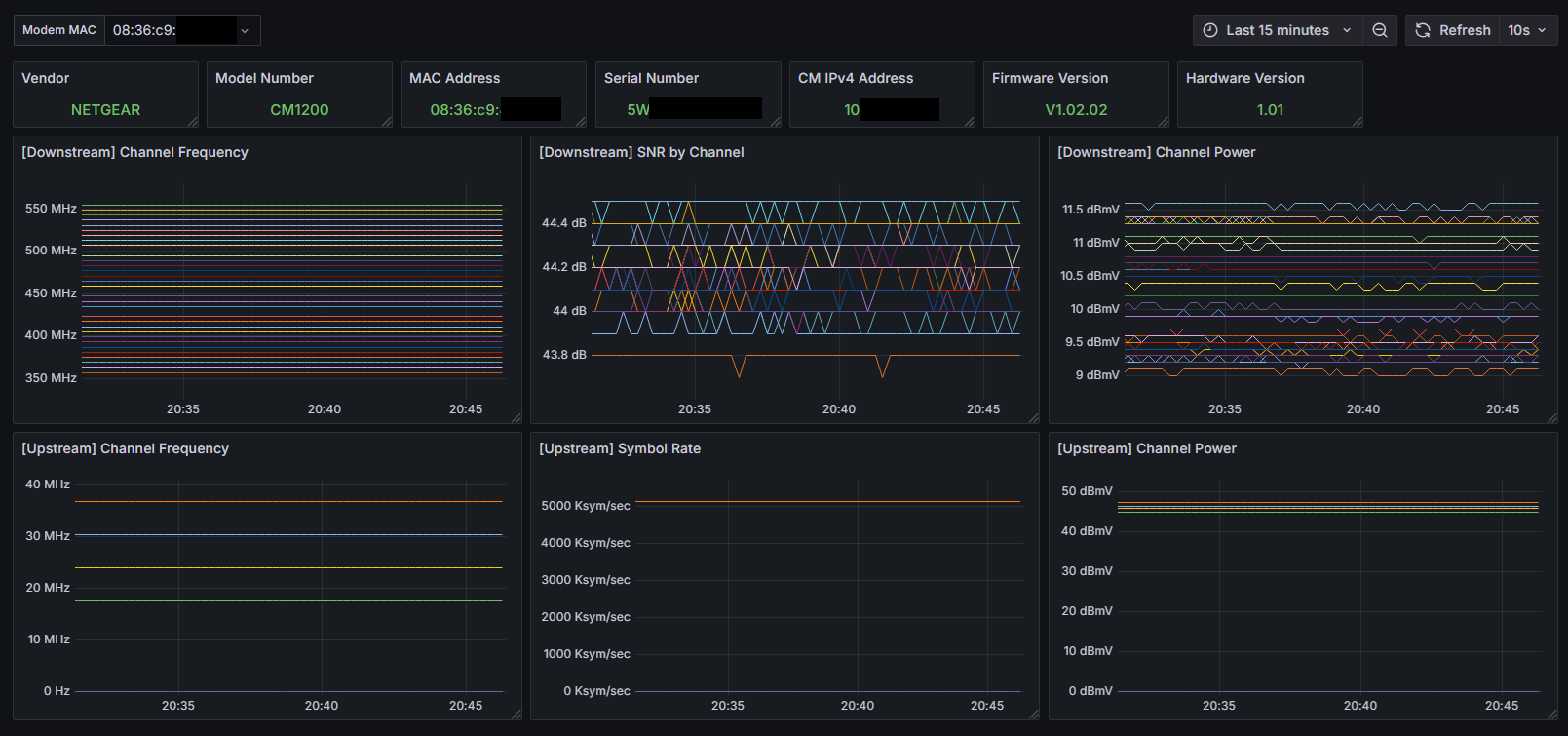
A Python-based Prometheus exporter for monitoring Netgear modem metrics. This exporter scrapes data from the modem's web interface and exposes it as Prometheus metrics. Includes a premade Grafana dashboard
This project was inspired by @ickymettle's netgear_cm_exporter (https://github.com/ickymettle/netgear_cm_exporter)
- Netgear CM1200
In theory, this should work with most Netgear cable modems but was built and tested with the Netgear CM1200. If you are using or have access to another Netgear cable modem, open a PR or reach out via Discord (@tylxr59).
- Scrapes modem information such as vendor, model, hardware version, serial number, MAC address, firmware version, and IPv4 address.
- Monitors downstream and upstream channel statistics including frequency, power, SNR, and symbol rate.
- Periodically updates metrics and exposes them to Prometheus.
- Python 3.x
requestsbeautifulsoup4prometheus_client
-
Clone the repository: git clone https://github.com/tylxr59/netgear-modem-prometheus-exporter.git cd netgear-modem-prometheus-exporter
-
Install required Python requirements
pip install requests beautifulsoup4 prometheus_client
Edit the netgear-exporter.py to adjust any settings you may want to change.
The defaults should be okay for most Netgear CM1200 installs but you may need to change the password if you are not using the default password.
Add the following job to your Prometheus configuration (adjust localhost to the correct IP if they are not running on the same machine):
scrape_configs:
  - job_name: 'netgear_modem'
    static_configs:
      - targets: ['localhost:8000']