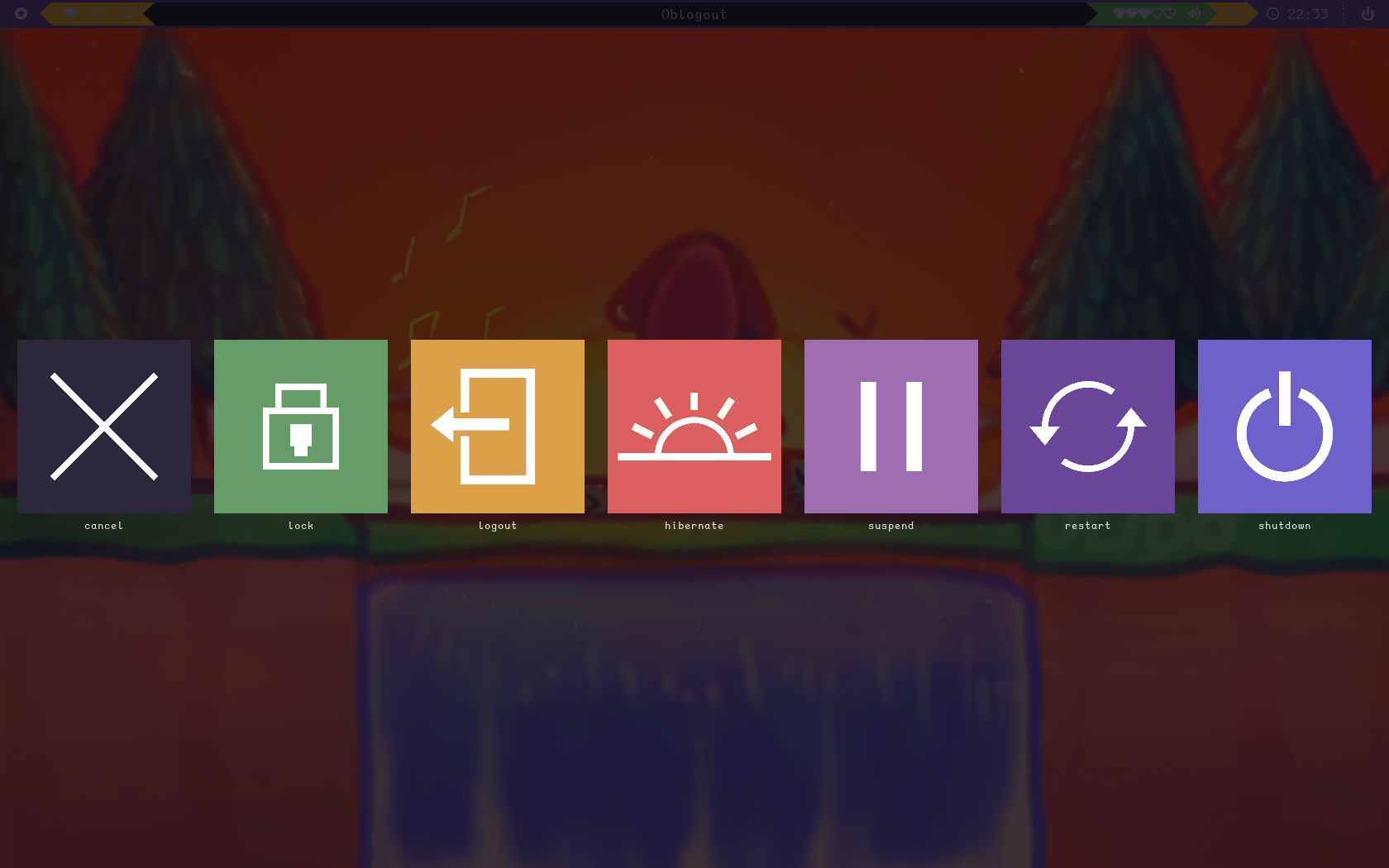
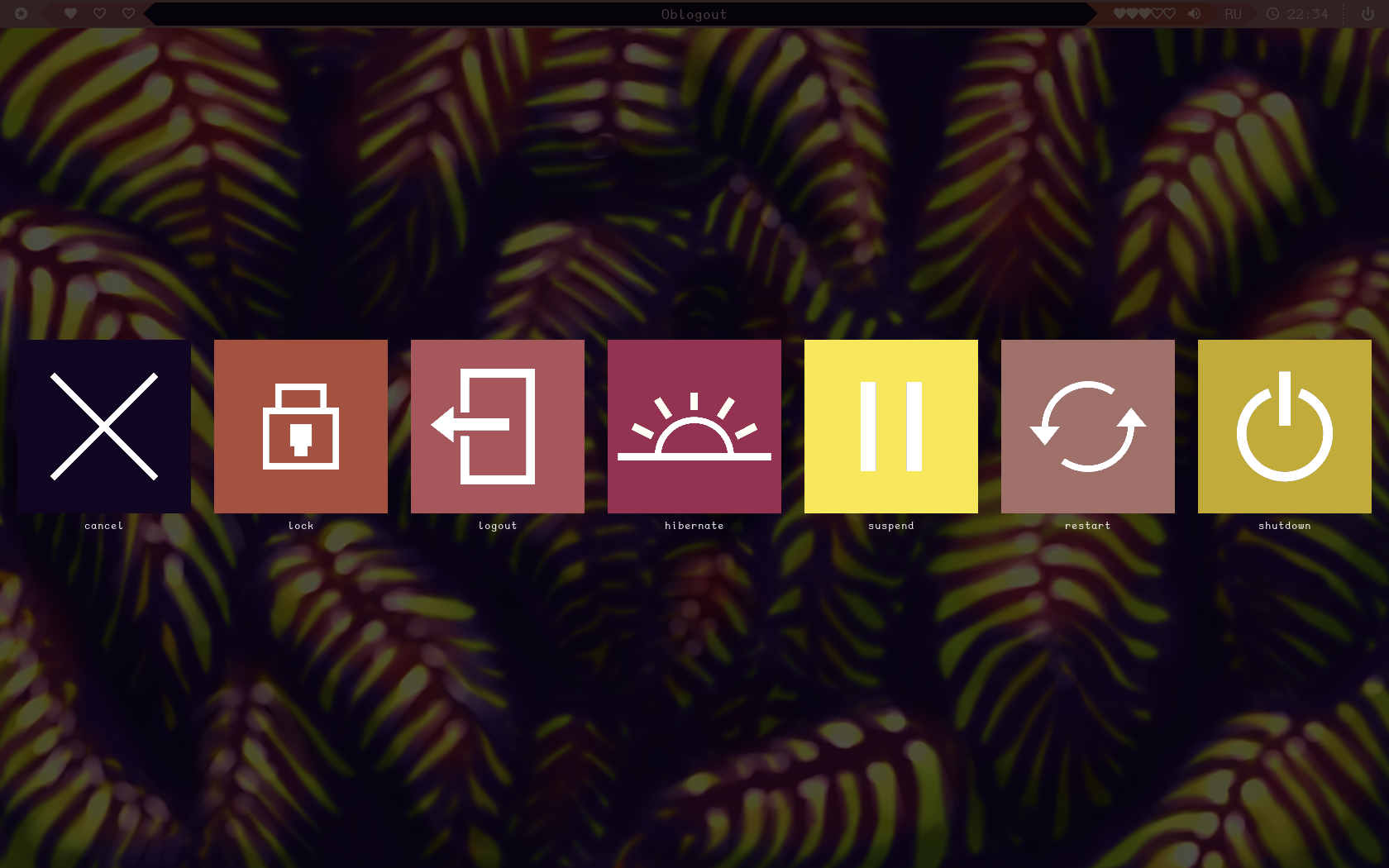
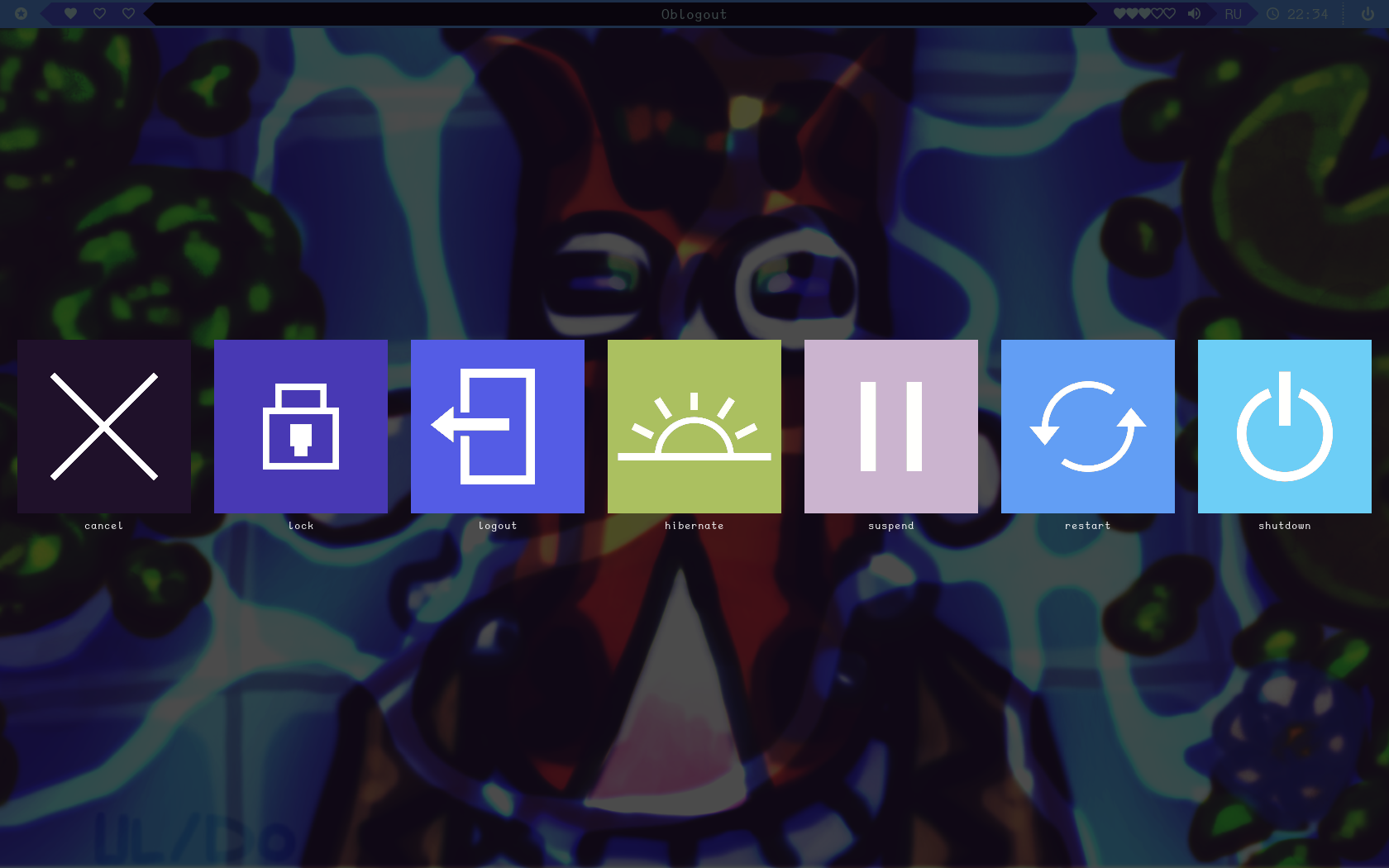
This small script generate icons for your oblogout using your pywal colorscheme
Clone this repo in to the place where you feel yourself comfartable
- Change theme in /etc/oblogout.conf:
theme = pywal
- Run generate.sh every time you change your pywal theme
- Presto, your oblogout screen looks perfect just like you!
You can replace my icons with yours, but they must have grey background (or you can change bacground color in script) You also could change what color in which icon to use from pywal just replacing number after $color