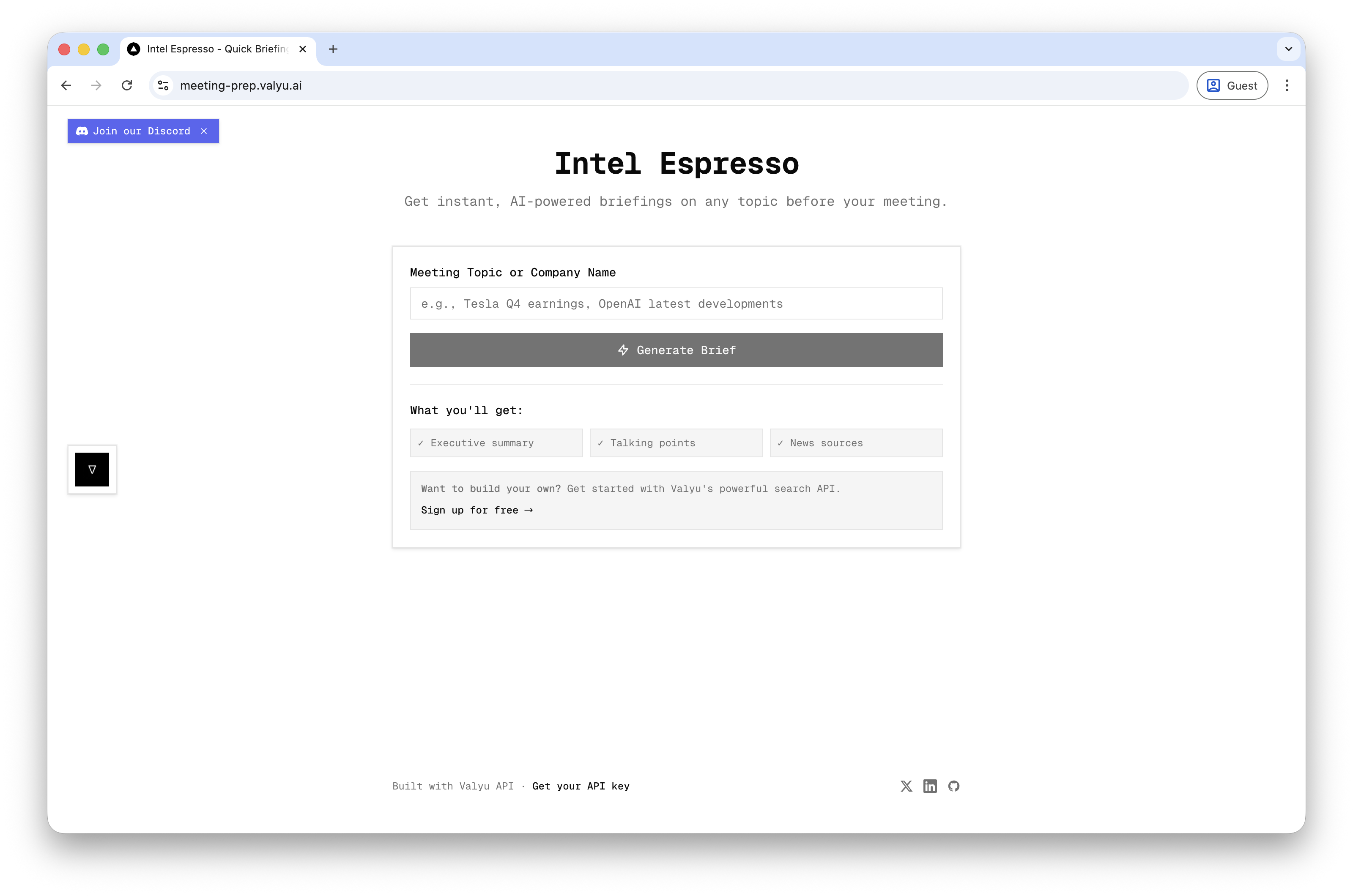
Get instant, AI-powered briefings on any topic before your meeting. Enter a meeting topic or company name and receive a comprehensive 2-minute briefing with the latest news, key developments, and talking points.
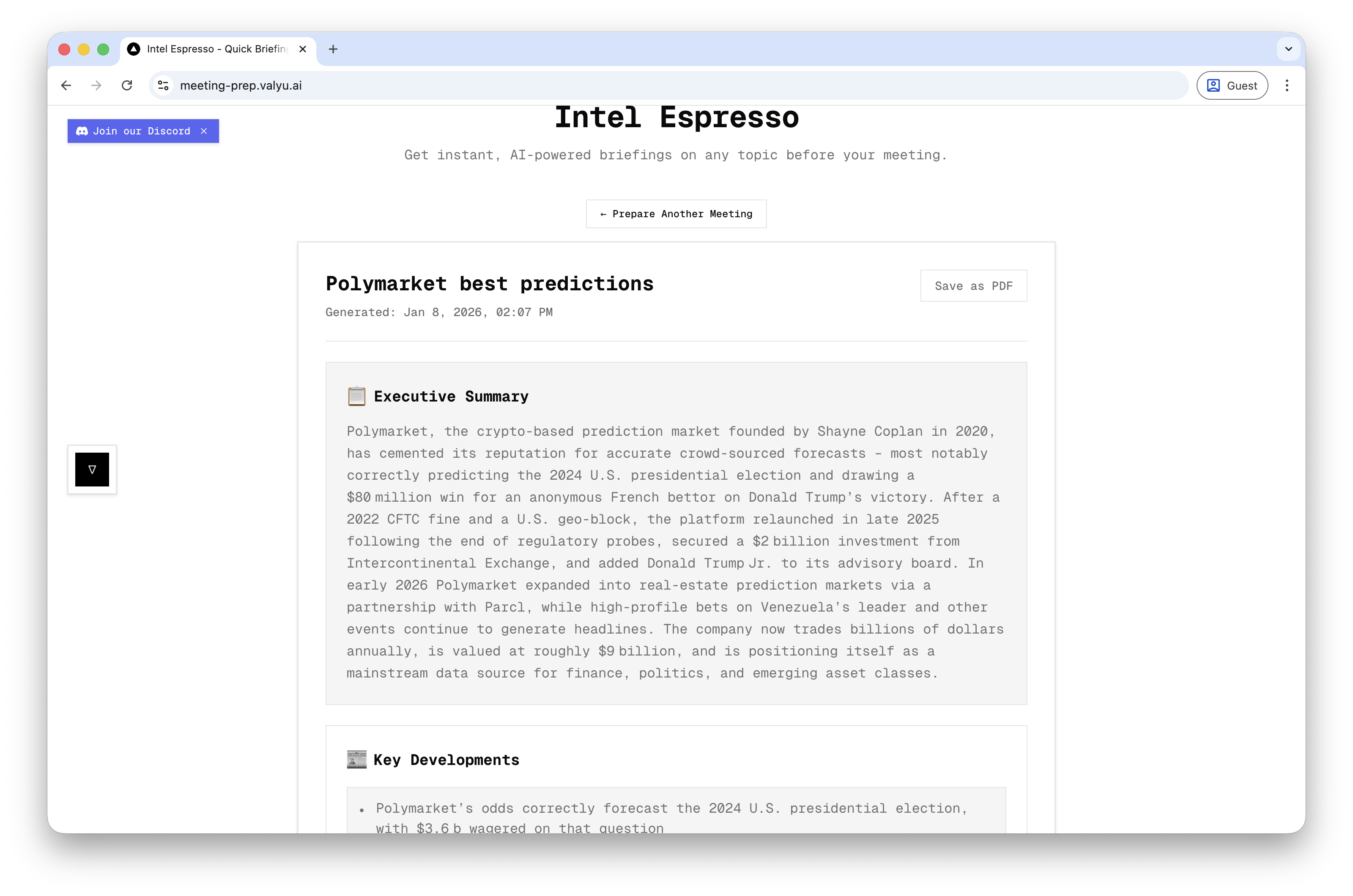
- Executive Summary: Quick 2-minute read of the most important information
- Key Developments: Latest news and developments from the past 7 days
- Key People: Important people and leaders mentioned in recent news
- Important Dates: Upcoming events and recent milestones
- Talking Points: Prepared discussion points for your meeting
- Source Links: Direct links to all referenced news sources
- Print-Friendly: Generate professional briefings you can print or share
- Client Meetings: Get up-to-date information on clients before meetings
- Investor Meetings: Latest developments on companies you're researching
- Sales Calls: Quick briefings on prospects and their companies
- Team Meetings: Prepare talking points on current projects or initiatives
- Conference Prep: Background on speakers, companies, or topics being discussed
The easiest way to get started - just add your Valyu API key and you're ready to go!
- Node.js 18+ installed
- A Valyu API key (get one at https://platform.valyu.ai)
-
Clone this repository
-
Install dependencies:
pnpm install- Create a
.env.localfile in the root directory:
# That's it! Just your API key is all you need for self-hosted mode
VALYU_API_KEY=your_valyu_api_key_here- Run the development server:
pnpm run dev- Open http://localhost:3000 in your browser
For production deployments or if you want users to sign in with their own Valyu accounts (and use their own credits), you can enable Valyu mode.
Note: Valyu OAuth credentials are coming to general availability soon. Contact contact@valyu.ai if you need early access.
- Set the app mode to
valyu:
NEXT_PUBLIC_APP_MODE=valyu- Add OAuth credentials:
NEXT_PUBLIC_VALYU_AUTH_URL=https://auth.valyu.ai
NEXT_PUBLIC_VALYU_CLIENT_ID=your-oauth-client-id
VALYU_CLIENT_SECRET=your-oauth-client-secret
VALYU_APP_URL=https://platform.valyu.ai
NEXT_PUBLIC_REDIRECT_URI=http://localhost:3000/auth/valyu/callback
In this mode:
- Users sign in with their Valyu account
- API calls are billed to the user's Valyu org credits
- No server-side API key is required
- Enter a meeting topic or company name in the search box
- Examples: "Tesla Q4 earnings", "OpenAI latest developments", "Climate tech trends"
- Click "Generate Meeting Brief"
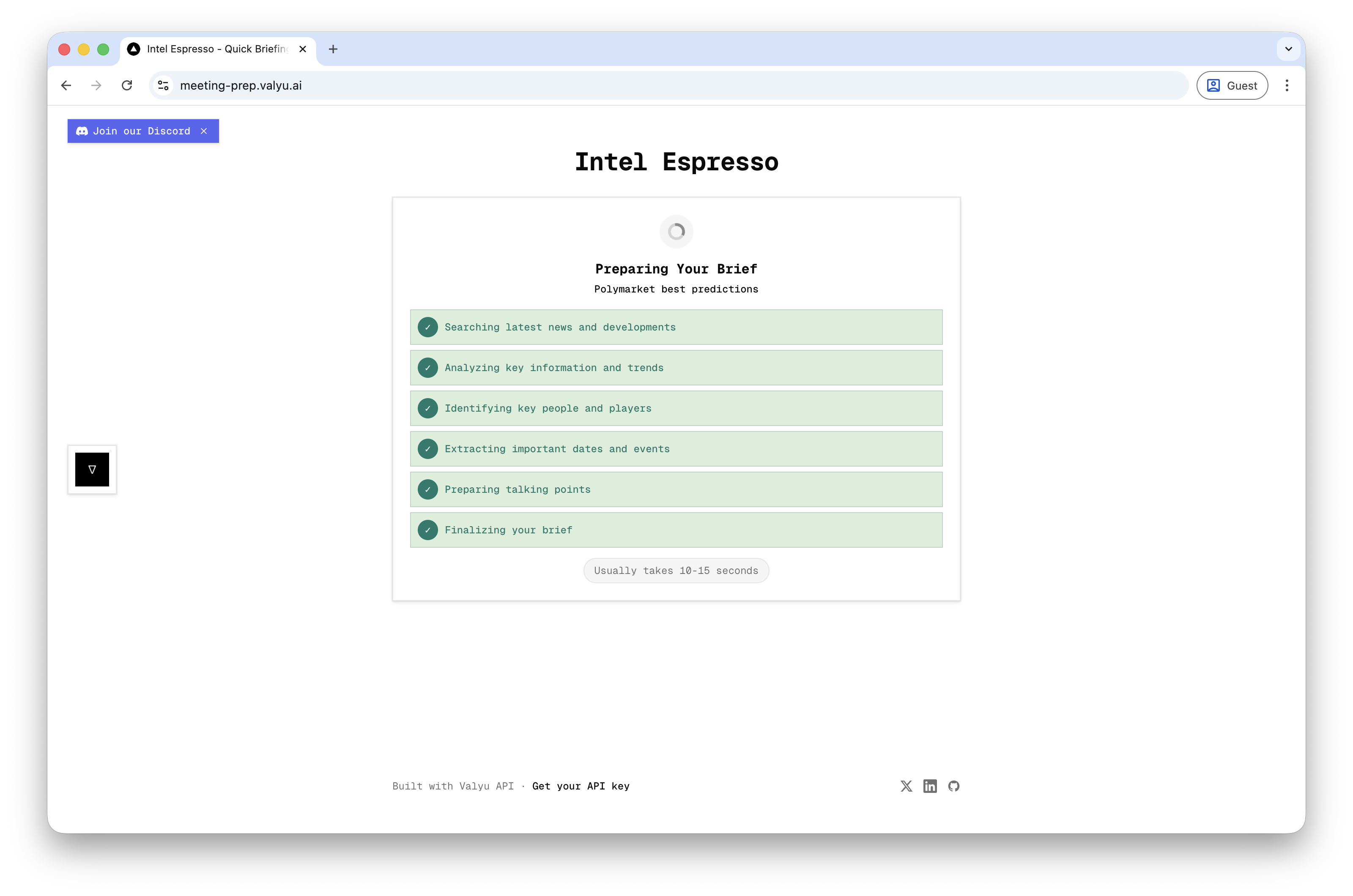
- Receive a comprehensive briefing in seconds with:
- Executive summary
- Key developments
- Key people
- Important dates
- Talking points
- Source links
- Print or share the briefing with your team
- Framework: Next.js 16 with App Router
- Language: TypeScript
- Styling: Tailwind CSS v4
- Fonts: Geist Sans & Geist Mono
- API: Valyu API with streaming support
- Date Handling: date-fns
app/
├── api/
│   └── meeting-prep/
│       └── route.ts                # API route for Valyu Answer API
├── components/
│   ├── MeetingPrepAssistant.tsx    # Main application component
│   ├── MeetingBriefCard.tsx        # Displays the generated brief
│   └── Sidebar.tsx                 # Navigation sidebar
├── types/
│   └── meeting-prep.ts             # TypeScript type definitions
├── layout.tsx
└── page.tsx
lib/
└── mode.ts                         # App mode detection (self-hosted vs valyu)
| Variable | Required | Description |
|---|---|---|
NEXT_PUBLIC_APP_MODE |
No | self-hosted (default) or valyu |
VALYU_API_KEY |
Yes (self-hosted) | Your Valyu API key |
NEXT_PUBLIC_VALYU_AUTH_URL |
Yes (valyu mode) | Valyu auth URL |
NEXT_PUBLIC_VALYU_CLIENT_ID |
Yes (valyu mode) | OAuth client ID |
VALYU_CLIENT_SECRET |
Yes (valyu mode) | OAuth client secret |
VALYU_APP_URL |
Yes (valyu mode) | Valyu platform URL |
NEXT_PUBLIC_REDIRECT_URI |
Yes (valyu mode) | OAuth redirect URI |
The easiest way to deploy your Next.js app is to use the Vercel Platform.
For self-hosted mode, just add your VALYU_API_KEY environment variable in your Vercel project settings.
For valyu mode, add all the OAuth environment variables.
MIT