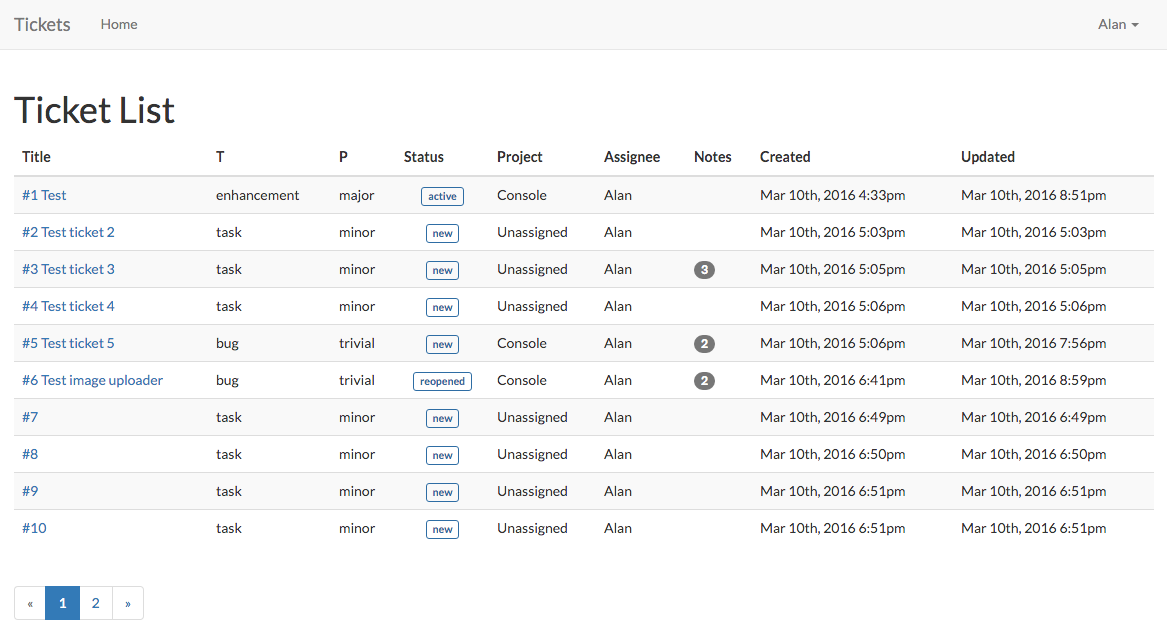
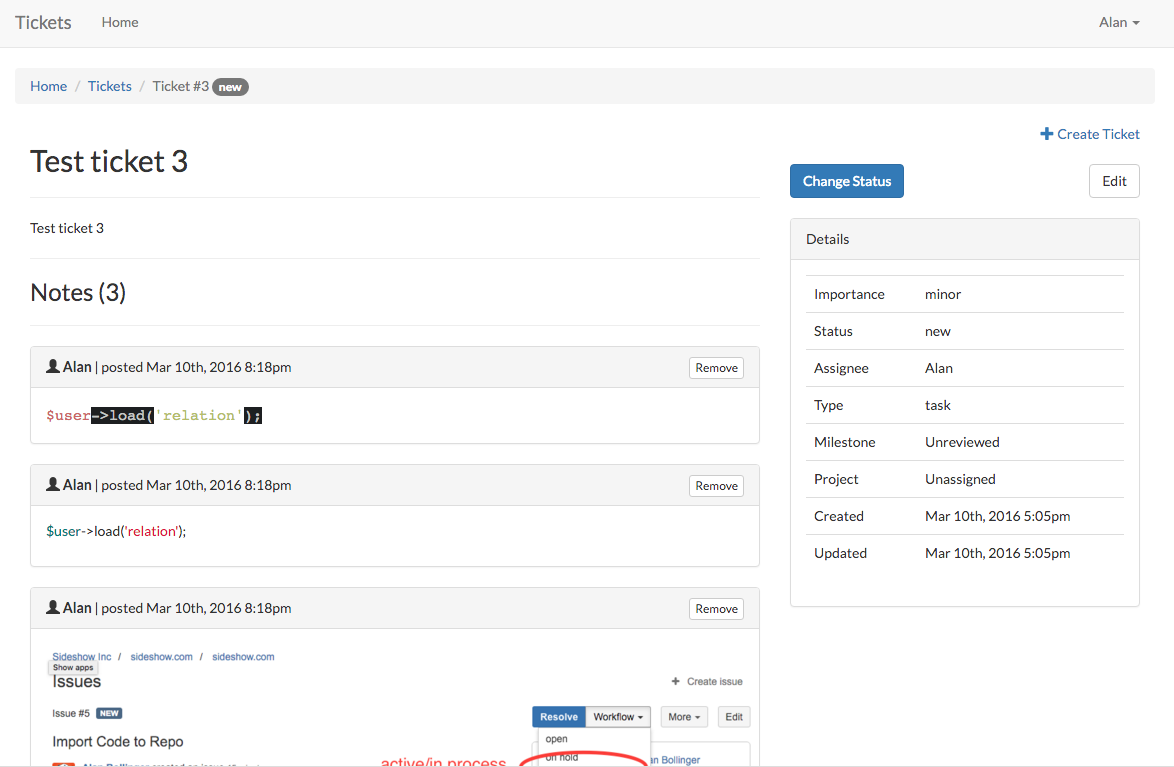
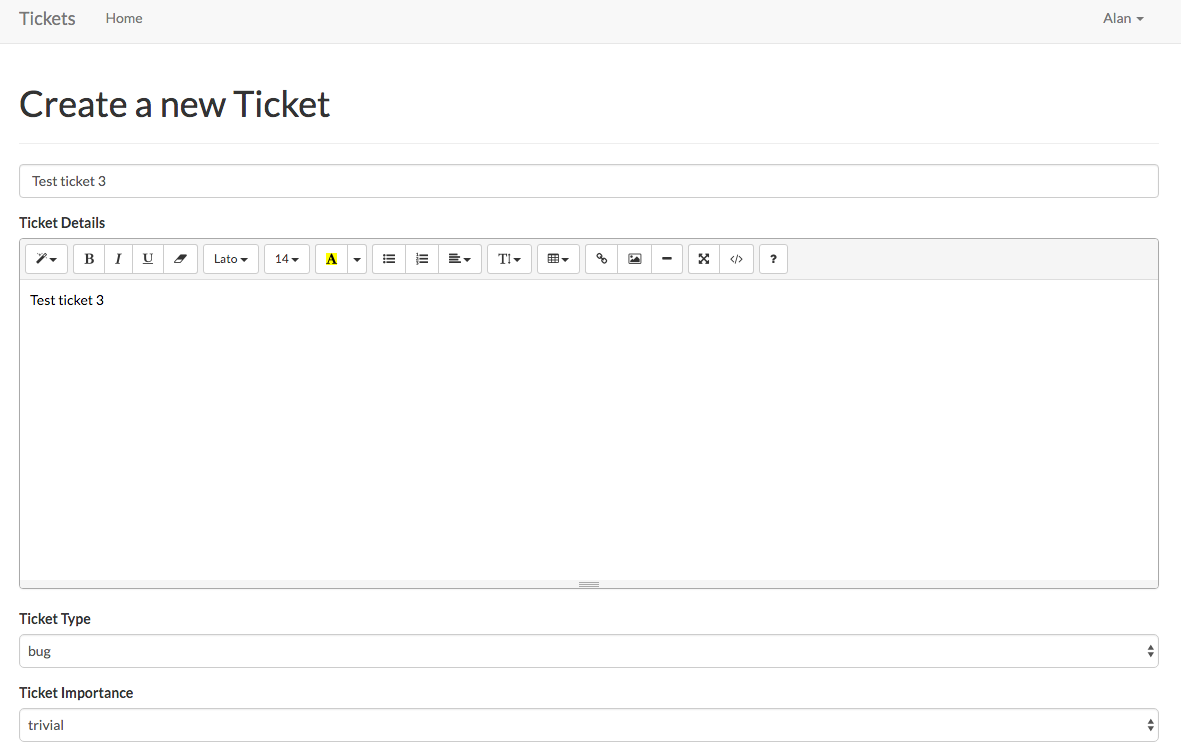
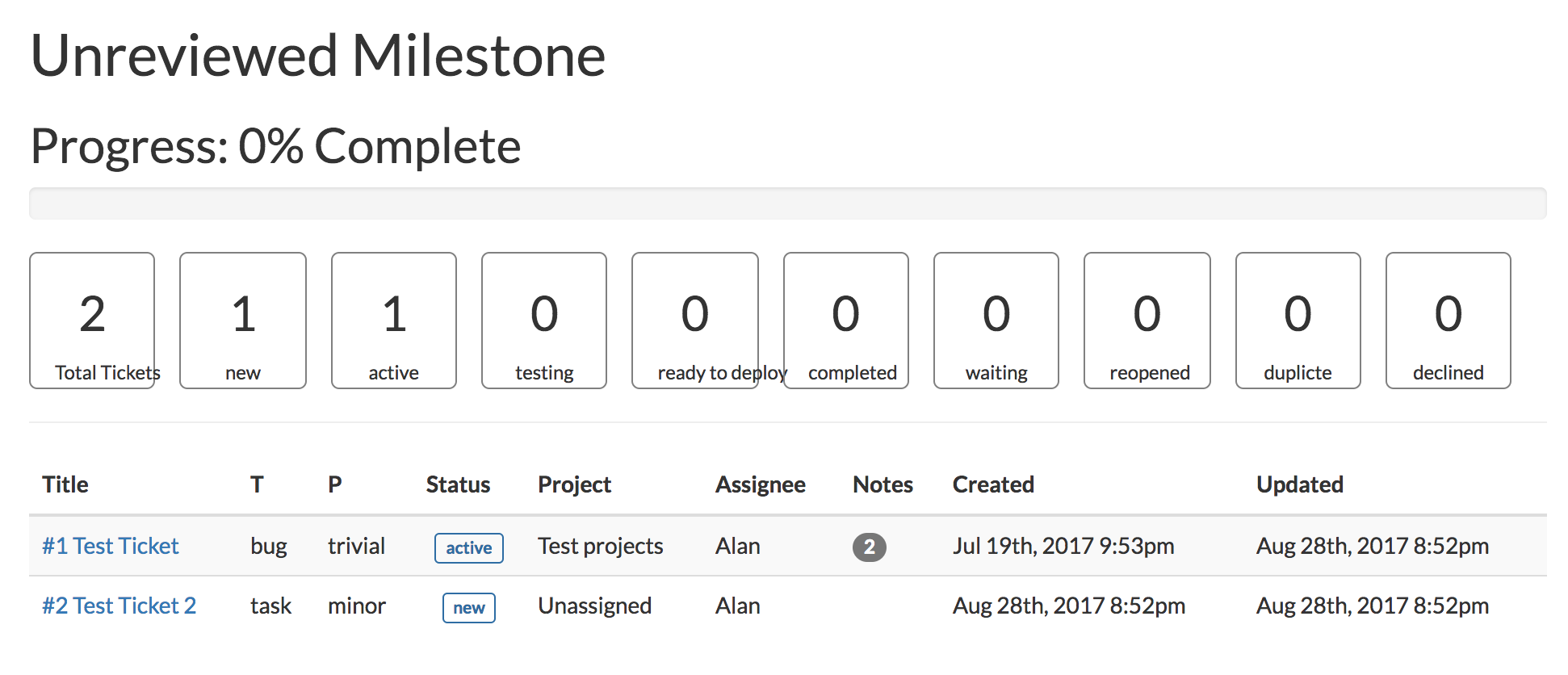
Tickets is an agile style ticket tracker using the Laravel PHP framework and Bootstrap 3. Please feel free to add features and grow the project. See the screenshots below!
Copy files to your server.
Run composer update to get all of the updated libraries
composer update
Edit the .env to reference the new database
From the command line run the migrations.
php artisan migrate
Seed the database
php artisan db:seed --class=DefaultsSeeder
Add default Users:
- unassigned:nopassword
- admininistrator:password123
php artisan db:seed --class=UserSeeder
Load in a web browser and enjoy!

You can bulk-create tickets using the CSV Import tool located at the /tickets/import page. This tool requires you to use the exact text names of existing system fields (like 'bug' or 'critical') for a successful import.
1. Required CSV Columns Your CSV file must include a header row with these 7 columns, in this exact order:
| Column Header | Data Expected | Example Data | Description |
|---|---|---|---|
| Type Name | Text Name | "bug" | Must be a valid name from the Types list below. |
| Subject | Text | "Fix button placement" | The title of the ticket (required). |
| Details | Text (in quotes) | "The button overlaps on mobile view." | The full description of the ticket. |
| Importance Name | Text Name | "major" or "blocker" | Must be a valid name from the Importances list below. |
| Status Name | Text Name | "new" or "completed" | Must be a valid name from the Statuses list below. |
| Project Name | Text Name | "Frontend App" | The name of the existing Project. |
| Assigned To User Name | Text Name | "Alan Smith" | The full name of the user the ticket should be assigned to (must match a user's name). |
2. System Names Reference Use these exact text names for the corresponding system fields in your CSV:
Types:
| ID | Name |
|---|---|
| 1 | bug |
| 2 | enhancement |
| 3 | task |
| 4 | proposal |
Importances:
| ID | Name |
|---|---|
| 1 | trivial |
| 2 | minor |
| 3 | major |
| 4 | critical |
| 5 | blocker |
Statuses:
| ID | Name |
|---|---|
| 1 | new |
| 2 | active |
| 3 | testing |
| 4 | ready to deploy |
| 5 | completed |
| 6 | waiting |
| 7 | reopened |
| 8 | duplicte |
| 9 | declined |
3. Example CSV Content (Using Text Names) You can copy and paste this example into a plain text file and save it as tickets.csv.
Type Name,Subject,Details,Importance Name,Status Name,Project Name,Assigned To User Name
bug,"Fix profile picture upload size","The user's profile image is getting stretched when uploaded. It needs to be resized before saving.",major,new,"Frontend App","Alan Smith"
enhancement,"Add Dark Mode toggle","Create a switch in the settings to allow users to switch between light and dark themes.",critical,active,"Settings API","Jane Doe"
task,"Update welcome message after login","Change the 'Welcome Back' message to include the user's first name for a friendlier greeting.",trivial,completed,"Marketing Site","Alan Smith"
Tickets! is open-sourced software licensed under the MIT license.