This repository was archived by the owner on Nov 9, 2020. It is now read-only.
Upgrade ESX
- get the ESXi depot zip file (such as VMware-ESXi-6.0.0-2494585-depot.zip) from VMware or its partner.
- extract the zip file to www\ESXi<build_number> folder, such as www\ESXi\2494585

- on IIS manager, add a MIME type of application/octet-stream for .vib file

- run vmShutdown command to power off all VMs on the ESX
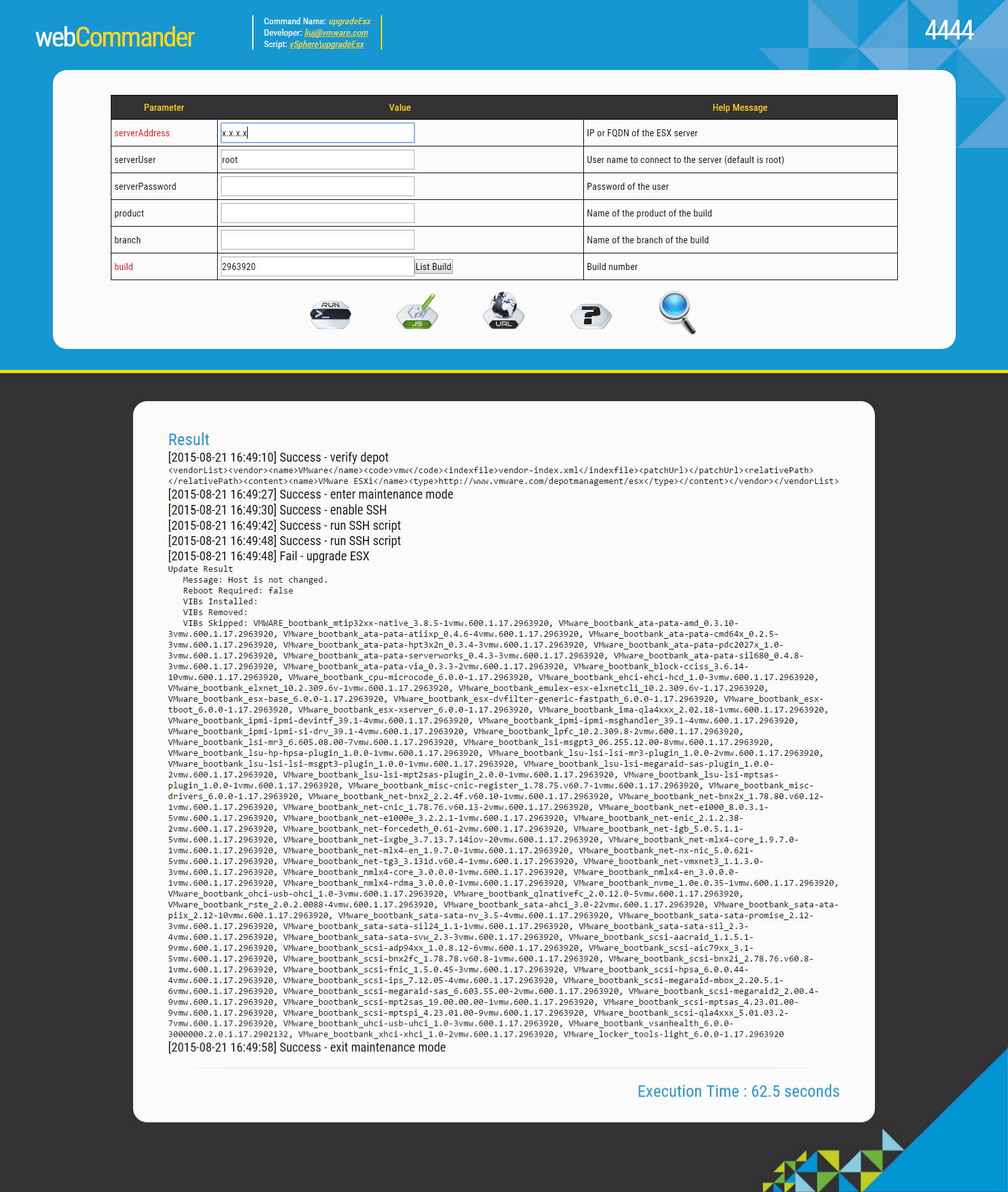
- run upgradeESX command