

daedalus is an integrated control system for internal multiphase targets for heavy ion storage rings.
Here are some pics:
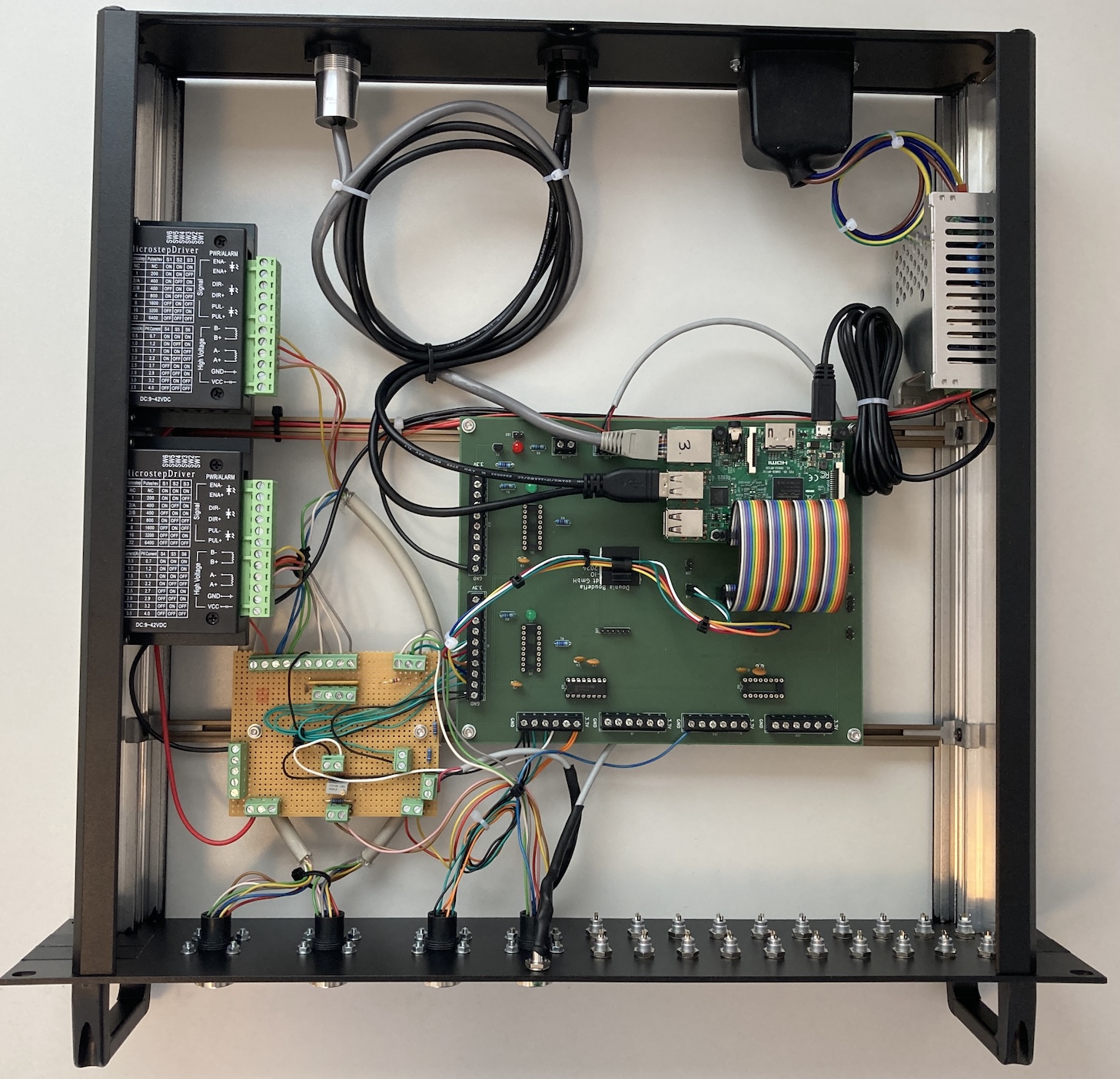
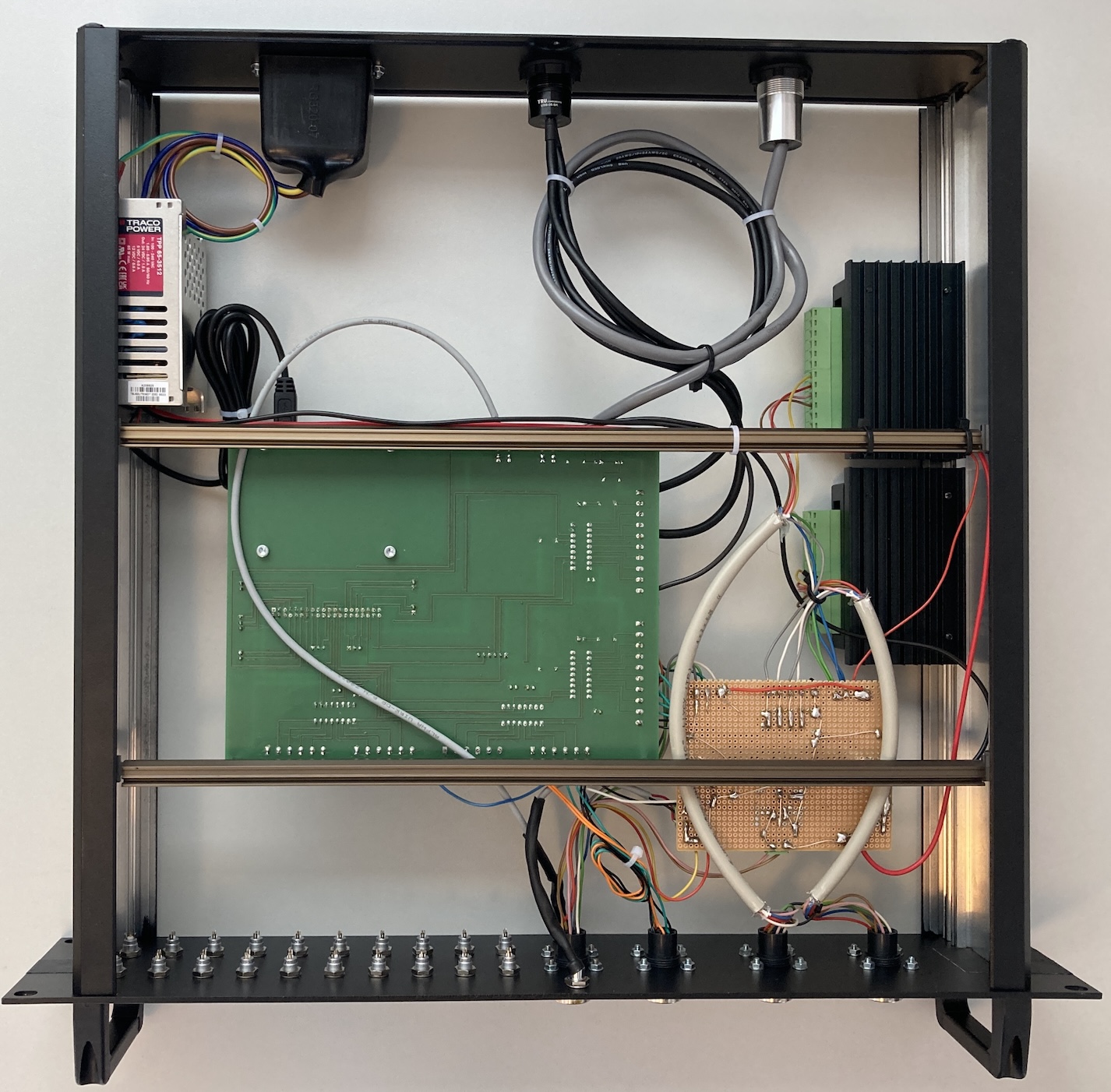
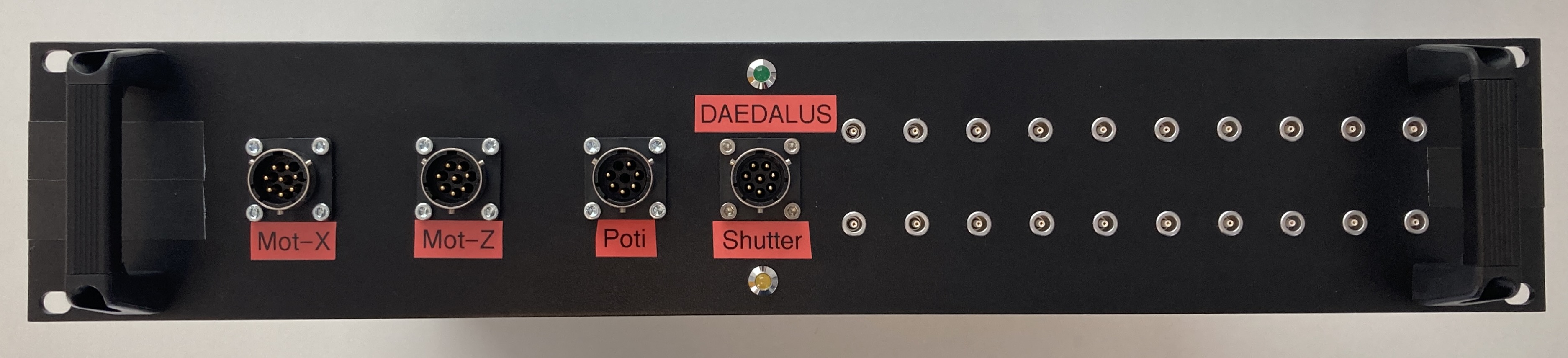
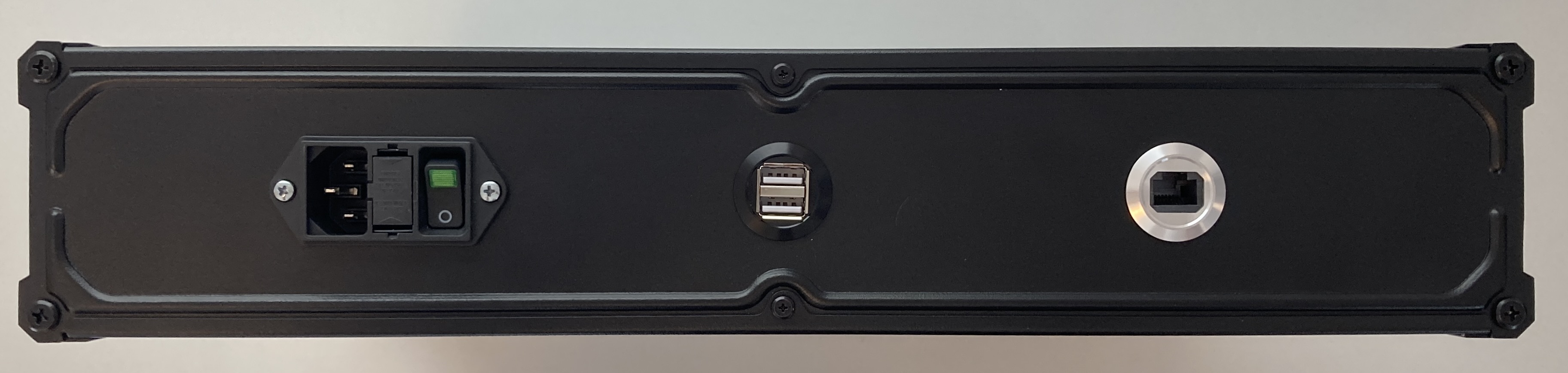
The hardware is based on the project PIADCIO. But the software introduced there is not used in the current project.
For detailed instructions on the connection diagrams pleae refer to the RSRC directory in the current repository.
Please download the latest version of Raspberry Pi OS Lite. Newest versions require setting up username / password already in the imager tool. You can also enable SSH from there.
Then you can expand file system using the script raspi-config and also enable SPI.
Install some useful packages:
sudo apt udpate
sudo apt install -y screen mc tree git python3-pip emacs-nox htop sshfs
Then install python packages. You may need to provide the command line arg --break-system-packages depending on your system, but be careful with that:
pip3 install --break-system-packages RPi.GPIO spidev loguru zmq influxdb-client
Clone and install the repositories. First you need to install voreas library:
cd git
git clone https://github.com/ShaynaNepaul/voreas
cd voreas
pip3 install --break-system-packages -r requirements.txt
pip install --break-system-packages .
You can check whether the voreas library has been installed correctly, you can do:
python3 -c 'from voreas.tools import get_density_value;print(get_density_value(name = "H2", T = 40, p = 10, S1 = 2, S2 = 2, S3 = 5, S4 = 4))'you will receive some number without error or crash.
Now the installation of daedalus itself:
cd git
git clone https://github.com/xaratustrah/daedalus
cd daedalus
pip3 install --break-system-packages -r requirements.txt
pip3 install --break-system-packages .
For uninstalling both you can type:
pip3 uninstall daedalus
pip3 uninstall voreasIt is recommended to start each program part on a different screen session:
cd git/daedalus
screen -DRS daedalus
then create a screen, and run this command there:
python3 -m daedalus_uni --debug --cfg daedalus_uni_cfg_cryring.tomlPlease see the file LICENSE.md for further information about how the content is licensed.
This code has been inspired by a previous work by Ulrich Popp available on https://codeberg.org/HoSnoopy/TB6600-RPI.