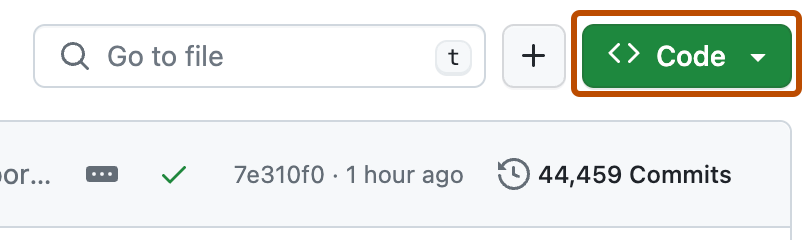
Read below to see how you can join an existing project or create your own.
- On the GitHub page for this repository, click on the Button "Fork".

-
Clone your forked repository to your computer:
For example, run this command inside your terminal:
git clone https://github.com/<your-github-username>/iic.git
Replace <your-github-username>!
Learn more about forking and cloning a repo.
-
Before you make any changes, keep your fork in sync to avoid merge conflicts:
git remote add upstream https://github.com/yoayushraj99/iic.git
git pull upstream main
If you run into a merge conflict, you have to resolve the conflict. There are a lot of guides online, or you can try this one by opensource.com.
-
On your computer, open your text editor, and add your name to the
CONTRIBUTORS.mdfile. -
Add the changes with
git add,git commit(write a good commit message, if possible):git add CONTRIBUTORS.md git commit -m "Add <your-github-username>"Replace <your-github-username>!
-
Push your changes to your repository:
git push origin main
-
Go to the GitHub page of your fork, and make a pull request:
Read more about pull requests on the GitHub help pages.
-
Wait until one of the maintainers merges your pull request. If there are any conflicts, you will get a notification.