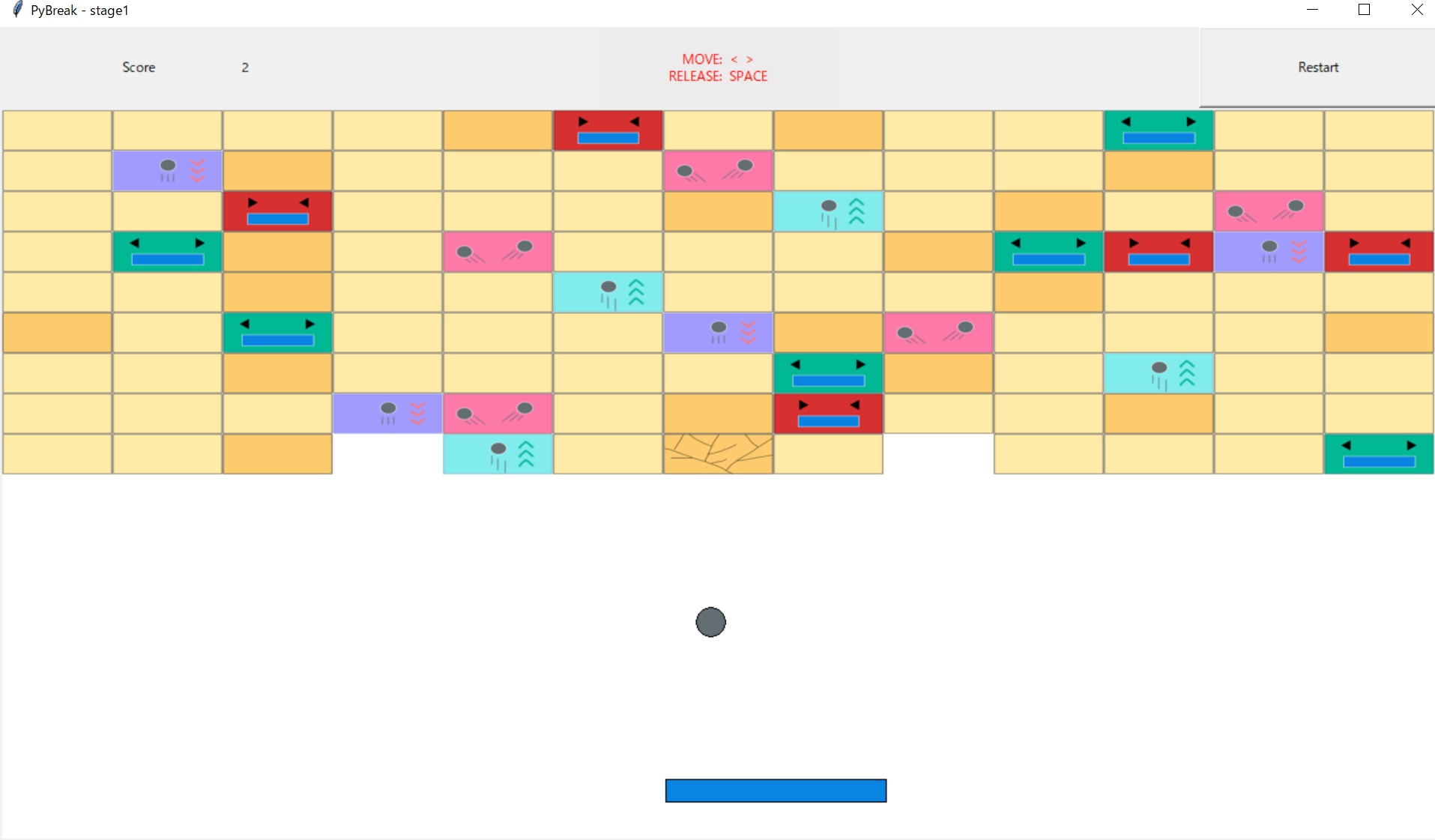
A block breaking game based on Python!
-
Python3
-
Python Libarary
PillowIf you haven't installed yet, try this in a Terminal:pip install Pillow
Run a demo for all of block types:
python3 pybreak.py
Or select a stage by a command line argument such as:
python3 pybreak.py stage1
game = Game(stage, width=600, height=480, dt=10)
creates a Game object game based on the given stage.
game.objectsA dictionary maps string of class name to list of corresponding objects, for all subclasses of GameObject.
| keys | values |
|---|---|
'GameObject' |
[<Ball instance>, <Paddle instance>, <Block instance>, ...] |
'Ball' |
[<Ball instance>, ...] |
'Paddle' |
[<Paddle instance>] |
'Block' |
[<Block instance>, <HardBlock instance>, ...] |
| ... | ... |
game.start()Will start to run the game, which callsobj.update()everydtmilliseconds for anyobjwhereobjis aGameObjectobject and belongs togame.
All objects used for the game should be a instance of GameObject.
However, the GameObject class is not supposed to be instanciated directly. Instead, use a subclass of GameObject with a constructor of:
__init__(self, game, *args, **kwargs)
This will make sure that the given game object knows this new object belongs to itself.
NOTE: Instead of instanciating Stage objects, it's better to use files, which will be described next.
__init__(self, name, m, n, blocks)
nameThe name of the stage. Will be displayed in the title of the window.mThe number of rows of blocks.nThe number of cols of blocks.blocksA list of lists of block classes in a row.
-
In the directory
config, there is a file namedblock_type, which maps symbols to subclasses ofBlockin a format of{symbol}: {class_name}
-
In the directory
stage, every file defines a stage with- its file name as
stage.name, which is also the command line argument for stage selection - first line consists of 2 integers as
stage.mandstage.n, respectively - remaining lines as
stage.blocksusing symbols defined inblock_typementioned above.
- its file name as
-
Take a look at existing files for an example.
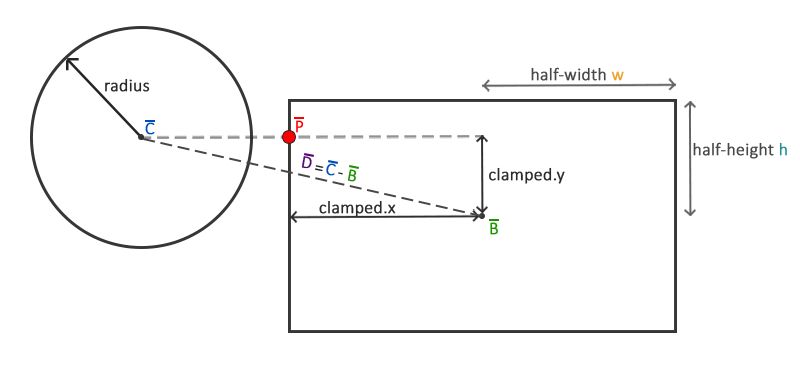
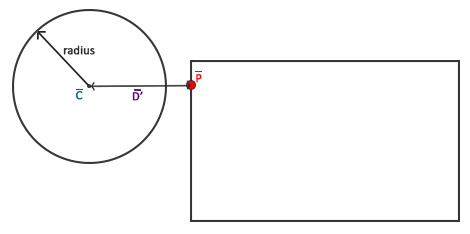
AABB - Circle collision detection from here by Joey de Vries .
A basic Block. Nothing special.
-
Will be rendered using a png image stored in the directory
imagewith a file name of{class_name}.png. If not exists for a subclass, usingBlock.pnginstead. -
__init__(self, game, x, y, wx, wy)Creates aBlockobject withcenterat(x, y), half x-span ofwx, and half y-span ofwy. Should be called explicitly if a subclass overrides it. -
self.duration = 1indicates the necessary number of hits by a ball to destory it. -
apply_effect(self, ball)will be called whenever a collision with aballhappens. Override this in subclasses to customize its behavior.

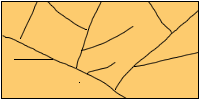
A HardBlock. Needs 2 hits to destory.
- Has a total
durationof2. - Cracks when first hit.
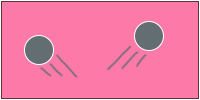
A SplitBlock. Splits the ball.
- If hit by a
ball, makes it to split into 2.
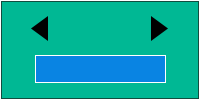
An ExtendBlock. Extends the paddle.
- If hit by a
ball, extends thepaddleby 50%.

A ShortenBlock. Shortens the paddle.
- If hit by a
ball, shortens thepaddleby 1/3.
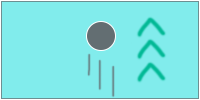
A SpeedUpBlock. Speeds up the ball.
- If hit by a
ball, speeds it up by 50%.

A SlowDownBlock. Slows down the ball.
- If hit by a
ball, slows it down by 1/3.