Stars2Apples is now in maintenance mode and is no longer actively being developed. Critical bug fixes will still be addressed, but new features are discontinued. Thank you for your contribution and support over the years.

Stars 2 Apples helps online ESL teachers stay organized and helps engage students with exciting rewards and props.
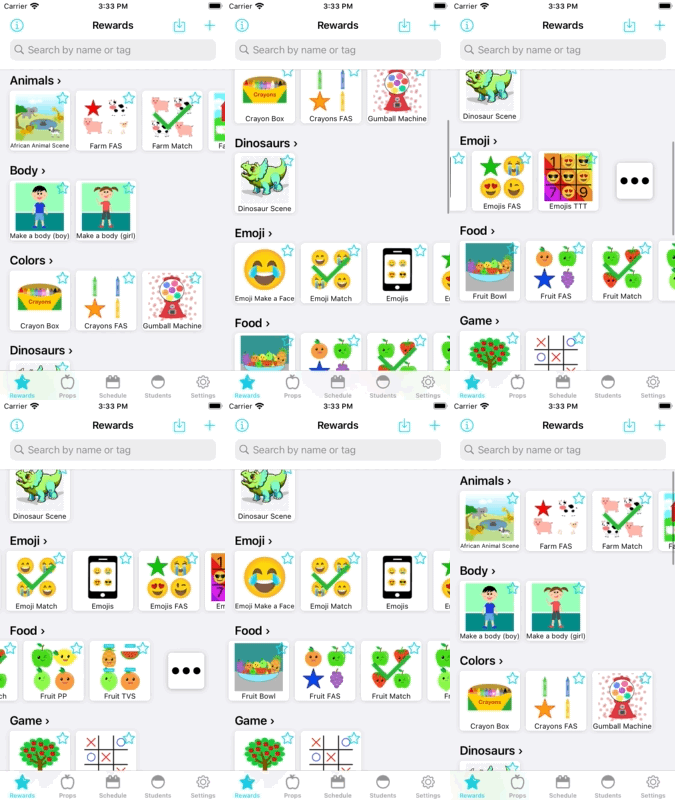
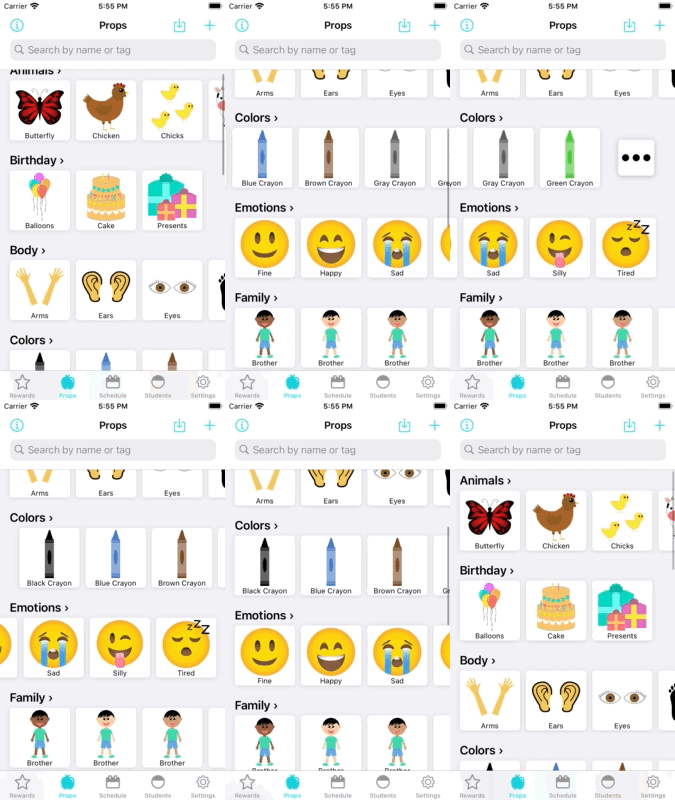
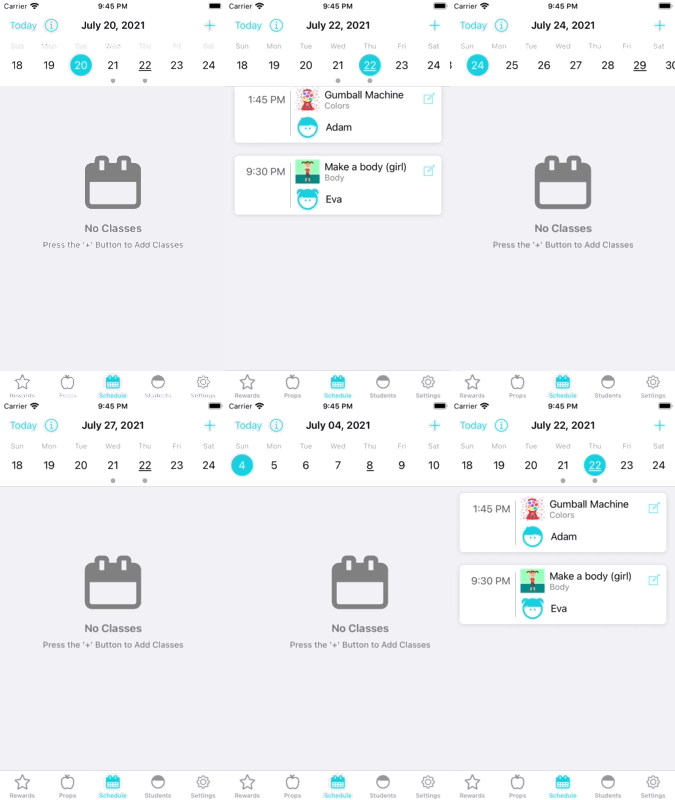
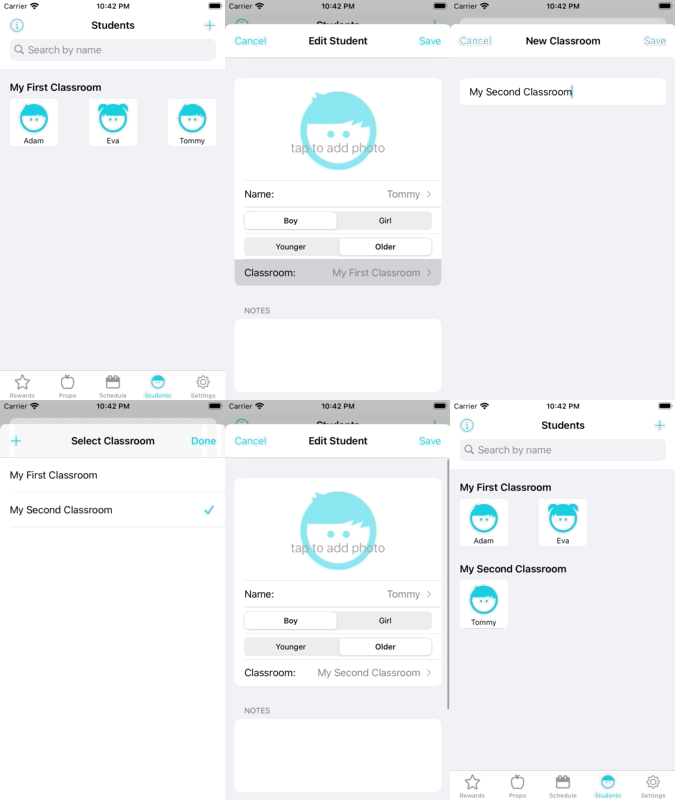
Hi teachers! This is the Support Page, Wiki, Bug Tracker, Roadmap, and more for Stars 2 Apples.
If you've never heard of GitHub, it is a website that helps developers like myself organize our code, bugs, and what we're working on. I decided to put Stars 2 Apples' bug trackers and feature requests here instead of any other website because I am here more than I am just about any other website. So if bug reports and enhancement requests are here, then I am much more likely to see them and work on them!
I'm glad you are here! Please see the table of contents for the most common reasons you are here and how you can do them:
Table of Contents:
- Wiki
- FAQs
- Discussions
- Reporting a Bug
- Requesting a feature/enhancement
- Checking the roadmap
Check out the Wiki for tutorials, FAQs and more.
The Wiki breaks down everything you need to know about Rewards, Props, Schedules, Students and more. Please search the Wiki/FAQs for any questions you have before reporting a bug / opening an issue.
Although FAQs are technically a part of the Wiki, they're important enough that they merit their own link.
The FAQs will hopefully help you address your particular questions! Please search the Wiki/FAQs for any questions you have before reporting a bug / opening an issue.
If you've got a question but don't want to report a bug / open a feature request, feel free to stop by the discussions page and say hello!
Thank you for letting me know about an issue you're seeing in the app! I want to make the app the best possible experience for you and all other teachers.
To submit a bug report, do the following steps:
- Click on the "issues" tab near the top of the screen
- Once on the "issues" tab, click on the green "New Issue" in the top right of the page
- Enter a name for the bug in the "title" field
- On the right side of the sceen, click on "Labels" and add the "bug" label to th issue
- Fill out your bug report according to the provided template
- Select the green "Submit new issue" button at the bottom of the text box
And I will follow up with you next chance I get!
duplicate label and link the original issue to it so that progress
can be followed in one place, and discussion surrounding the issue can be as centralized as possible.
Thank you for sharing your ideas with me on how the app can be better for you! The app is now in maintenance mode, meaning I am no longer I'm actively working on it, but if the right feature request comes along, I may choose to implement it.
To submit an enhancement/feature request, it's almost the same as submitting an issue:
- Click on the "issues" tab near the top of the screen
- Once on the "issues" tab, click on the green "New Issue" in the top right of the page
- Enter a name for the enhancement/feature request in the "title" field
- On the right side of the sceen, click on "Labels" and add the "enhancement" label to the issue
- Fill out your enhancement/feature request according to the provided template
- Select the green "Submit new issue" button at the bottom of the text box
And I will follow up with you next chance I get.