Home

Stars 2 Apples helps online ESL teachers stay organized and helps engage students with exciting rewards and props.
The app (and wiki) are organized into the following 5 sections, displayed as Tabs along the bottom of the screen:
-
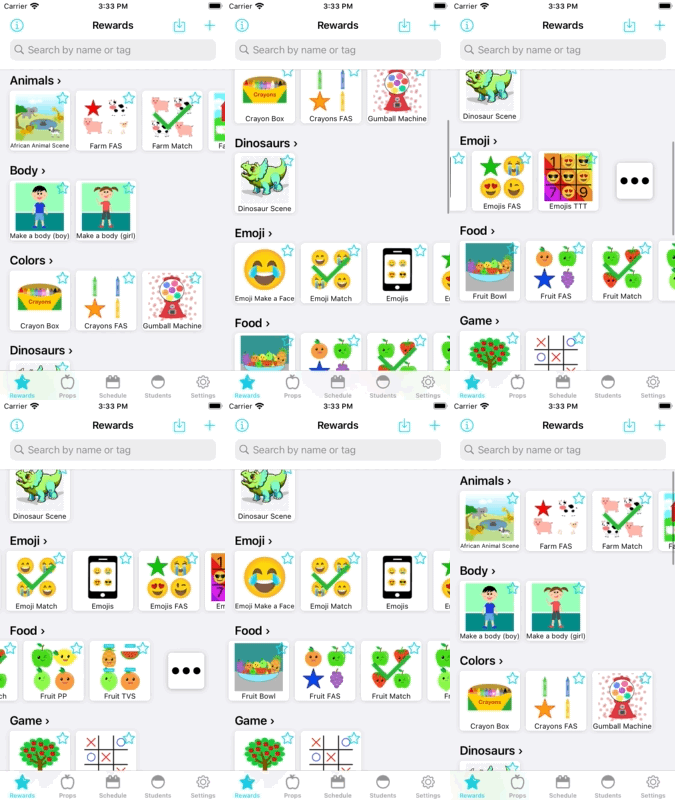
Rewards
- Motivate your students by rewarding them with fun rewards right from your phone or tablet. You can easily create your own rewards within the app and share them with others.
-
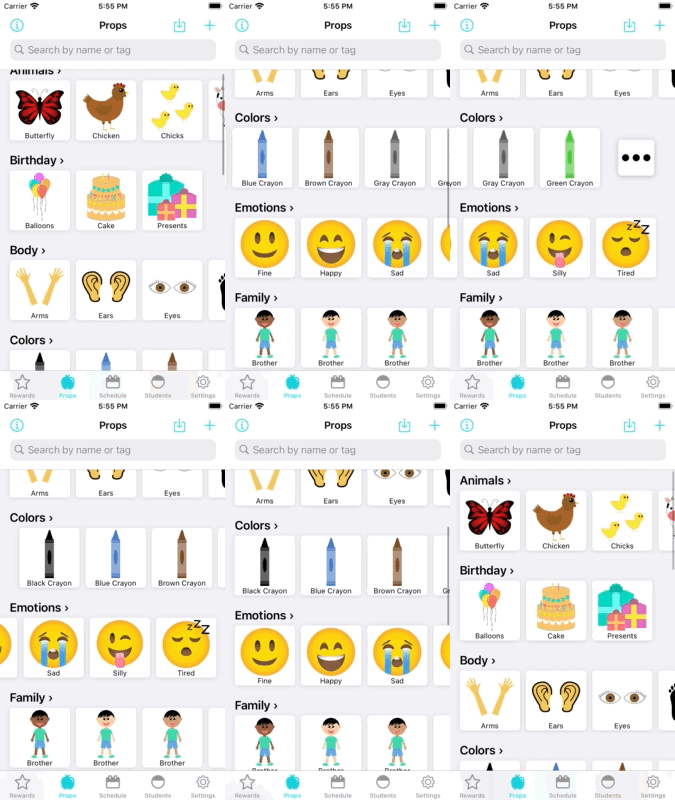
Props
- Help your students learn new concepts with pictures. You can easily create your own props and organize them your own way.
-
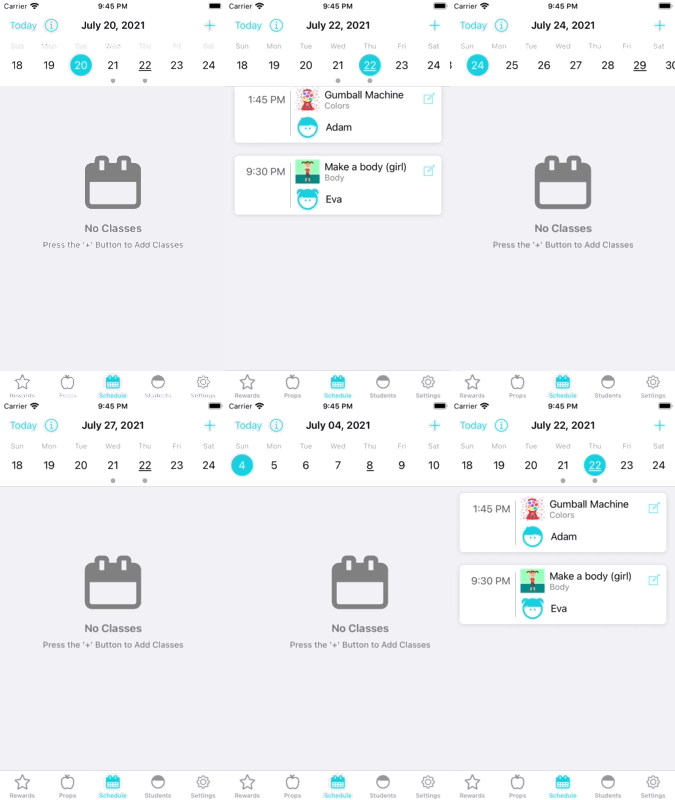
Schedule
- Prepare for your classes by selecting what reward and props you want to use for each of your upcoming classes.
-
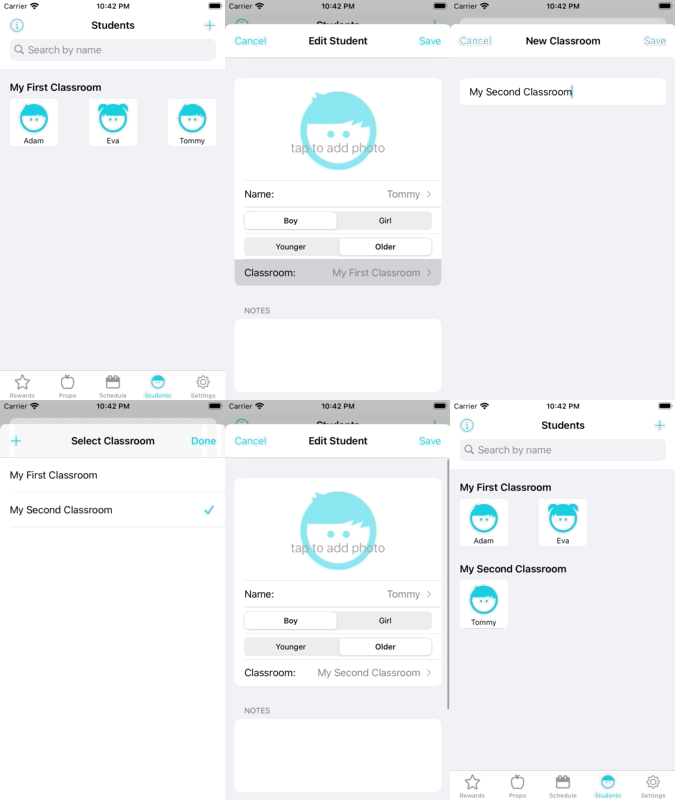
Students
- Add your students to the app to keep track of what rewards you use for them and any interests they have.
-
Settings
- Customize your experience by changing the App Icon, increasing the thumbnail size, whether to display the Rewards/Props screens in collection form or list form, and more.
Please view the Table of Contents on the side (or below if on mobile) to view different parts of the Wiki/Tutorial.