InstallationInstructions
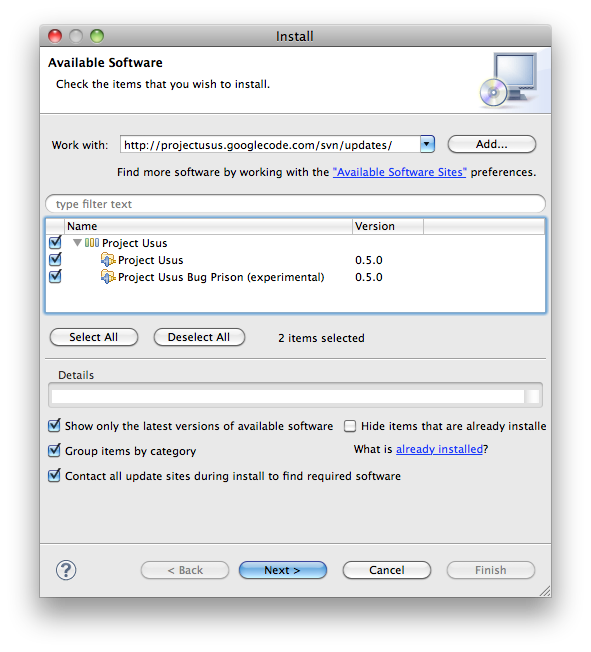
http://www.projectusus.org/usus-plugins/updates/
- Project Usus (required)
- Project Usus Multi-Project JUnit Runner (optional)
The required features "SWTChart" and "JFeet" are installed automatically, even if you do not select them.
A picture is worth a thousand words:
- Eclipse 4.4 or higher
- Graphical Editing Framework Zest Visualization Toolkit (is found automatically from pre-configured Eclipse Release Update Site)