Azure Developer Guide
- App Services- for running front-end code and back-end code server-less without managing virtual machines and other resources. (About Serverless computing )

- Storage Account- for storing our big binary file that used in NLP analysis.

- First you should get permissions from our subscription group admin.
- Install Azure ToolKit for IntelliJ from here(or any IDE you use, here we will explain how to deploy project using IntelliJ).
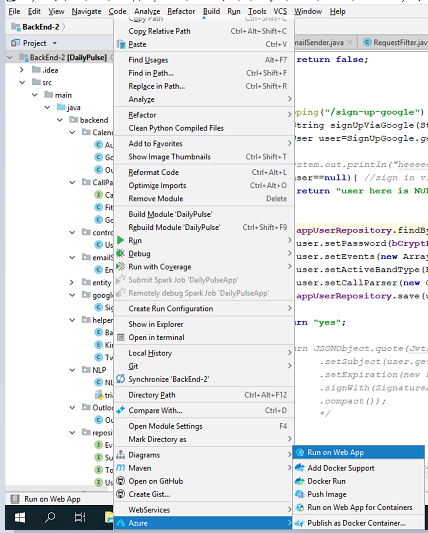
- Open IntelliJ, right click on your project directory, choose Azure -> Run on Web App.
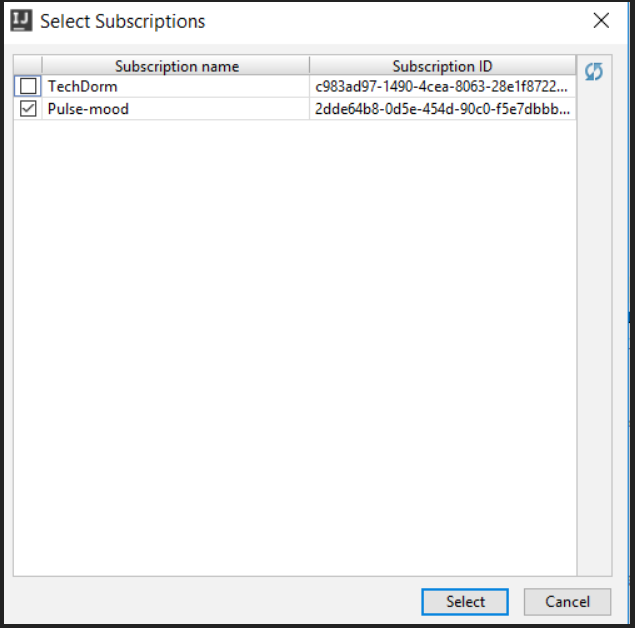
- Sign in to your account, choose subscribtion group:
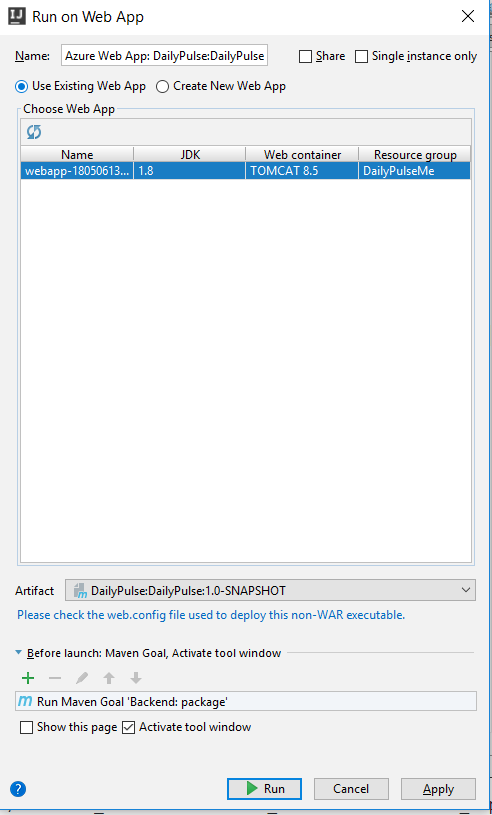
- Choose specific web app or create new one and hit run:
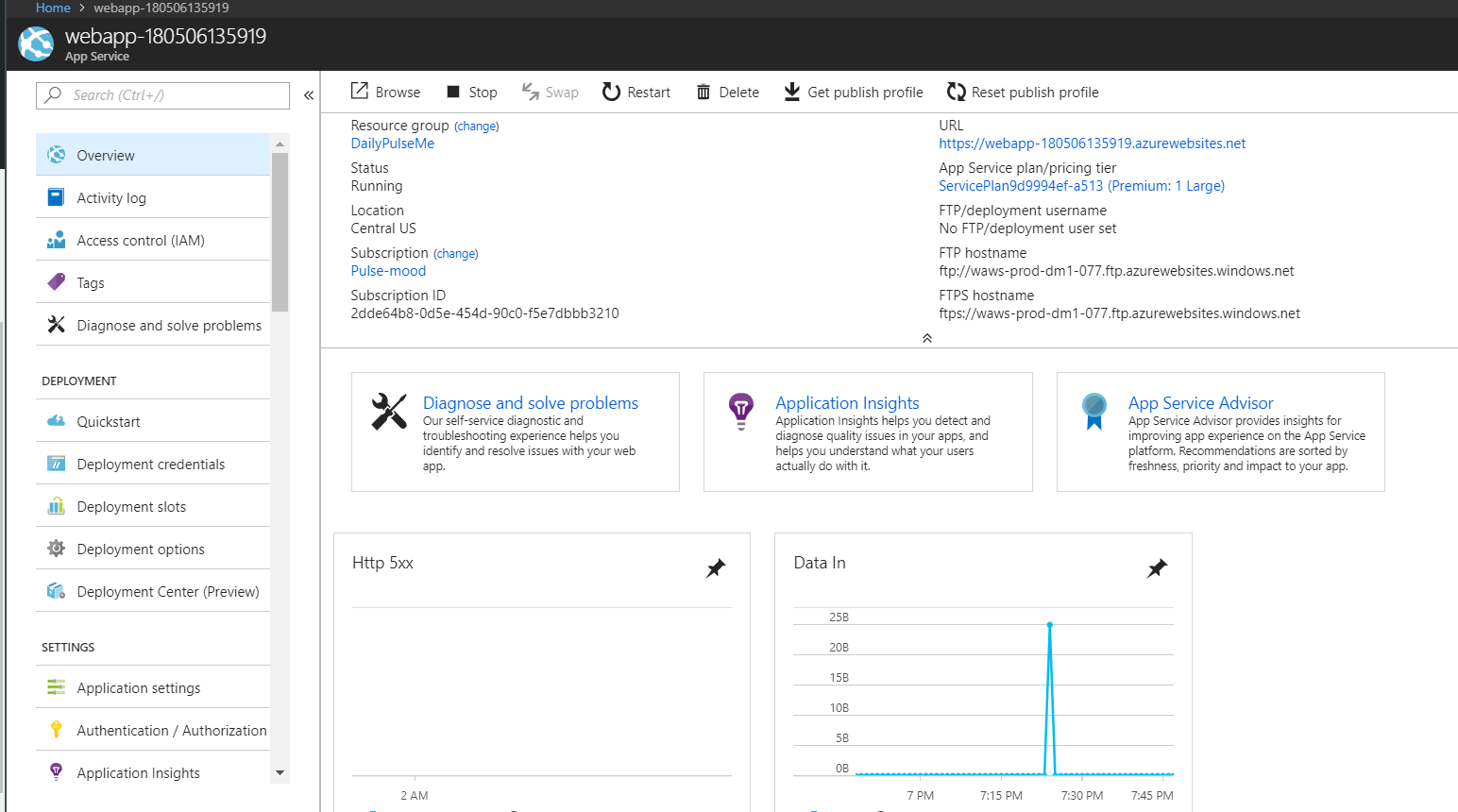
- Wait until project is deployed and everything is set:
- Go to the project main directory, run cmd, and run "npm run build".

- A dist folder is created, this folder contains a deploy-able version of the project.

- We deployed the front-end project using Visual Studio, after downloading visual studio, all you need to do is to choose "deploy to web App" and choose the dist folder that was created earlier:
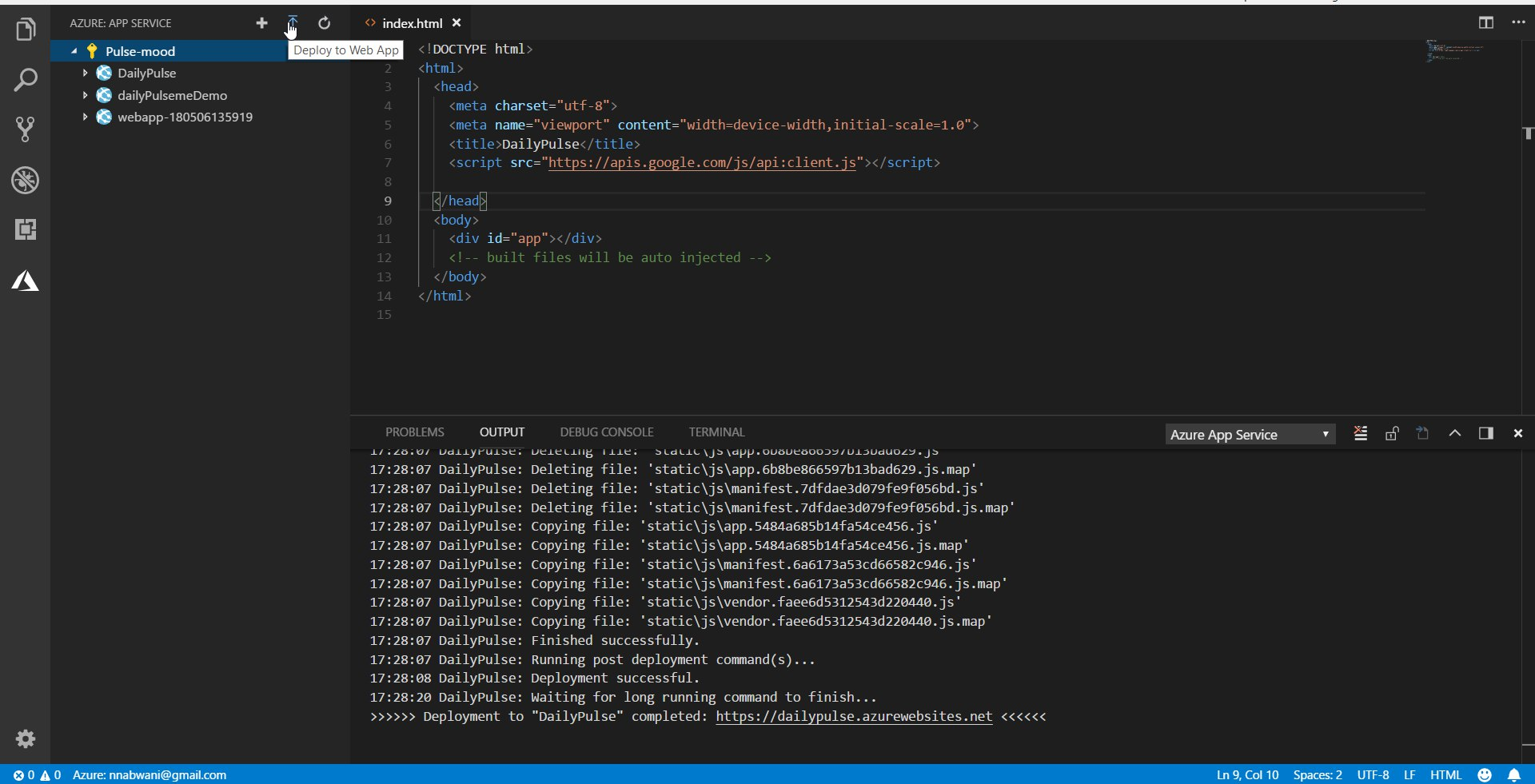
Sign in to your account, choose subscription group as before Wait until you get the message "Deployment completed" press the link, and you'll see that everything is set and running as expected.