This repository was archived by the owner on Feb 18, 2020. It is now read-only.
Exporting Data
There are different ways to export different types of data in Vespucci.
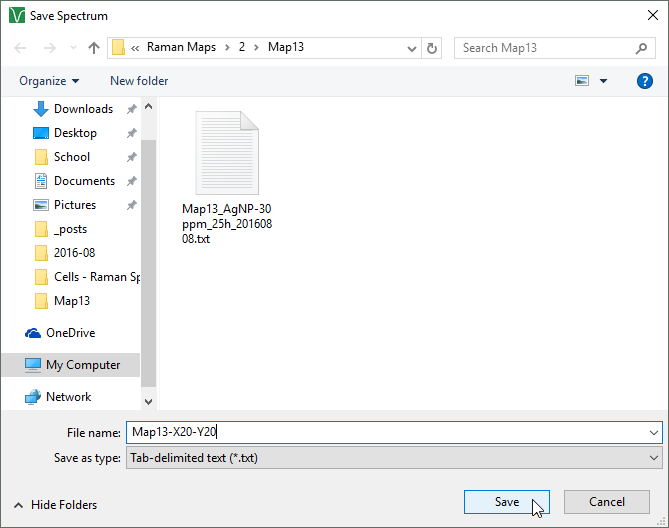
You can easily export a spectrum using the spectrum viewer. When you select a dataset, the spectrum viewer will show each spectra, with its x and y dimensions. Select a desired spectra, then press the "Export Spectrum" button to open a dialog allowing you to save the spectra to any location.
You can export a matrix by selecting the matrix in the dataset navigator, then selecting File->Export Matrix.
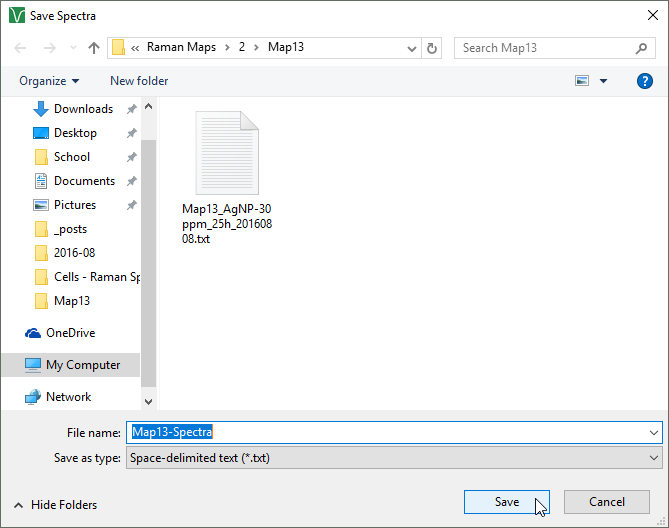
Note: The name of the window following "Save" ("Spectra" in this case) is specific to the matrix selected. If the spectral abscissa had been used instead, the window would be titled "Save Spectral Abscissa."