SteeringWheel
Steering Wheel Integration
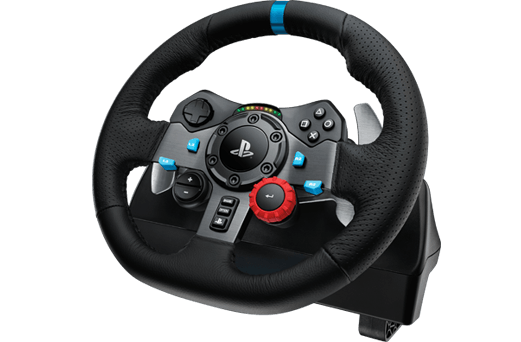
-
Connect Steering Wheel (for us a Logitech G29) to PC (USB)
-
If drivers don‘t install automatically download from Logitech Website
-
Wait for calibration
-
Start Unity afterwards (to make sure it recognizes the hardware)
-
Go to Unity Input Manager
-
Set Sensitivity to something that fits your wheel (try&error, in our case 0.001)
-
Change "Key or Mouse Button" to "Joystick Axis"
-
Set the correct Axis for the action you want (e.g. turning left/right)
-
Repeat for every input signal